❌

Normale Ansicht

Apple Says iPhone Duo Has Replaceable 'Cover Layer' Above the Display

In a recent interview with content creator Angelica Siciliani Fendi, Apple's vice president of hardware engineering Kate Bergeron revealed that the iPhone Duo's nano-texture cover layer above the inner display can be removed and replaced.
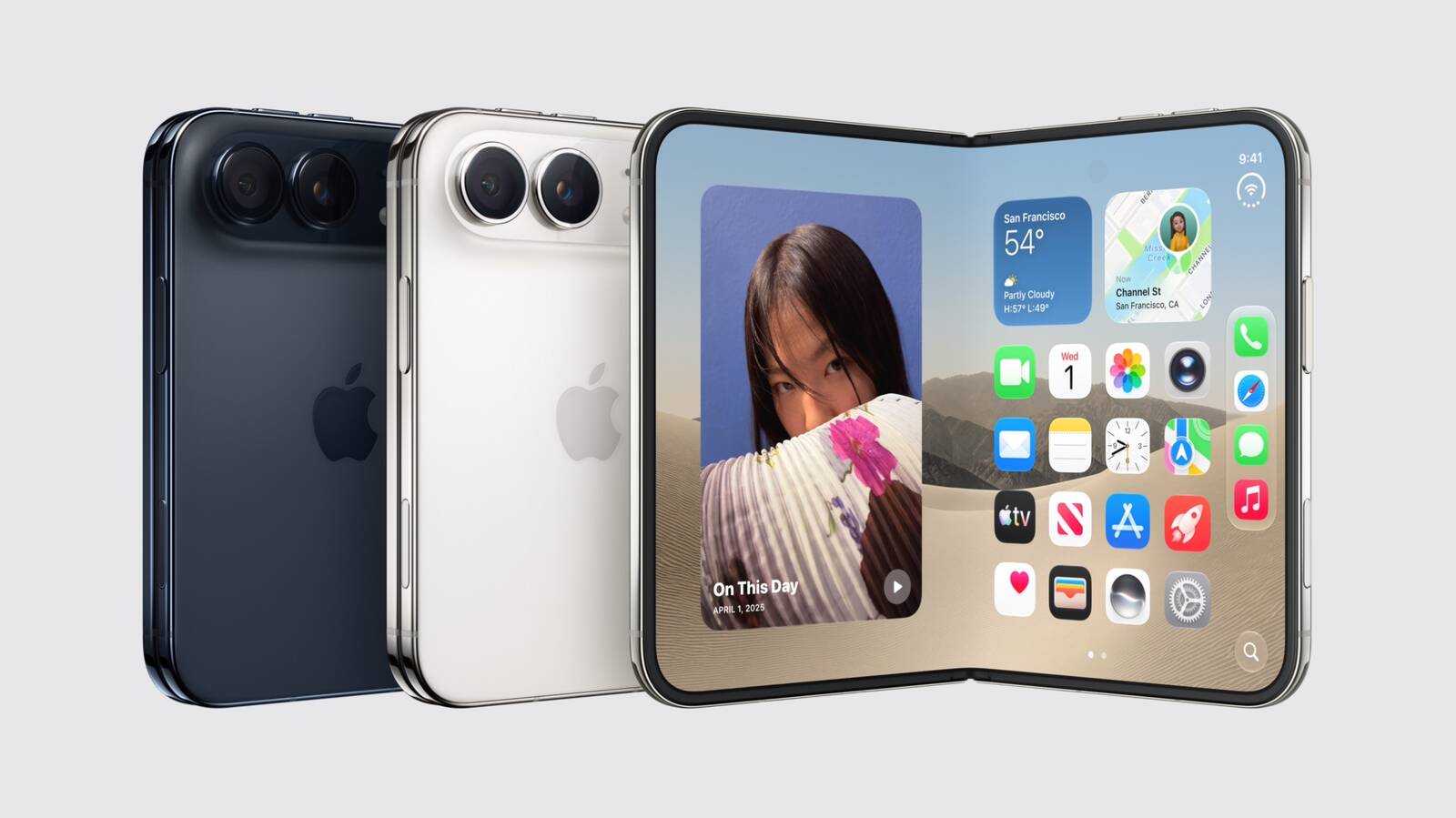

"It's actually replaceable, which is a really nice thing for the customer that you can peel off that layer and get a new one," said Bergeron.

In the U.S., customers who purchase AppleCare+ coverage for the iPhone Duo can get the cover layer replaced for $19, according to Apple's website. The cost to replace the cover layer without coverage has yet to be disclosed.

The cover layer helps to hide the crease in the middle of the foldable inner display. Bergeron said Apple did a "significant amount of engineering work" to ensure that this layer remains in good condition for as long as possible, but customers will have the option to replace it if it wears down or the crease becomes more visible over time.

Officially, the ability to replace the iPhone Duo's cover layer will likely be limited to Apple Stores and Apple Authorized Service Providers. It remains to be seen if customers will be able to easily remove the layer themselves.

iPhone Duo pre-orders begin on Friday, October 16 at 5 a.m. Pacific Time, and the device will launch in stores on Friday, October 23.
Related Roundup: iPhone Duo
Related Forum: iPhone

This article, "Apple Says iPhone Duo Has Replaceable 'Cover Layer' Above the Display" first appeared on MacRumors.com

Discuss this article in our forums

  •  

Early Prime Big Deal Days: Best Discounts on Accessories, TVs, and More at Amazon

Amazon is hosting another Prime Day event this year, called Prime Big Deal Days and offering shoppers the first chance to save on holiday shopping from a major retailer. Similar to last year's fall Prime Day, it will last for two days (October 6-7) and you can already find a large selection of early deals across Amazon's storefront, covering savings on tech, clothing, video games, groceries, and much, much more.

Note: MacRumors is an affiliate partner with Amazon. When you click a link and make a purchase, we may receive a small payment, which helps us keep the site running.

For our coverage, we're focusing on Apple and Apple-related discounts that can be purchased during the lead-up to this event on Amazon. As of today, this includes deals from popular accessory makers like Anker, Belkin, JBL, Jackery, and more.


As is typical for Prime Day deals, these markdowns are very time sensitive, so sales listed below may disappear fast, and new ones may appear even faster. With this in mind, we'll keep this article updated throughout the event, and keep an eye on the MacRumors front page as we'll be posting particularly great deals in separate articles as the event gets closer.

Lastly, and perhaps most importantly, Amazon Prime Day requires you to have an Amazon Prime membership to take advantage of the discounts. Amazon Prime costs $14.99 per month or $139.00 per year, and it comes with a 30-day free trial for new subscribers.

Charging Accessories


Wall Chargers


Wireless Chargers


Portable Chargers


TVs


Audio


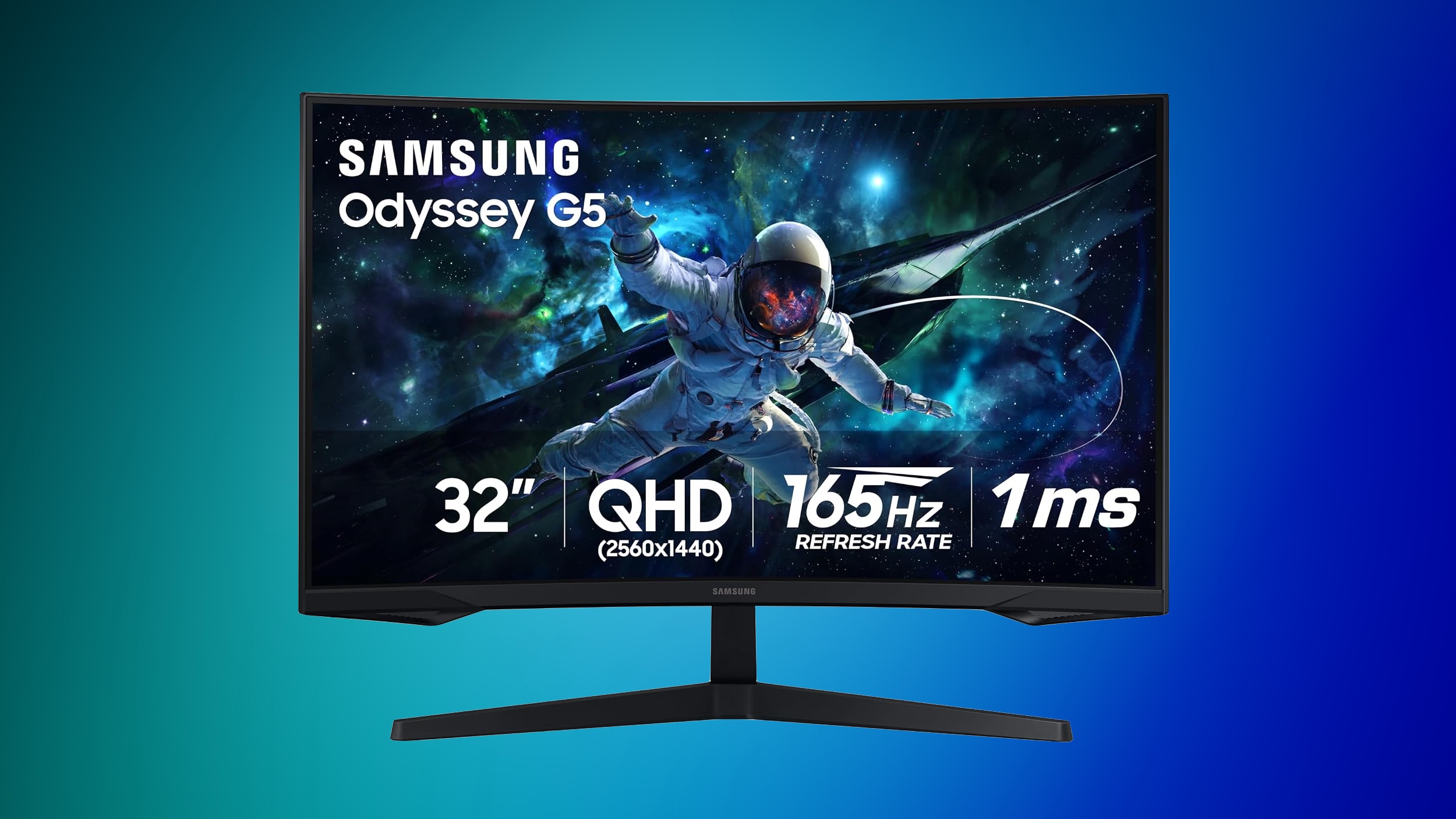
Samsung Monitors


You can find up to 42% off select monitors this week, plus deals on storage, tablets, and more on this sale page.


Anker SOLIX


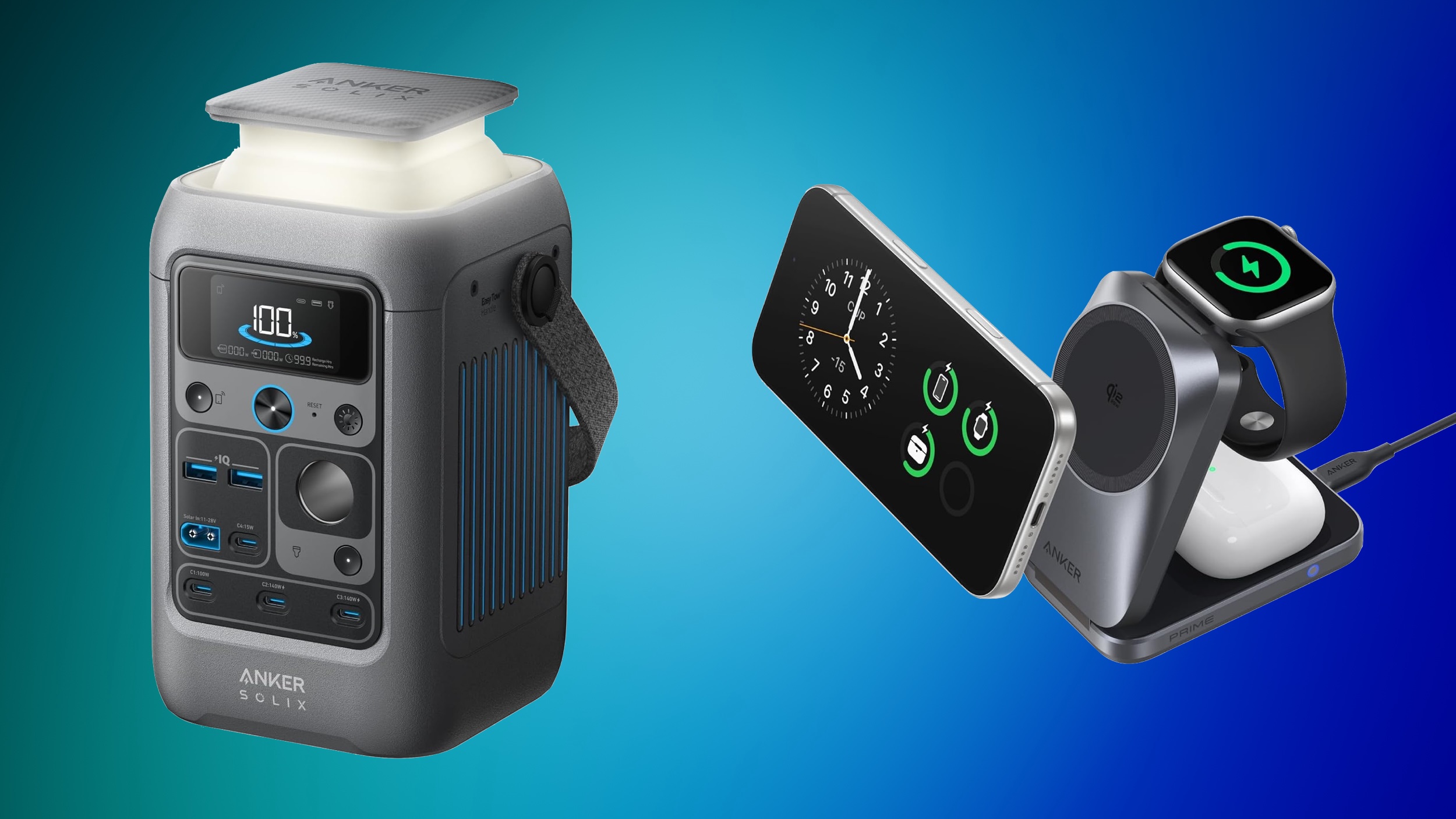
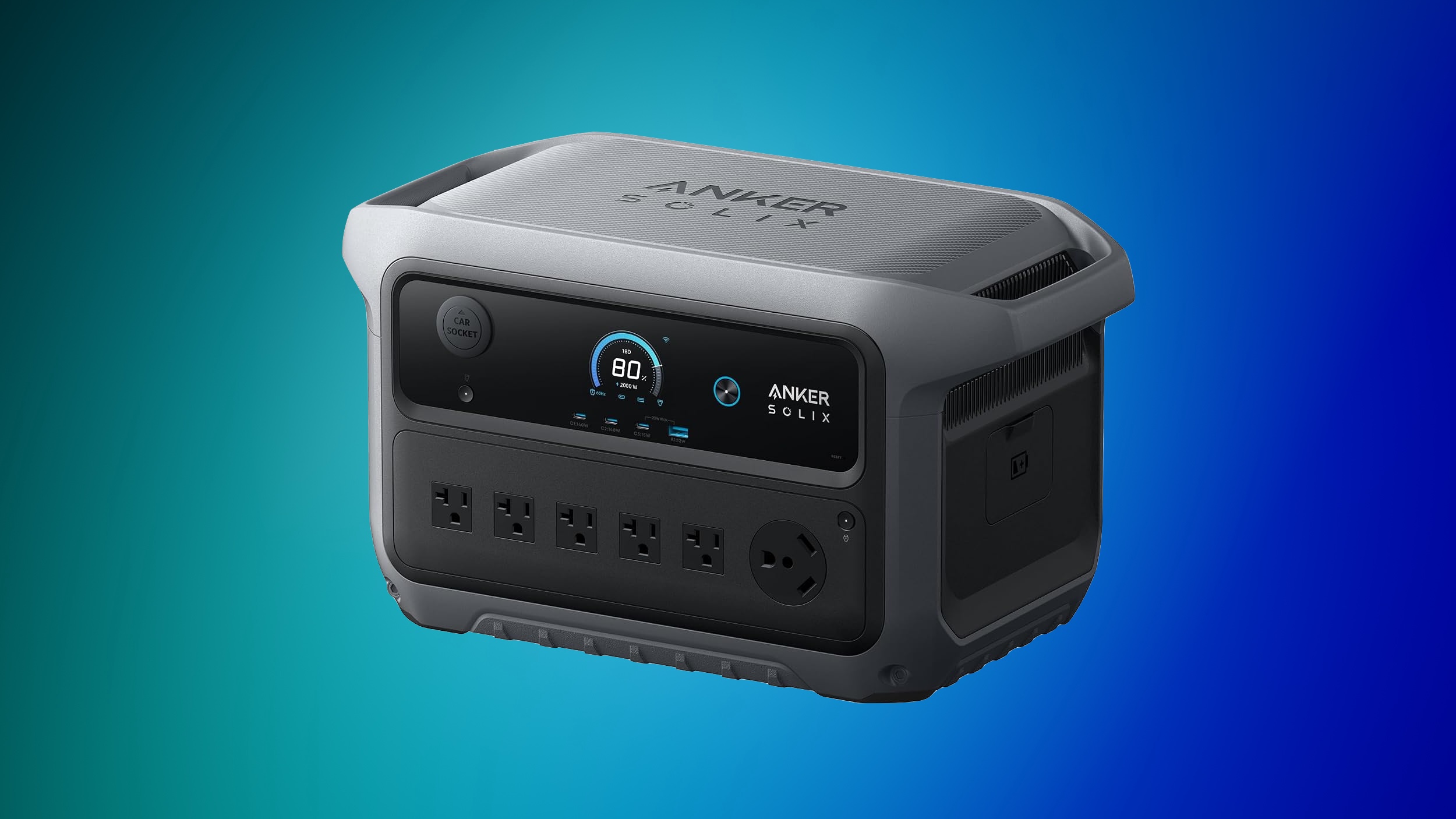
Anker's SOLIX brand is hosting an early Prime Day sale with early bird deals, free gifts, and more. This sale is focused on Anker's high-end SOLIX portable power stations, with options that range from 1-2 days of backup to 3-5 days of backup.


For cheaper options, Amazon has notable markdowns on lower-cost SOLIX batteries, like the popular SOLIX C300 Portable Power Station with Lantern for $199.99 ($50 off). If you're shopping on Anker's website, be sure to make your purchases before October 5, when the sale ends.


Jackery


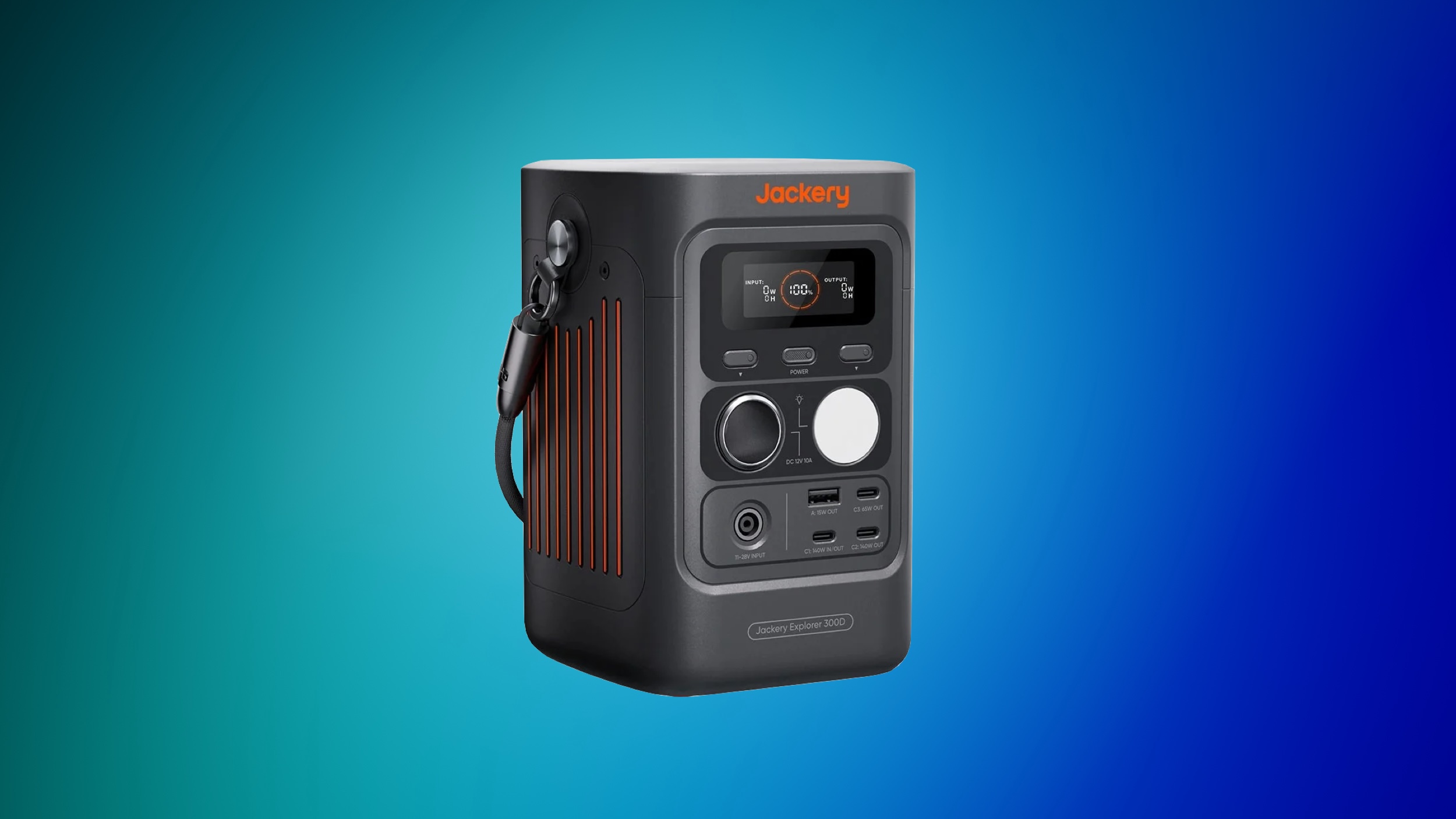
Over on Jackery's website, you'll find up to 65% off a wide array of portable power stations, solar generators, add-on batteries, and more. This is another Prime Big Deal Days early access event, and is set to run through October 3.


If you're on the hunt for more discounts, be sure to visit our Apple Deals roundup where we recap the best Apple-related bargains of the past week.


Deals Newsletter


Interested in hearing more about the best deals you can find in 2026? Sign up for our Deals Newsletter and we'll keep you updated so you don't miss the biggest deals of the season!


Related Roundup: Apple Deals

This article, "Early Prime Big Deal Days: Best Discounts on Accessories, TVs, and More at Amazon" first appeared on MacRumors.com

Discuss this article in our forums
  •  

iPhone 18 Pro Colors Buyer's Guide: Which Should You Choose?

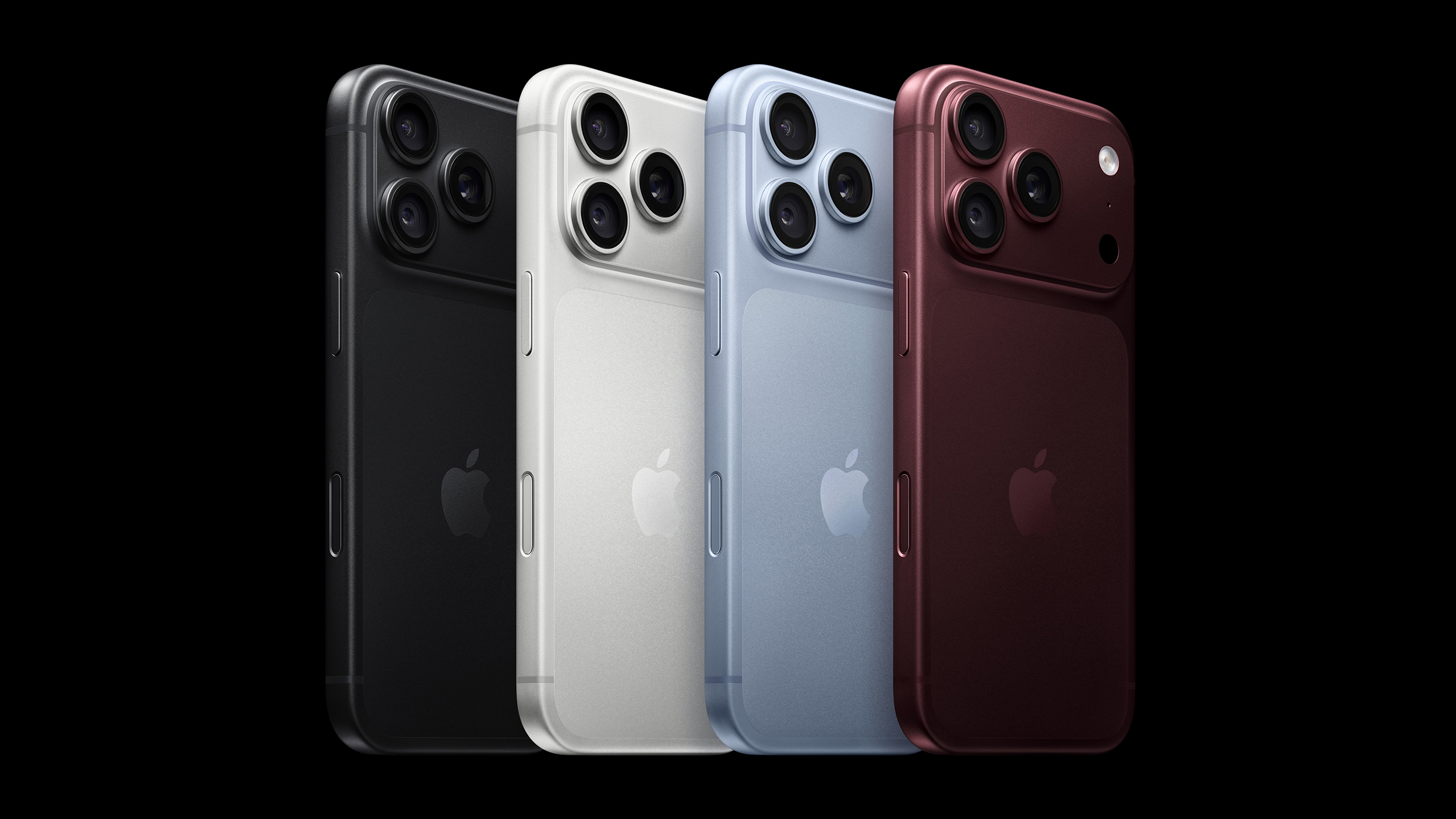
Apple's iPhone 18 Pro and ‌iPhone 18 Pro‌ Max models come in four distinct color options, so which should you choose?


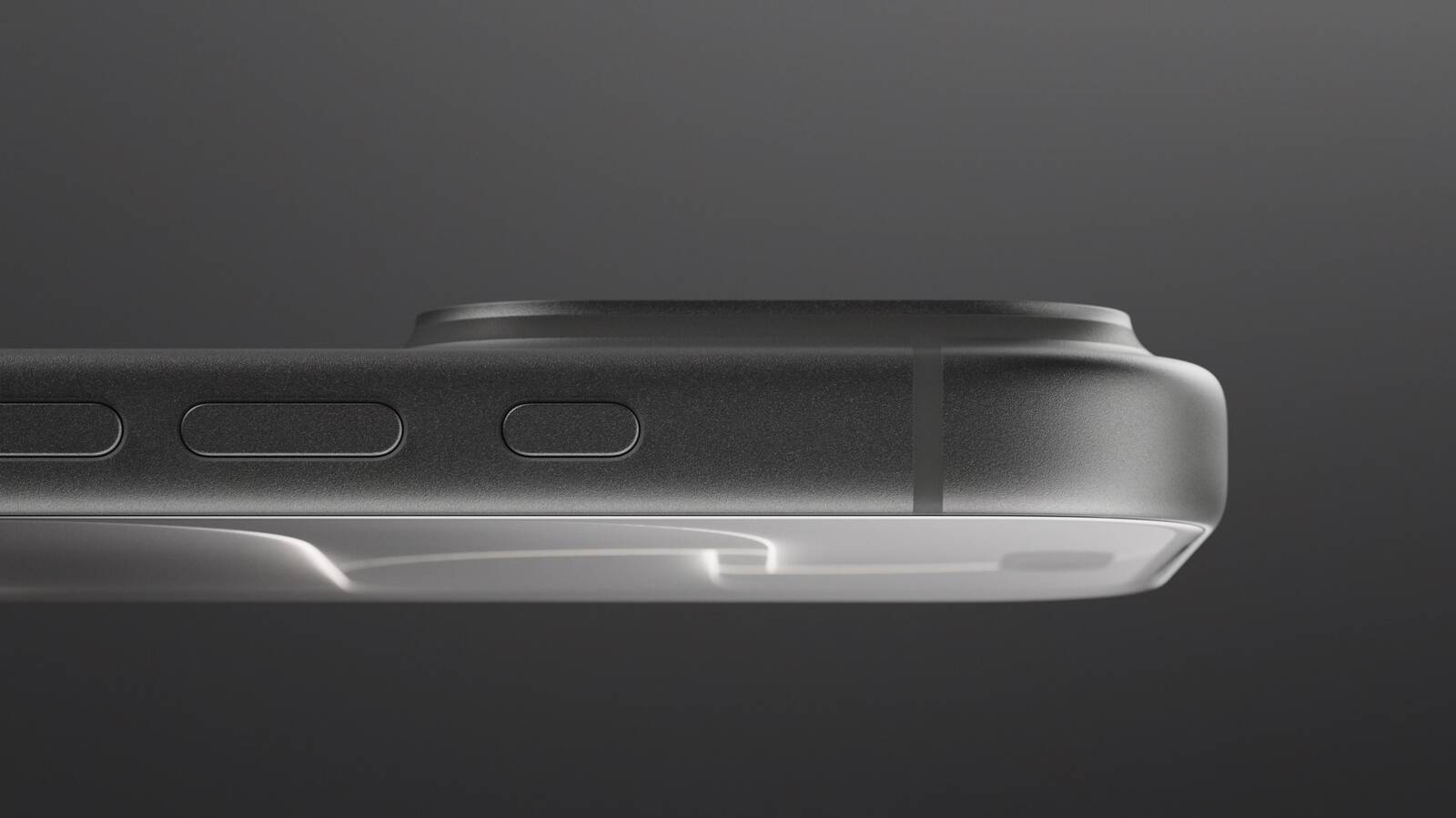
The ‌iPhone 18 Pro‌ models come in Black, Silver, Glacier, and Burgundy. The aluminum and glass backs are more closely matched than on the iPhone 17 Pro, although the different materials remain somewhat visible.

You should also consider if you plan to use a case with your device and, if so, which one. The ‌iPhone 18 Pro‌'s large, full-width camera plateau stands out on most cases, exposing more of the device's color. Choosing a complimentary color should be your first priority.

Burgundy


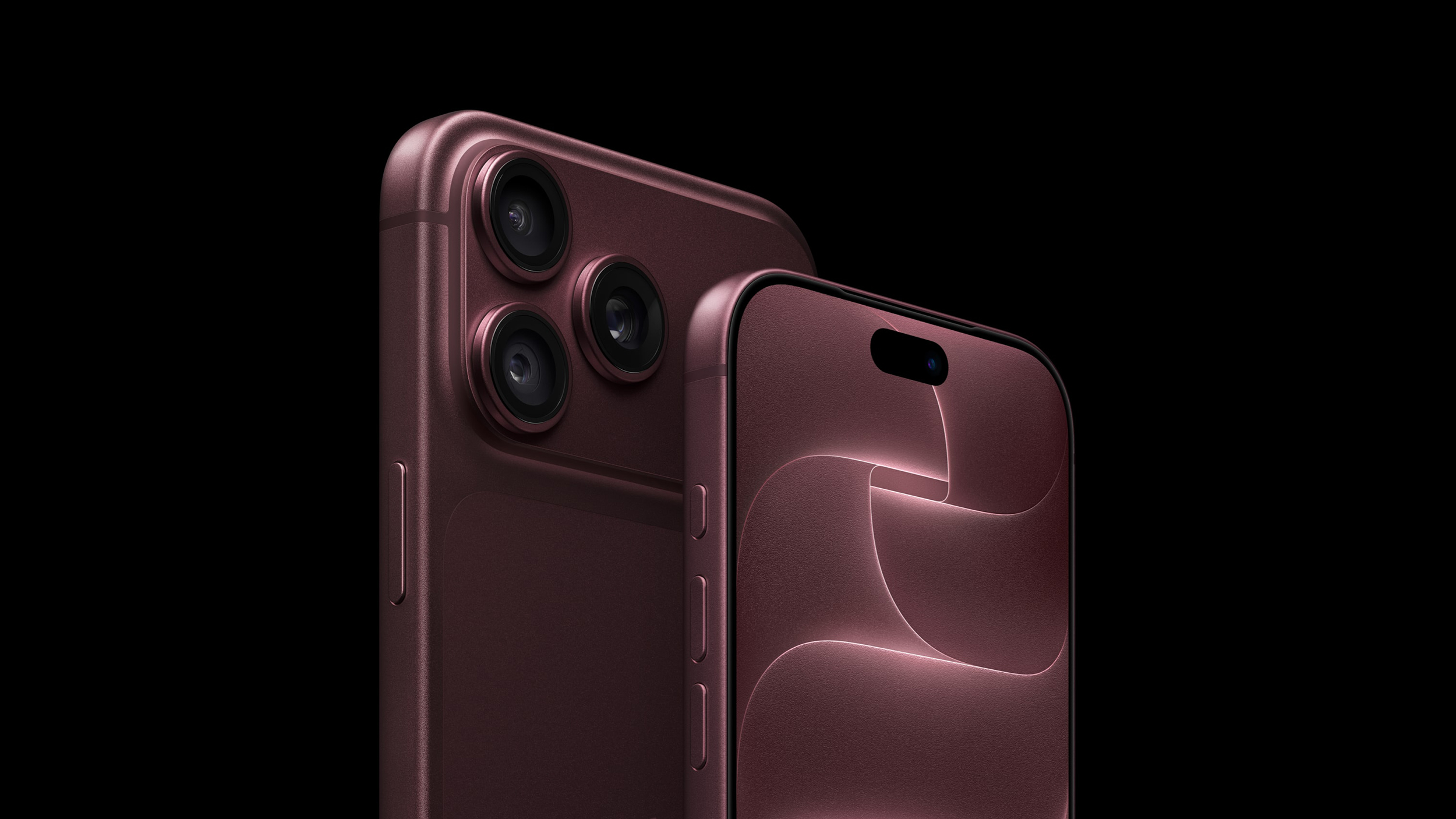
Burgundy is the most distinct and expressive ‌iPhone 18 Pro‌ finish, and it is much darker than the ‌iPhone 17‌ Pro's equivalent Cosmic Orange. It looks closer to wine or plum than a vivid red.


Burgundy is the standout shade in the ‌iPhone 18 Pro‌ lineup, designed to be bold and attention-grabbing. It is the most noticeable ‌iPhone 18 Pro‌ color, and the most likely to indicate that you have the latest generation device—there has never been an iPhone color option like it before.

Apple offers Burgundy Silicone and TechWoven cases if you want the phone and case to look closely coordinated. With a contrasting case, the large, exposed plateau becomes a prominent patch of red-purple. That is worth considering if you like to change between bright case colors: Burgundy will remain part of every combination.

A clear case shows more of the finish, although Apple's white MagSafe ring covers part of the back. Burgundy is the clearest way to distinguish this generation by color, but anyone hoping for a bright red iPhone may be disappointed.

Choose Burgundy if you want a distinctive, dark color that remains noticeable even when the phone is in a case.

Glacier


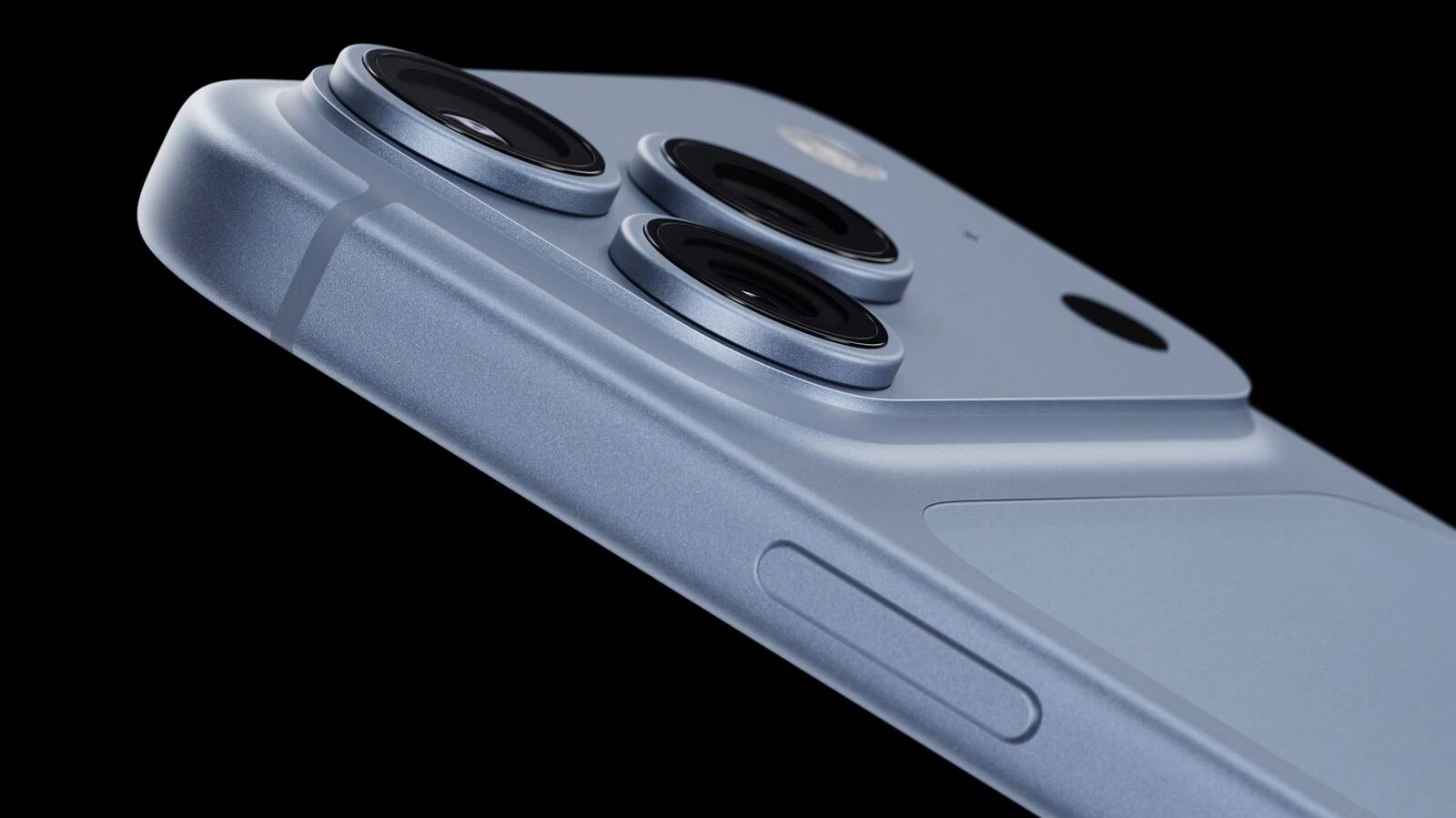
Glacier is a cool, pale blue that gives the iPhone a much softer look than Burgundy. It is much lighter than the ‌iPhone 17‌ Pro's Deep Blue, yet it does not disappear into Silver; in-person, it still looks distinctly blue.


Glacier is a useful middle ground if you want gentle color with some saturation, without making it the strongest feature of the phone. The exposed camera plateau gives an opaque case a light blue accent, while a clear case reveals most of the finish. Apple's clear case has a large white ‌MagSafe‌ ring, however, so it does not leave the back completely unobstructed.

Apple sells blue cases in shades such as Crisp Blue and Chambray Blue, but neither is named Glacier. If you want the case and phone to match precisely, it may be best to compare them in person; otherwise, a clear or neutral case lets Glacier stand on its own.

Choose Glacier if you want an iPhone with a fresh, subtle, and light appearance.

Silver


Silver is the most classic, versatile, and timeless option, but also the most practical. The finish gives off a clean and bright look that pairs well with virtually any case or wallpaper, and it reflects light more than the other three colors, making it quite neutral.


Its aluminum has a metallic sheen that leans toward white in some lighting conditions. This year, the two rear materials are the same tone, making the new model look much more cohesive than the two-tone Silver ‌iPhone 17‌ Pro.

Silver is also the most adaptable color for cases. The exposed silver plateau provides a crisp, light accent against a dark case and sits more quietly beside a pale one. The color is likely to age well since it goes well with any case and embodies Apple's most traditional colors.

It is also the only finish of the three that pairs well with Apple's own clear case. The clear case's white ‌MagSafe‌ ring is less of a visual interruption here than it is against Black or Burgundy. If you frequently change cases, Silver is unlikely to compete with your next choice.

Unlike Burgundy or Black, Silver minimizes the appearance of damage. When the anodized layer chips or scratches, the raw aluminum underneath is very close in tone, so imperfections blend in far better. For users who prioritize long-term durability of appearance, Silver is the most forgiving finish. It may not be as dramatic as Burgundy or as sleek as Black, but it is the safest choice for maintaining a "like-new" look over years of use.

Choose Silver if you want a classic, flexible look that mitigates the signs of damage.

Black


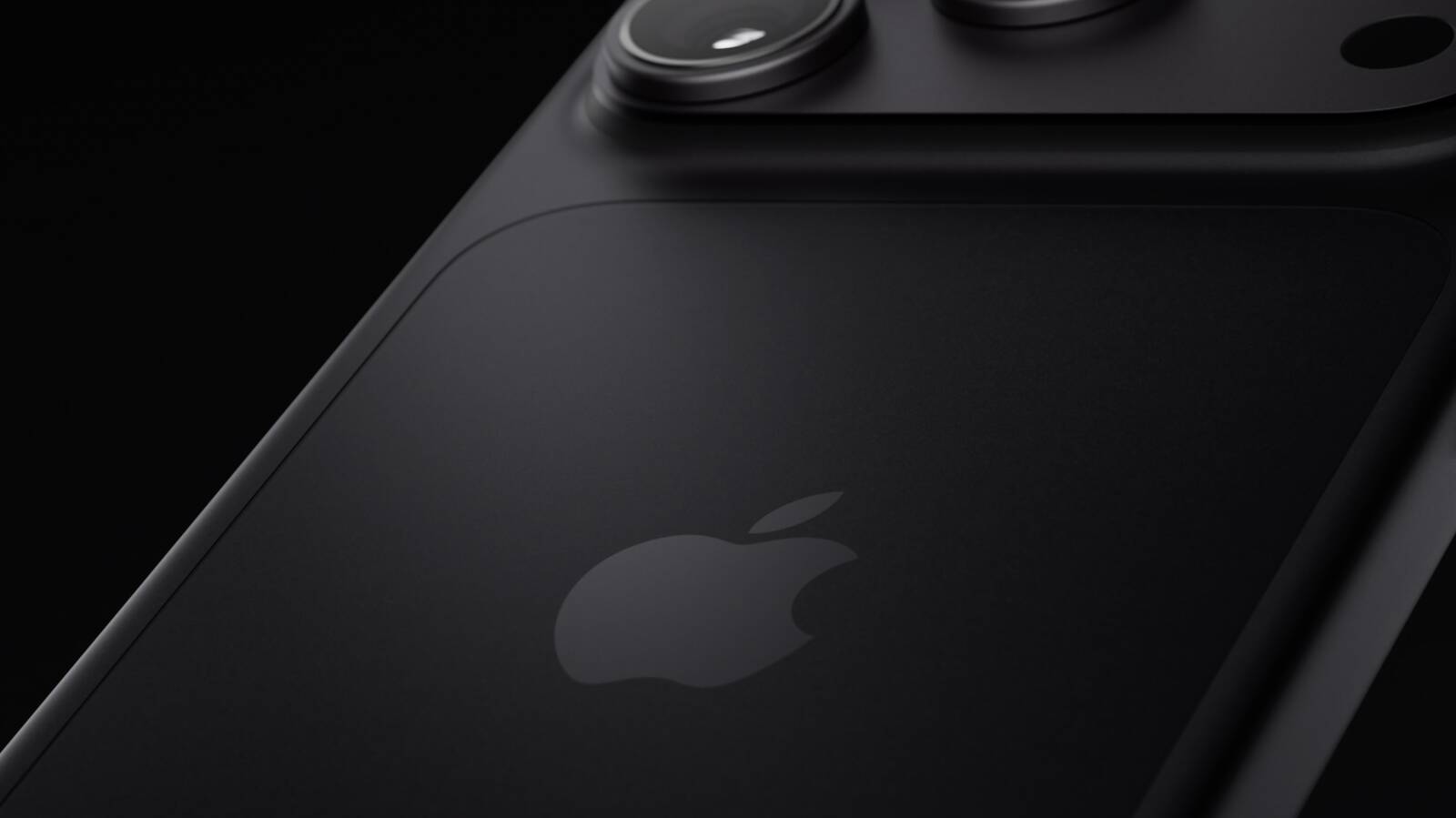
Black returns after the ‌iPhone 17‌ Pro offered Deep Blue as its darkest option. It offers a dark, neutral look without Deep Blue's blue cast.


A black case makes the exposed camera plateau blend into the rest of the phone. A light or colorful case has the opposite effect, framing a broad dark section across the top. Apple's clear case also makes its white ‌MagSafe‌ ring particularly noticeable against Black, so it is less suited to an uninterrupted all-black look.

If a deep chip or scratch exposes bare aluminum, its lighter color would stand out against this finish, especially on the plateau that Apple's cases leave uncovered. Anyone using the device without a case should be prepared for more noticeable damage. If visible marks would bother you and you plan to go without a case, Silver may be a better fit.

Choose Black if you want a dark, stealthy, and professional look, but be willing to accept signs of wear and tear.
Related Roundup: iPhone 18 Pro
Related Forum: iPhone

This article, "iPhone 18 Pro Colors Buyer's Guide: Which Should You Choose?" first appeared on MacRumors.com

Discuss this article in our forums

  •  

MacBook Pro With OLED Touch Screen Rumored to Launch in October or November

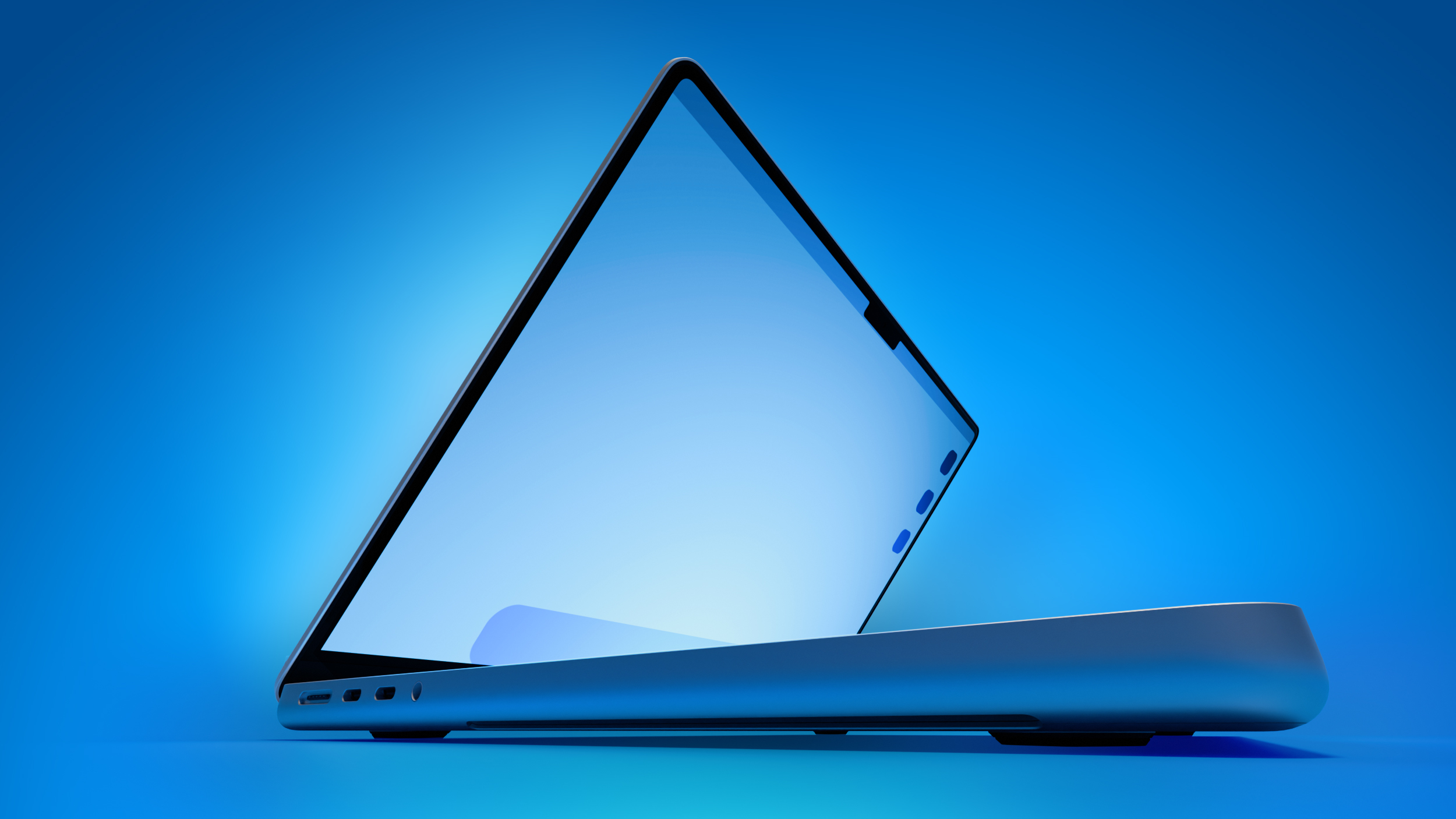
On his first-ever Power On podcast today, Bloomberg's Mark Gurman said that he believes Apple will introduce its long-rumored 14-inch and 16-inch MacBook Pro models with touch-enabled OLED displays in October or November this year.


"Apple, I believe, will introduce its first touchscreen MacBook Pro this fall, as early as October," he said. "It could slip to November, but as early as October."

Apple is testing the laptops with macOS 27.2, which is currently in beta, he added. The software update is expected to be released towards the end of October, so the touch-screen MacBook Pro models might be announced later this month.

Other rumored features beyond an OLED touch screen include Apple's existing M5 Pro and M5 Max chips, a thinner design, and a Dynamic Island instead of a notch.

A few years ago, Gurman reported that Apple was looking into the idea of cellular Macs that would be able to connect to a 5G or LTE network without relying on an iPhone's hotspot. For this reason, some Apple fans are hopeful that the touch-screen MacBook Pro models will be equipped with the company's custom-designed C1X or C2 modem.

The touch-screen models are expected to be positioned above the regular 14-inch and 16-inch MacBook Pro models, which will reportedly jump to the M7 Pro and M7 Max chips next year. It is unclear if the touch-screen models will still have MacBook Pro branding, or if Apple will opt for something unique like MacBook Ultra.
Related Roundup: MacBook Pro
Buyer's Guide: MacBook Pro (Caution)
Related Forum: MacBook Pro

This article, "MacBook Pro With OLED Touch Screen Rumored to Launch in October or November" first appeared on MacRumors.com

Discuss this article in our forums
  •  

Apple's All-New Home Hub Rumored to Launch in These Four Colors

Apple reportedly plans to unveil its long-rumored smart home hub on Tuesday, October 13, and a proven leaker known as "pdfu" has revealed that the device may be available in up to four finishes: Silver, Space Gray, Starlight, and Rose Pink.


MacRumors contributor Aaron Perris uncovered the same four colors within the code for the macOS 26.7 Release Candidate back in August.

On the home hub, users will be able to create a Photo Face, and the leaker said Apple's preview art for this will correspond with the color of the device.

Apple's Home device may come in four finishes: Silver, Space Gray, Starlight, and Rose Pink.

The Photo Face setup screen picks its preview art based on the hardware color the device reports.

The device's housing may also show in setup screens once device assets are available.... https://t.co/8h4iF9OEsG pic.twitter.com/oRRTijUdkO

— pdfu (@itspdfu) October 1, 2026

Earlier this week, Bloomberg's Mark Gurman reported that the home hub will come in "Apple's standard gray aluminum finish." He did not mention any other color options for the device, so we shall see if the other three colors materialize.

According to Gurman, the home hub will have a roughly 6-inch square display and will be available in tabletop and wall-mounted versions. He said the tabletop model's screen has a polished metal arm that connects to a metal, round base with perforated speaker holes, similar to the iMac G4 that Apple released back in 2002.
This article, "Apple's All-New Home Hub Rumored to Launch in These Four Colors" first appeared on MacRumors.com

Discuss this article in our forums
  •  

Apple Stores Receive 'Do Not Open' Boxes Ahead of Smart Home Products Launch

Apple Stores around the world are preparing to install new product presentations starting on Thursday, October 8.


Apple retail stores received confidential boxes earlier this week featuring "Do Not Open Until October 8" stickers on them. They are believed to contain new visual merchandise, which enables workers to update labels, graphics, and product layouts in stores around the release of new products. MacRumors received a tip-off about the boxes earlier this week, which it has now independently verified.

There is a possibility that the materials relate to the iPhone Duo, but it seems more likely given their confidentiality and timing that they relate to the rumored launch of Apple's smart home hub, alongside a new Apple TV 4K, and the HomePod mini 2. Yesterday, Bloomberg's Mark Gurman said that Apple plans to introduce these three long-awaited new devices on Tuesday, October 13.

If Apple announces the new devices sometime in the week of Monday, October 5, Apple Stores would need to update their displays for launch on October 13. For now, the exact timing of the announcement of the trio is unclear. Gurman's report used indeterminate wording, simply saying that Apple would "push into the smart-home market on October 13." This could be either announcement or launch.
Related Roundups: Apple TV, HomePod mini

This article, "Apple Stores Receive 'Do Not Open' Boxes Ahead of Smart Home Products Launch" first appeared on MacRumors.com

Discuss this article in our forums
  •  

PSA: Apple Mail on Mac May Stop Syncing Microsoft 365 Accounts Today

Microsoft today began disabling Exchange Web Services (EWS) by default in Exchange Online, which will cut off the protocol that Apple's Mail and Calendar apps on Mac still rely on to sync Microsoft 365 work accounts.


The cutoff has been on the cards for a fairly long time, as Microsoft stopped adding new features to EWS back in 2018, while in 2023 it announced that it would start disabling the protocol in Exchange Online from October 2026.

As Microsoft explains in the blog post linked above, organizations that have chosen to keep EWS running aren't affected for now. As for everyone else, the cutoff may not happen all at once. In a recently updated post from June, Microsoft described the change as a "phased rollout," so some Mac users could lose access sooner than others.

It's still possible for IT administrators to restore access. However, Microsoft plans to shut down EWS in Exchange Online permanently on April 1, 2027, and no extensions are currently planned.

As you'd expect, Apple is aware of the situation. In an Apple Platform Deployment support document, the company says it is "actively working with Microsoft" to move Mail, Calendar, Contacts, Notes, and Reminders apps on Mac to the newer Microsoft Graph API in a future macOS 27 update.

Except, that update hasn't arrived yet. Apple skipped macOS 27.1 betas entirely, while release notes for the macOS 27.2 betas have yet to make any mention of Graph support.

Meanwhile, affected organizations can just keep EWS running or move Mac users to a Graph-compatible client, such as Microsoft's Outlook app.

Note that the change will only affect Microsoft's cloud-hosted email server. In other words, companies that run their own Exchange servers aren't affected. Neither will iPhone and iPad be impacted, since they use Exchange ActiveSync rather than EWS.

(Thanks, Jonathan!)
This article, "PSA: Apple Mail on Mac May Stop Syncing Microsoft 365 Accounts Today" first appeared on MacRumors.com

Discuss this article in our forums
  •  

Apple Watch SE 3 vs. Series 12 Buyer's Guide: Which Should You Buy?

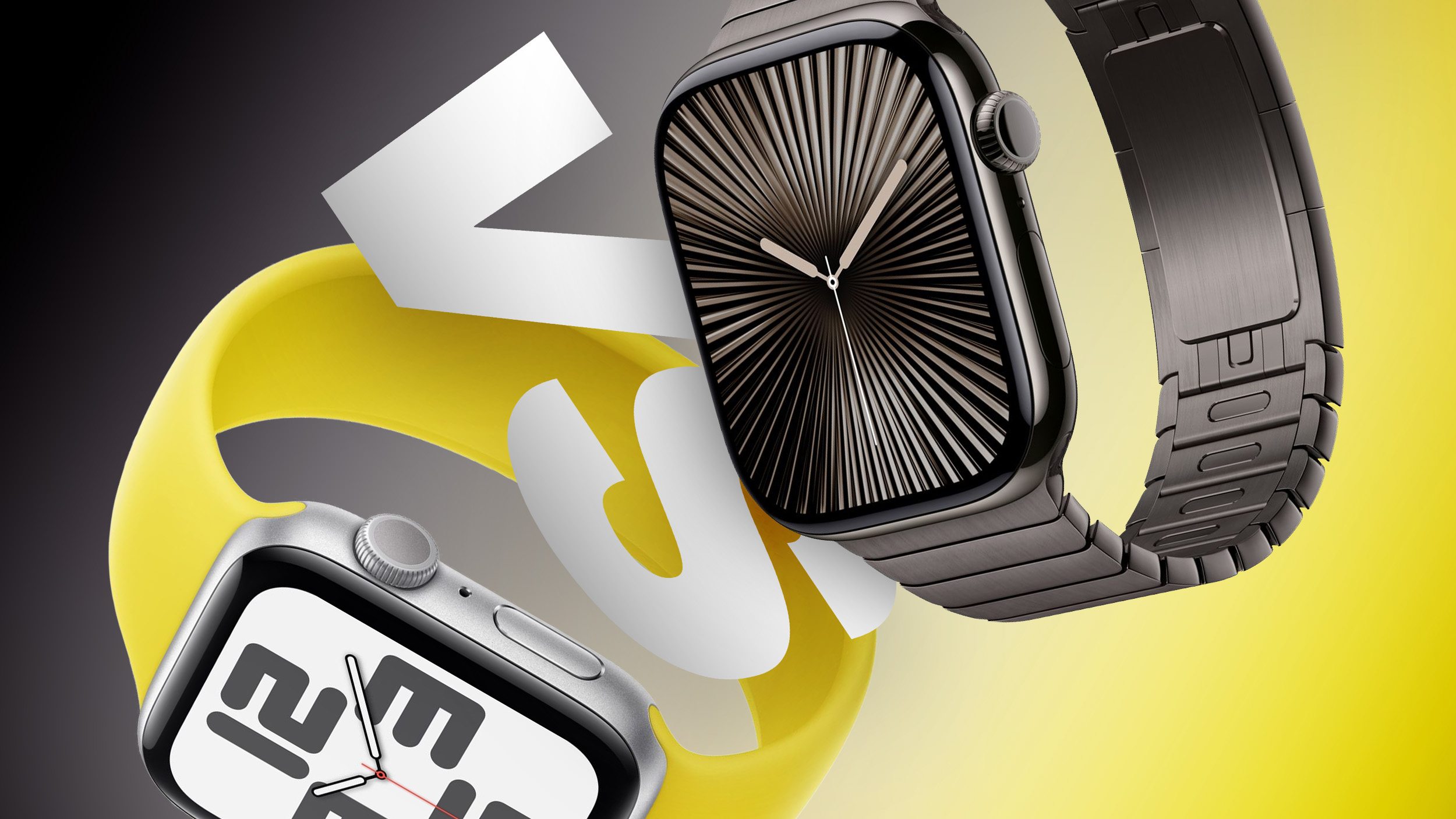
The Apple Watch SE 3 starts at $249, while the Apple Watch Series 12 starts at $399. The $150 difference buys a more advanced health sensing system, a larger display, longer battery life, and more options for tracking training and recovery.


The two watches still share many features, including an always-on display, wrist temperature sensing, sleep apnea notifications, retrospective ovulation estimates, 5G connectivity on cellular models, media playback, and 64GB of storage. Our guide helps to answer the question of how to decide which of these two Apple Watch models is best for you. The differences between the two models are as follows:


‌Apple Watch SE 3‌ Apple Watch Series 12
Same design as Apple Watch Series 4, 5, and 6 Refined design with a thinner casing, display with more rounded edges and a wider aspect ratio, and front glass that extends further over the sides for a higher screen-to-body ratio
40mm or 44mm case 42mm or 46mm case
Aluminum case Aluminum, titanium, or ceramic case
40mm: 40 by 34 by 10.7mm
44mm: 44 by 38 by 10.7mm
42mm aluminum/titanium: 42 by 37 by 9.7mm
46mm aluminum/titanium: 46 by 40 by 9.7mm
42mm ceramic: 43 by 37 by 9.85mm
46mm ceramic: 47 by 41 by 9.85mm
Aluminum GPS weight: 26.3 grams (40mm) or 32.9 grams (44mm) Aluminum GPS weight: 32.2 grams (42mm) or 39.5 grams (46mm)
Ion-X front glass Ceramic Shield 2 front on aluminum models; sapphire crystal front on titanium and ceramic models
No published IP6X rating IP6X dust resistance
LTPO OLED display LTPO3 display with a 1Hz always-on refresh rate, allowing a live ticking seconds hand on supported watch faces
‌OLED‌ display Wide-angle ‌OLED‌ display
40mm: 324 by 394 pixels
44mm: 368 by 448 pixels
42mm: 374 by 446 pixels
46mm: 416 by 496 pixels
40mm: 759 sq mm display area
44mm: 977 sq mm display area
42mm: 970 sq mm display area
46mm: 1,196 sq mm display area
Up to 1,000 nits brightness Up to 2,000 nits brightness
2 nits minimum brightness 1 nit minimum brightness
Nylon composite and sapphire crystal back Aluminum or titanium and zirconia back; ceramic and zirconia back on ceramic models
S10 chip (2024) S11 chip (2026)
2GB RAM 4GB RAM
Second-generation optical heart sensor Always-on optical heart sensor
Standard background heart rate tracking Background heart rate readings every five seconds
Heart rate variability tracking Recovery HRV and more frequent overall HRV readings
Vitals app with heart rate, respiratory rate, wrist temperature, and sleep duration Vitals app with heart rate, respiratory rate, wrist temperature, sleep duration, HRV, and a daytime view
Readiness app
Electrical heart sensor and ECG app
Blood oxygen sensor and Blood Oxygen app
Hypertension notifications
Standard step tracking Improved step tracking
Real-time heart rate and steps watch face complications
Water temperature sensor
Depth gauge to 6 meters and Depth app
Oceanic+ app for snorkeling to 6 meters, available on the App Store
Audio Intelligence features including Siri Recap, Sound Recognition, and Shazam
Live Rewind and ‌Siri‌ Recap, due in beta in late 2026
Microphone Microphone with Voice Isolation
Single, elongated speaker openings Individual speaker holes
2.4GHz Wi-Fi 4 2.4GHz and 5GHz Wi-Fi 4
L1 GPS Precision L1 GPS
Second-generation Ultra Wideband chip
Find iPhone Precision Finding for iPhone, with distance and direction guidance
HomePod playback controls ‌HomePod‌ playback controls and proximity-based media suggestions with a compatible Ultra Wideband ‌HomePod‌
Up to 18 hours of normal use Up to 24 hours of normal use
Up to 32 hours in Low Power Mode Up to 38 hours in Low Power Mode
Up to 7 hours of workout tracking Up to 10 hours of workout tracking
Charges from 0 to 80% in about 45 minutes Charges from 0 to 80% in about 30 minutes
15 minutes of charging for up to 8 hours of normal use 15 minutes of charging for up to 12 hours of normal use
8 minutes of charging for up to 8 hours of sleep tracking 5 minutes of charging for up to 10 hours of sleep tracking
Midnight and Starlight aluminum finishes Dark Bronze, Light Gold, Black, and Space Gray aluminum finishes
Radiant Gold and Natural titanium finishes
Pearl White and Night Blue ceramic finishes
Silver and Radiant Gold titanium Hermès models
40mm: $249 GPS or $299 GPS + Cellular
44mm: $279 GPS or $329 GPS + Cellular
Aluminum 42mm: $399 GPS or $499 GPS + Cellular
Aluminum 46mm: $449 GPS or $549 GPS + Cellular
Titanium models start at $699; ceramic models start at $899


If you mainly want a smart watch for notifications, standard workout and sleep tracking, and an always-on display, the ‌Apple Watch SE 3‌ remains the better value. Although it is now a year old, it still represents excellent value for money at $249, offering most of the Apple Watch's core features for $150 less than the entry-level Series 12.

The Apple Watch Series 12 has a much stronger case for anyone who uses their device to follow health and recovery trends. Its new Health Sensing System enables frequent heart rate readings, Recovery HRV, and a Readiness score that draws on recent activity, training load, vitals, and sleep. ECG, blood oxygen monitoring, and hypertension notifications add further capabilities unavailable on the ‌Apple Watch SE 3‌.

Battery life may be a decisive factor. The Apple Watch Series 12 is rated for six more hours of normal use and three more hours of outdoor workout tracking. It also charges faster, which is particularly useful if you wear your watch overnight for sleep tracking.

The Series 12 also offers a larger and brighter display, which makes a noticeable difference in daily use, along with 5GHz Wi-Fi, Precision Finding for a misplaced iPhone, and premium titanium and ceramic case options. Its Audio Intelligence features include ‌Siri‌ Recap, Sound Recognition, and always-on Shazam.

If you prefer the Series 12's broader health tracking capabilities, longer battery life, display advantages, or luxury case options, the extra cost is justified. If those features are unlikely to change how you use or appreciate your watch, the ‌Apple Watch SE 3‌ is the more economical choice.
Related Roundups: Apple Watch 12, Apple Watch SE 3
Related Forum: Apple Watch

This article, "Apple Watch SE 3 vs. Series 12 Buyer's Guide: Which Should You Buy?" first appeared on MacRumors.com

Discuss this article in our forums
  •  
❌