❌

Normale Ansicht

Apple Watch Series 9 vs. Series 12 Buyer's Guide: Is It Worth Upgrading?

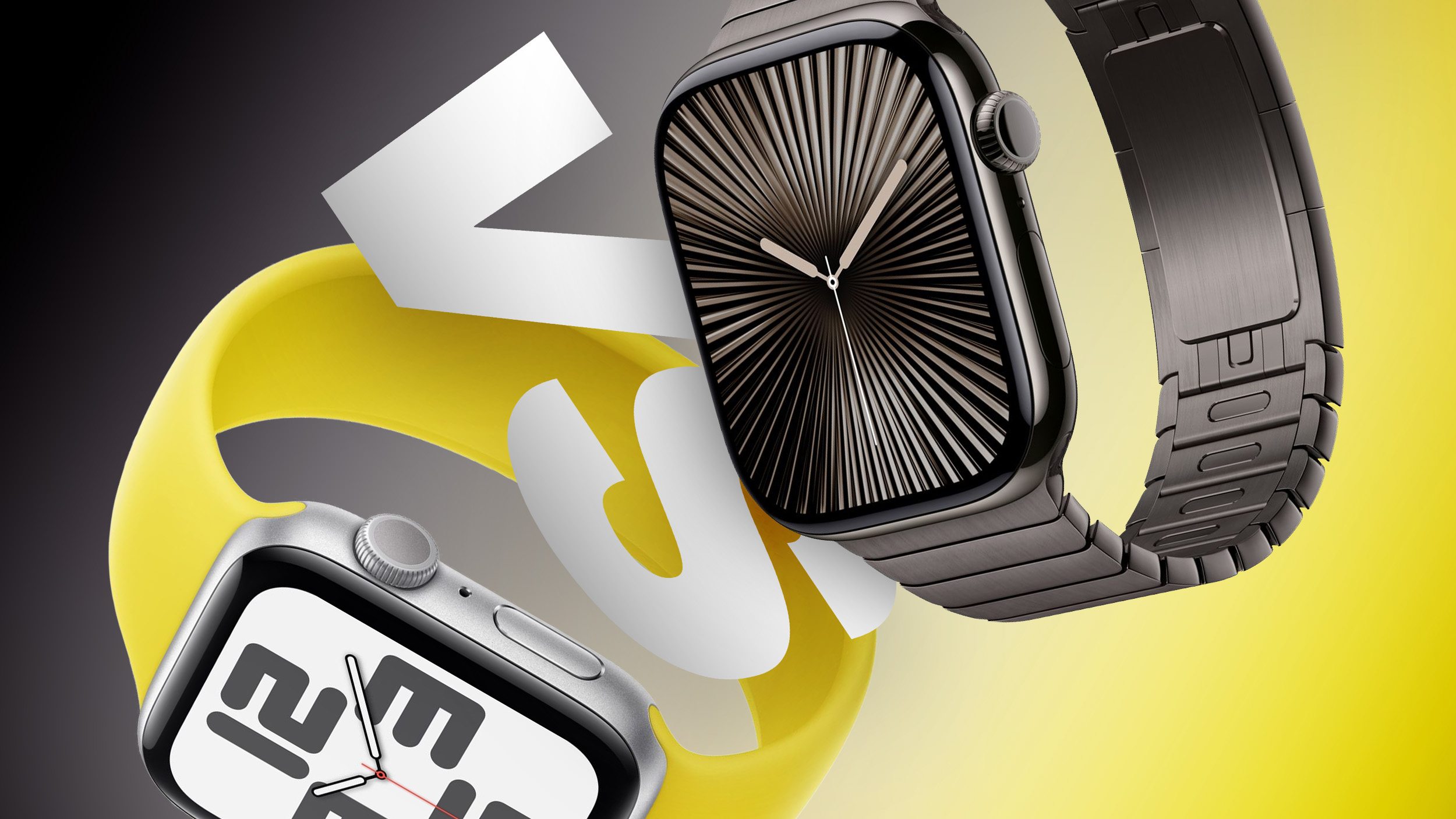
The Apple Watch Series 12 is now available, three years after the Series 9. In that time, Apple has introduced a thinner design, larger displays, faster charging, new water sensors, and a substantially more capable health sensing system. Is that enough to justify replacing a Series 9?
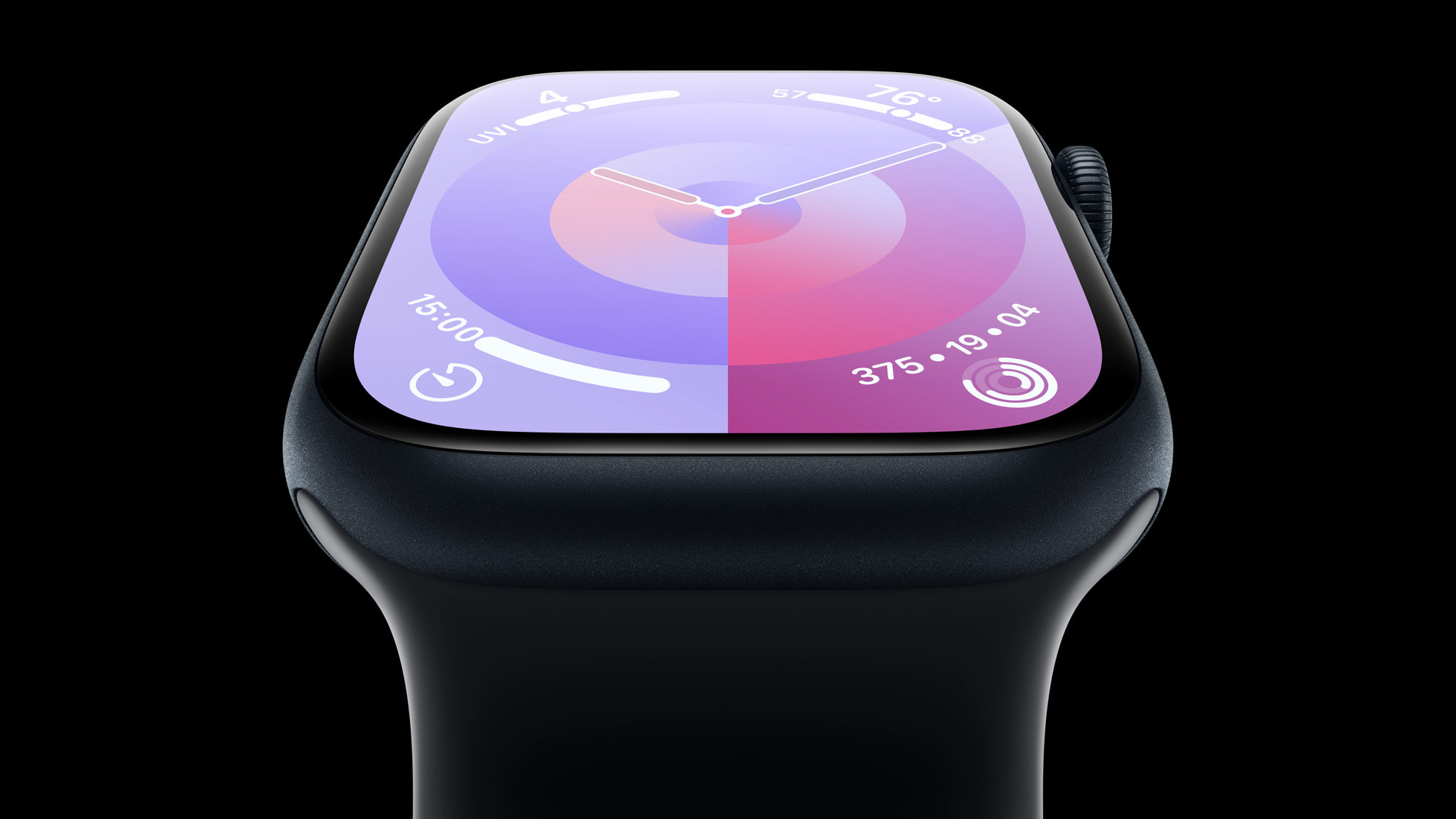

Apple discontinued the Series 9 in 2024. The older watch still supports watchOS 27, so the decision comes down to the hardware and features you would gain. Here are the key differences between the Apple Watch Series 9 and Series 12:


Apple Watch Series 9 Apple Watch Series 12
41mm and 45mm cases, 10.7mm thick 42mm and 46mm cases, 9.7mm thick in aluminum and titanium; ceramic cases are 9.85mm thick
Aluminum or stainless steel case Aluminum, titanium, or ceramic case
Aluminum: Silver, Starlight, Midnight, Pink, and (PRODUCT)RED Aluminum: Dark Bronze, Light Gold, Black, and Space Gray
Stainless steel: Silver, Gold, and Graphite Titanium: Radiant Gold and Natural
Ceramic: Pearl White and Night Blue
Ion-X front glass on aluminum models; sapphire crystal on stainless steel models Ceramic Shield 2 on aluminum models; sapphire crystal on titanium and ceramic models
Ceramic and sapphire crystal back Case-matched metal or ceramic and zirconia back
41mm: 904 sq mm display area
45mm: 1,143 sq mm display area
42mm: 970 sq mm display area
46mm: 1,196 sq mm display area
LTPO OLED Always-On Retina display LTPO3 wide-angle ‌OLED‌ Always-On Retina display with a 1Hz refresh rate, enabling a live ticking seconds hand on select watch faces
S9 chip S11 chip
2GB RAM 4GB RAM
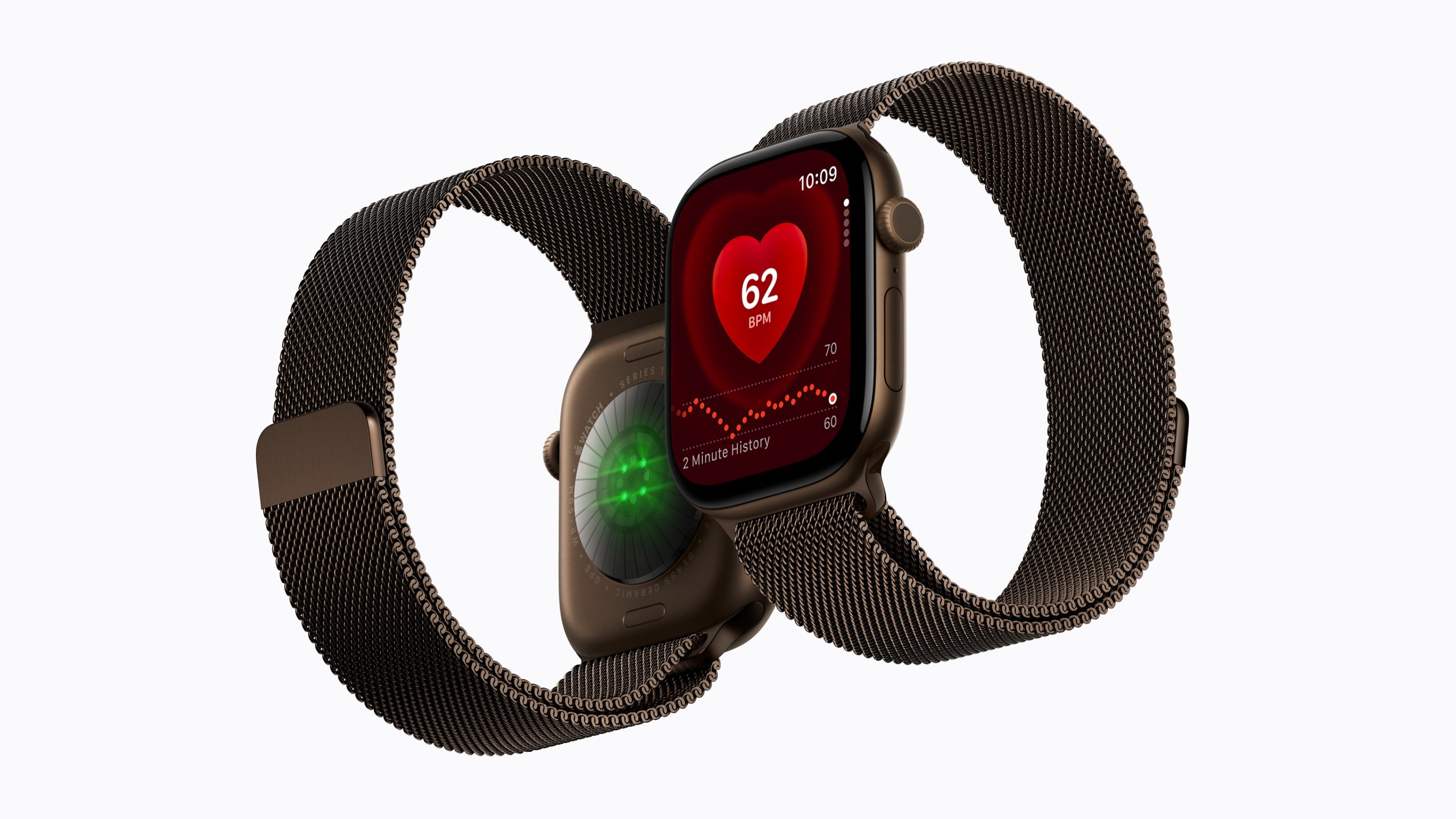
Electrical heart sensor Second-generation electrical heart sensor
Third-generation optical heart sensor Fourth-generation, always-on optical heart sensor
Periodic background heart rate readings Background heart rate readings every five seconds
Heart rate variability (HRV) measurements Recovery HRV and overall HRV, measured up to 24 times more frequently
Vitals app with overnight health metrics Vitals app with Recovery HRV and a daytime vitals view
Readiness app with a daily score and recommendation
Step tracking Redesigned step tracking and a Steps watch face complication
Wrist temperature sensor Wrist and water temperature sensors
Depth gauge to 6 meters and Depth app
Microphone Microphone with Voice Isolation
Speaker Redesigned speaker with media playback
Audio Intelligence, including Sound Recognition, faster Shazam, Live Rewind, and Siri Recap
LTE and UMTS on cellular models LTE and 5G RedCap on cellular models
Up to 18 hours of normal use; up to 36 hours in Low Power Mode Up to 24 hours of normal use; up to 38 hours in Low Power Mode
Up to 80% charge in about 45 minutes Up to 80% charge in about 30 minutes; 15 minutes of charging provides up to 12 hours of normal use
Now discontinued From $399


Design


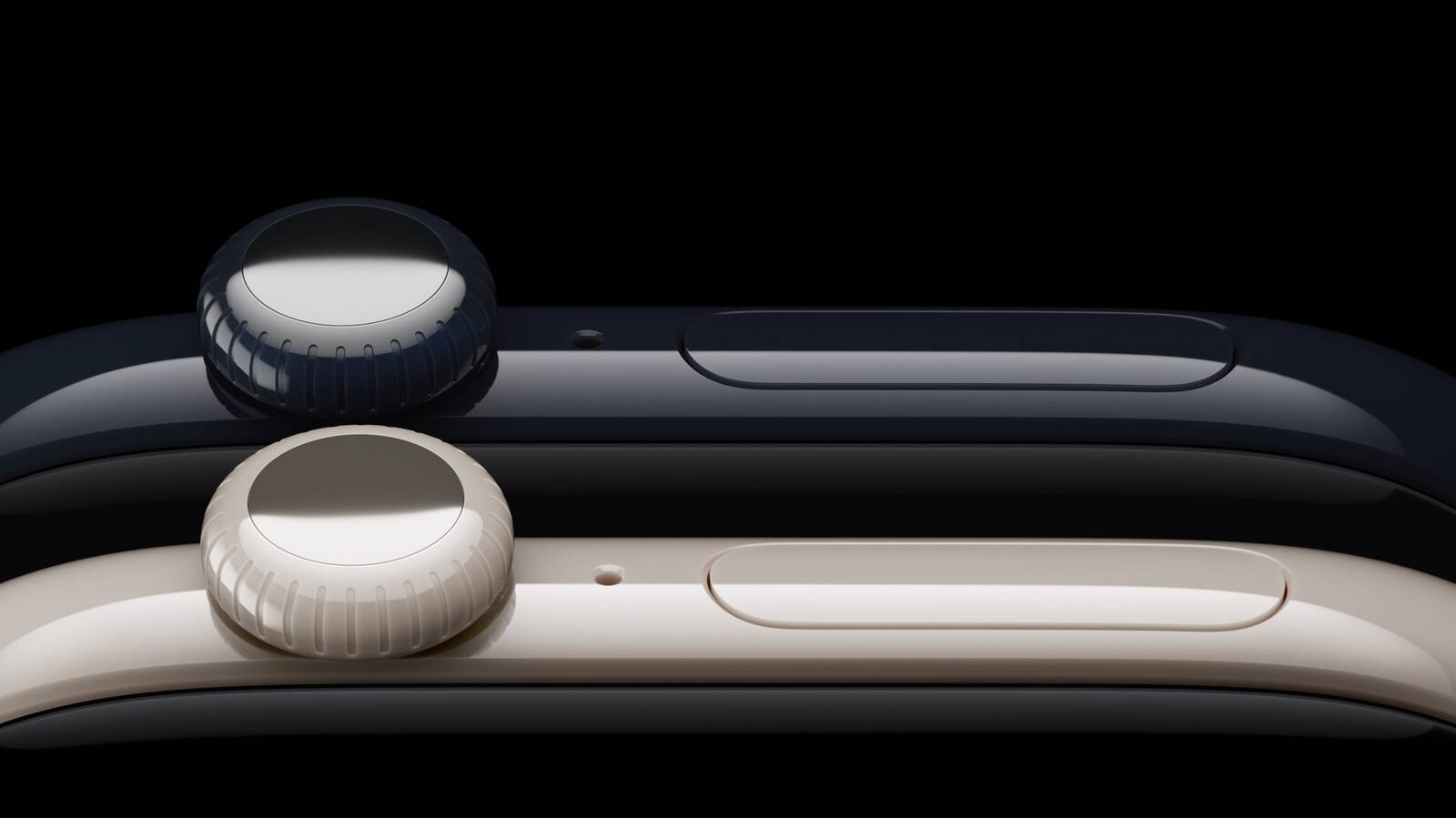
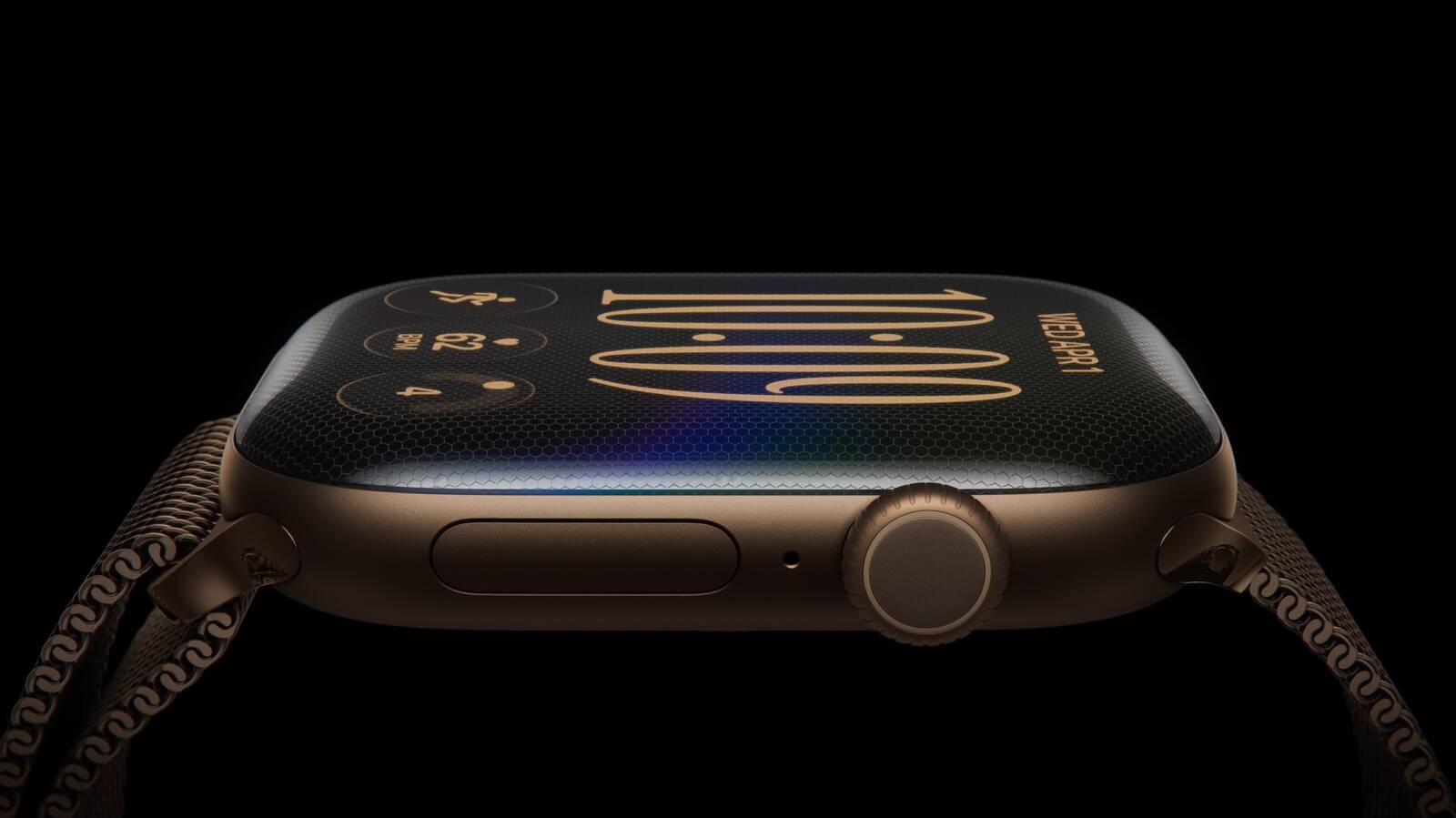
The Series 12 uses a similar version of the thinner design introduced with the Series 10. Its display area is about 7% larger in the smaller size and 5% larger in the larger size than the corresponding Series 9 models. The Series 12 figures below are for aluminum models; its ceramic cases are slightly larger and heavier:


Apple Watch Series 9 Apple Watch Series 12
Smaller case 41mm × 35mm × 10.7mm 42mm × 37mm × 9.7mm
Larger case 45mm × 38mm × 10.7mm 46mm × 40mm × 9.7mm
Smaller aluminum model, GPS 31.9 grams 32.2 grams
Larger aluminum model, GPS 38.7 grams 39.5 grams
Smaller aluminum model, cellular 32.1 grams 31.5 grams
Larger aluminum model, cellular 39.0 grams 38.6 grams


The Series 12 is noticeably thinner, but the comparable aluminum GPS models are slightly heavier than their Series 9 counterparts. Buyers moving from a stainless steel Series 9 to a titanium Series 12 will see a more substantial weight reduction because the case material has changed.

Is It Worth Upgrading?


For Series 9 owners, the Series 12 is a meaningful cumulative upgrade, particularly if you use your watch for training and recovery. Its more frequent heart rate and HRV readings support Readiness, Recovery HRV, and daytime vitals, while the redesigned case provides a larger, squarer display with a more modern feel. The depth gauge and water temperature sensor also add useful information for swimmers and snorkelers.

Those improvements are less compelling if you mainly use your watch for notifications, everyday activity tracking, and occasional workouts. The Series 9 still has an always-on display, ECG, wrist temperature sensing, Double Tap, sleep apnea and hypertension notifications, and support for ‌watchOS 27‌. ‌Siri‌ AI is also available on the Series 9 when paired with a compatible iPhone.

The Series 12 also has a slightly larger battery and charges faster, but likely not by enough to justify an upgrade alone. The Series 12's Audio Intelligence features may strengthen the case for some users, especially Sound Recognition for people who are deaf or hard of hearing. Live Rewind and ‌Siri‌ Recap will arrive in beta in late 2026.

Which to Buy Today?


For a new purchase, the Series 12 is clearly the better choice. It offers three generations of accumulated improvements at the same $399 starting price the Series 9 had when new. The older model makes sense only at a substantial discount if you are satisfied with its existing health features.

A used or refurbished Series 9 can still be good value, but check its battery health, physical condition, and warranty before comparing prices. A worn battery could quickly erase the saving.
Related Roundup: Apple Watch 12
Buyer's Guide: Apple Watch (Buy Now)
Related Forum: Apple Watch

This article, "Apple Watch Series 9 vs. Series 12 Buyer's Guide: Is It Worth Upgrading?" first appeared on MacRumors.com

Discuss this article in our forums
  •  

Apple's $634 Million Apple Watch Patent Bill Just Got Even Bigger

Apple's $634 million patent loss to medical technology company Masimo has just gotten even bigger, after a federal judge ordered Apple to pay an additional $184 million in interest on what it owes (via Bloomberg Law).


The ruling takes Apple's bill to around $818 million, but that doesn't include any post-judgment interest continuing to accrue until the judgment is paid.

Judge James Selna rejected Apple's argument that adding prejudgment interest would constitute a windfall for Masimo, citing U.S. Supreme Court guidance that "interest from the time that the royalty payments would have been received merely serves to make the patent owner whole." Put another way, Masimo is being compensated for as long as it was deprived of royalty payments that it theoretically would have received during the infringement period.

It didn't all go Masimo's way, though. Selna also declined Masimo's request to calculate it at a 7 percent rate, which would have put Apple's interest bill at $243 million. Instead, the court used Masimo's own borrowing rate, compounding annually from when the infringement began.

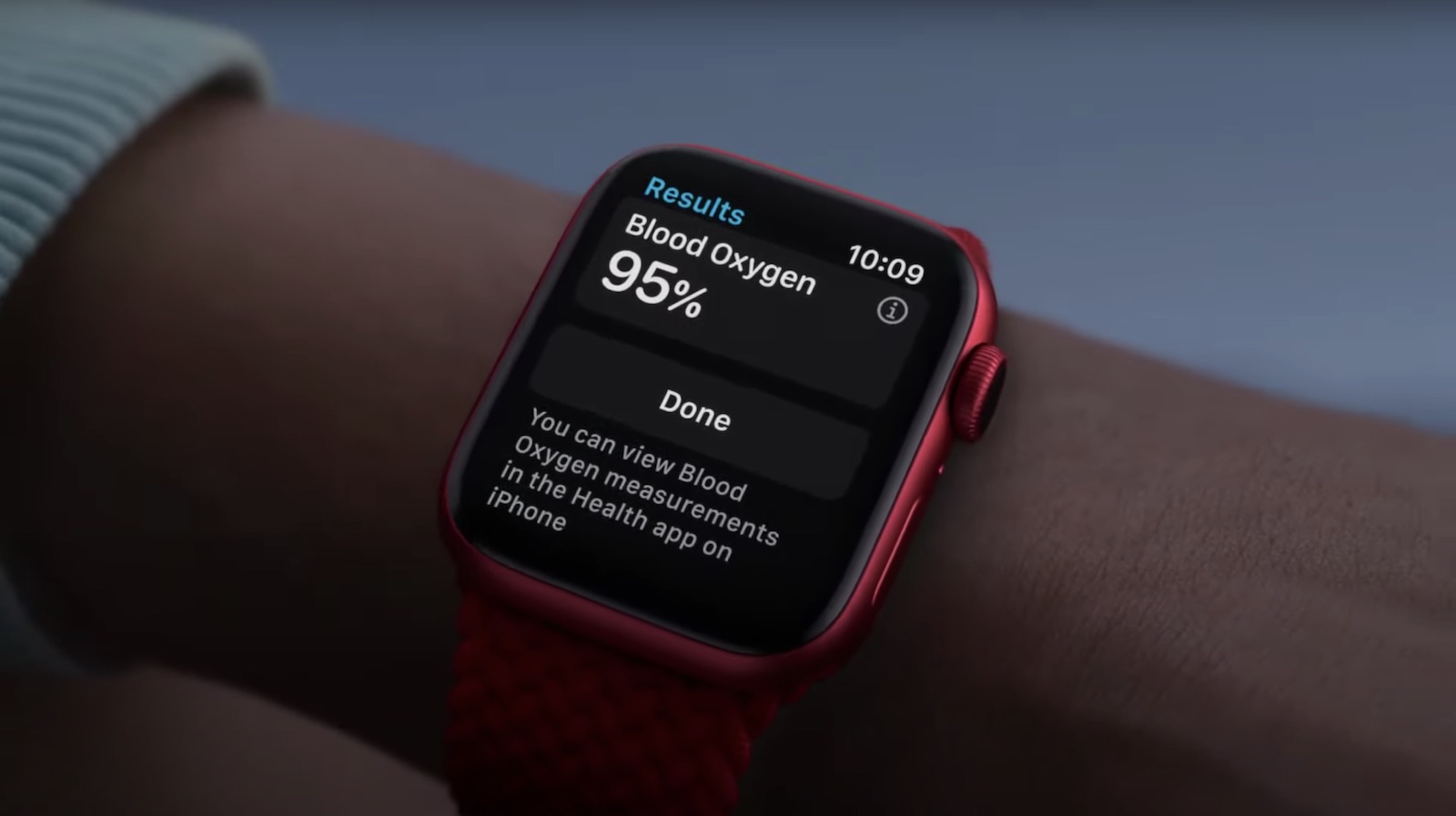
Masimo is also behind the separate patent dispute that led to a U.S. import ban on certain Apple Watch models and resulted in Apple disabling blood oxygen functionality on affected newly sold models. Apple in 2025 introduced a redesigned version of the feature.

The dispute here is concerned with a Masimo pulse-oximetry patent. In November 2025, a jury found that Apple Watch features including heart-rate notifications infringed Masimo's patent and awarded the company $634 million.

Apple subsequently tried to overturn or reduce the award, but Selna upheld the verdict in July. The patent in question expired in June 2022, so the ruling related to historical Apple Watch sales and has no effect on the heart-rate features in current Apple Watch models.
Related Roundup: Apple Watch 12
Buyer's Guide: Apple Watch (Buy Now)
Related Forum: Apple Watch

This article, "Apple's $634 Million Apple Watch Patent Bill Just Got Even Bigger" first appeared on MacRumors.com

Discuss this article in our forums
  •  

Apple Watch SE 3 vs. Series 12 Buyer's Guide: Which Should You Buy?

The Apple Watch SE 3 starts at $249, while the Apple Watch Series 12 starts at $399. The $150 difference buys a more advanced health sensing system, a larger display, longer battery life, and more options for tracking training and recovery.


The two watches still share many features, including an always-on display, wrist temperature sensing, sleep apnea notifications, retrospective ovulation estimates, 5G connectivity on cellular models, media playback, and 64GB of storage. Our guide helps to answer the question of how to decide which of these two Apple Watch models is best for you. The differences between the two models are as follows:


‌Apple Watch SE 3‌ Apple Watch Series 12
Same design as Apple Watch Series 4, 5, and 6 Refined design with a thinner casing, display with more rounded edges and a wider aspect ratio, and front glass that extends further over the sides for a higher screen-to-body ratio
40mm or 44mm case 42mm or 46mm case
Aluminum case Aluminum, titanium, or ceramic case
40mm: 40 by 34 by 10.7mm
44mm: 44 by 38 by 10.7mm
42mm aluminum/titanium: 42 by 37 by 9.7mm
46mm aluminum/titanium: 46 by 40 by 9.7mm
42mm ceramic: 43 by 37 by 9.85mm
46mm ceramic: 47 by 41 by 9.85mm
Aluminum GPS weight: 26.3 grams (40mm) or 32.9 grams (44mm) Aluminum GPS weight: 32.2 grams (42mm) or 39.5 grams (46mm)
Ion-X front glass Ceramic Shield 2 front on aluminum models; sapphire crystal front on titanium and ceramic models
No published IP6X rating IP6X dust resistance
LTPO OLED display LTPO3 display with a 1Hz always-on refresh rate, allowing a live ticking seconds hand on supported watch faces
‌OLED‌ display Wide-angle ‌OLED‌ display
40mm: 324 by 394 pixels
44mm: 368 by 448 pixels
42mm: 374 by 446 pixels
46mm: 416 by 496 pixels
40mm: 759 sq mm display area
44mm: 977 sq mm display area
42mm: 970 sq mm display area
46mm: 1,196 sq mm display area
Up to 1,000 nits brightness Up to 2,000 nits brightness
2 nits minimum brightness 1 nit minimum brightness
Nylon composite and sapphire crystal back Aluminum or titanium and zirconia back; ceramic and zirconia back on ceramic models
S10 chip (2024) S11 chip (2026)
2GB RAM 4GB RAM
Second-generation optical heart sensor Always-on optical heart sensor
Standard background heart rate tracking Background heart rate readings every five seconds
Heart rate variability tracking Recovery HRV and more frequent overall HRV readings
Vitals app with heart rate, respiratory rate, wrist temperature, and sleep duration Vitals app with heart rate, respiratory rate, wrist temperature, sleep duration, HRV, and a daytime view
Readiness app
Electrical heart sensor and ECG app
Blood oxygen sensor and Blood Oxygen app
Hypertension notifications
Standard step tracking Improved step tracking
Real-time heart rate and steps watch face complications
Water temperature sensor
Depth gauge to 6 meters and Depth app
Oceanic+ app for snorkeling to 6 meters, available on the App Store
Audio Intelligence features including Siri Recap, Sound Recognition, and Shazam
Live Rewind and ‌Siri‌ Recap, due in beta in late 2026
Microphone Microphone with Voice Isolation
Single, elongated speaker openings Individual speaker holes
2.4GHz Wi-Fi 4 2.4GHz and 5GHz Wi-Fi 4
L1 GPS Precision L1 GPS
Second-generation Ultra Wideband chip
Find iPhone Precision Finding for iPhone, with distance and direction guidance
HomePod playback controls ‌HomePod‌ playback controls and proximity-based media suggestions with a compatible Ultra Wideband ‌HomePod‌
Up to 18 hours of normal use Up to 24 hours of normal use
Up to 32 hours in Low Power Mode Up to 38 hours in Low Power Mode
Up to 7 hours of workout tracking Up to 10 hours of workout tracking
Charges from 0 to 80% in about 45 minutes Charges from 0 to 80% in about 30 minutes
15 minutes of charging for up to 8 hours of normal use 15 minutes of charging for up to 12 hours of normal use
8 minutes of charging for up to 8 hours of sleep tracking 5 minutes of charging for up to 10 hours of sleep tracking
Midnight and Starlight aluminum finishes Dark Bronze, Light Gold, Black, and Space Gray aluminum finishes
Radiant Gold and Natural titanium finishes
Pearl White and Night Blue ceramic finishes
Silver and Radiant Gold titanium Hermès models
40mm: $249 GPS or $299 GPS + Cellular
44mm: $279 GPS or $329 GPS + Cellular
Aluminum 42mm: $399 GPS or $499 GPS + Cellular
Aluminum 46mm: $449 GPS or $549 GPS + Cellular
Titanium models start at $699; ceramic models start at $899


If you mainly want a smart watch for notifications, standard workout and sleep tracking, and an always-on display, the ‌Apple Watch SE 3‌ remains the better value. Although it is now a year old, it still represents excellent value for money at $249, offering most of the Apple Watch's core features for $150 less than the entry-level Series 12.

The Apple Watch Series 12 has a much stronger case for anyone who uses their device to follow health and recovery trends. Its new Health Sensing System enables frequent heart rate readings, Recovery HRV, and a Readiness score that draws on recent activity, training load, vitals, and sleep. ECG, blood oxygen monitoring, and hypertension notifications add further capabilities unavailable on the ‌Apple Watch SE 3‌.

Battery life may be a decisive factor. The Apple Watch Series 12 is rated for six more hours of normal use and three more hours of outdoor workout tracking. It also charges faster, which is particularly useful if you wear your watch overnight for sleep tracking.

The Series 12 also offers a larger and brighter display, which makes a noticeable difference in daily use, along with 5GHz Wi-Fi, Precision Finding for a misplaced iPhone, and premium titanium and ceramic case options. Its Audio Intelligence features include ‌Siri‌ Recap, Sound Recognition, and always-on Shazam.

If you prefer the Series 12's broader health tracking capabilities, longer battery life, display advantages, or luxury case options, the extra cost is justified. If those features are unlikely to change how you use or appreciate your watch, the ‌Apple Watch SE 3‌ is the more economical choice.
Related Roundups: Apple Watch 12, Apple Watch SE 3
Related Forum: Apple Watch

This article, "Apple Watch SE 3 vs. Series 12 Buyer's Guide: Which Should You Buy?" first appeared on MacRumors.com

Discuss this article in our forums
  •  

watchOS 27: 12 New Things To Check Out on Your Apple Watch

Apple released watchOS 27 on September 14. The features and changes aren't limited to owners of new Apple Watch Series 12 and Apple Watch Ultra 4 models. If you have an Apple Watch model that supports the latest update, here are 12 features and changes to check out after installation.


To do so, open the Watch app on your iPhone, then tap General ➝ Software Update, strap your watch into a charger, and follow the onscreen prompts.

Check Out the Dedicated Siri App


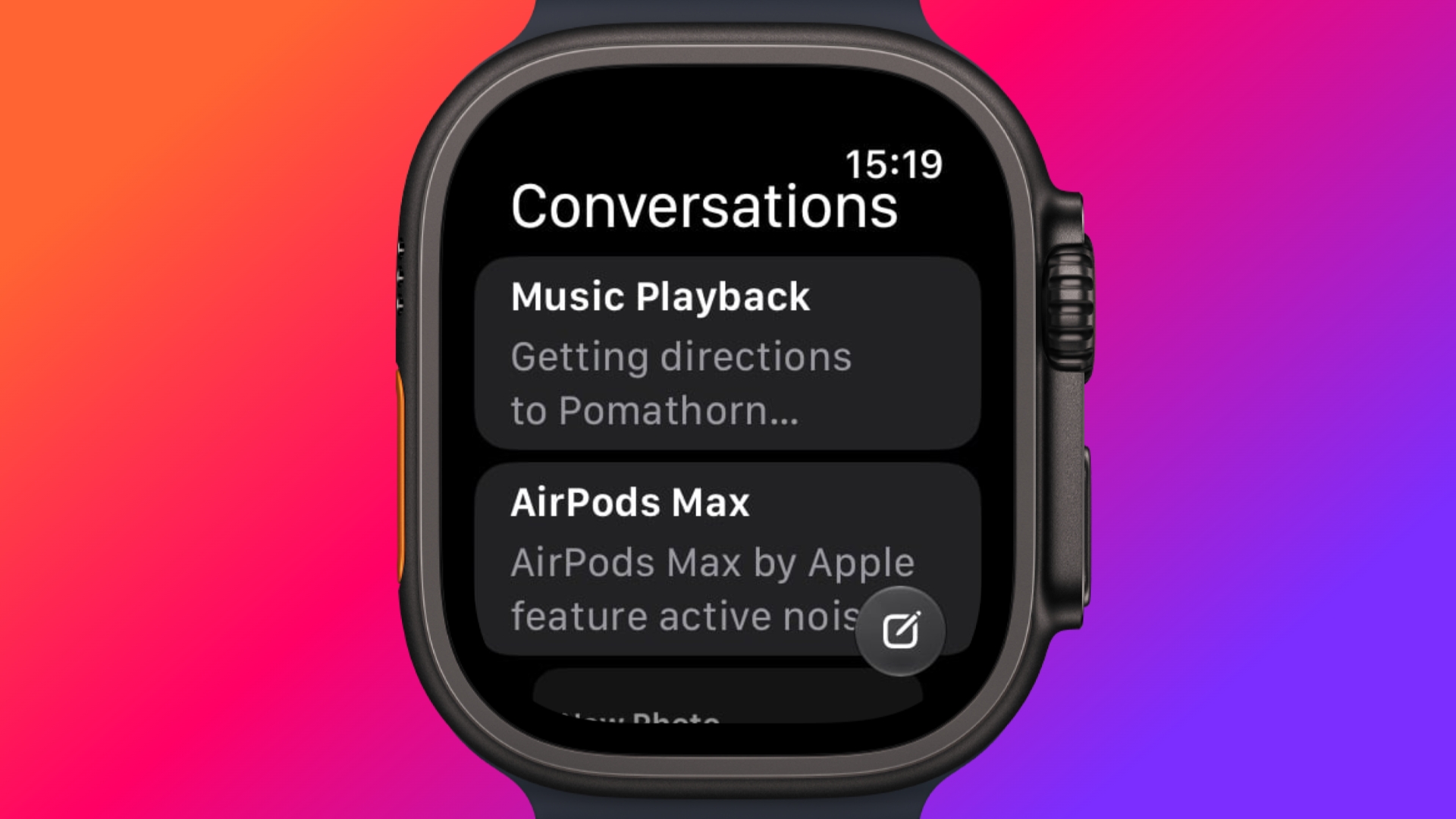
Siri has finally caught up with the AI revolution, and apart from having contextual awareness, it now has an app of its own that collects every conversation in a single view and syncs them privately across your devices over iCloud. Just ask something on your iPhone and you can pick the thread up again on your Apple Watch, as well as pin conversations worth keeping, or even start a new chat directly from your wrist.

Try Siri Modular Watch Face


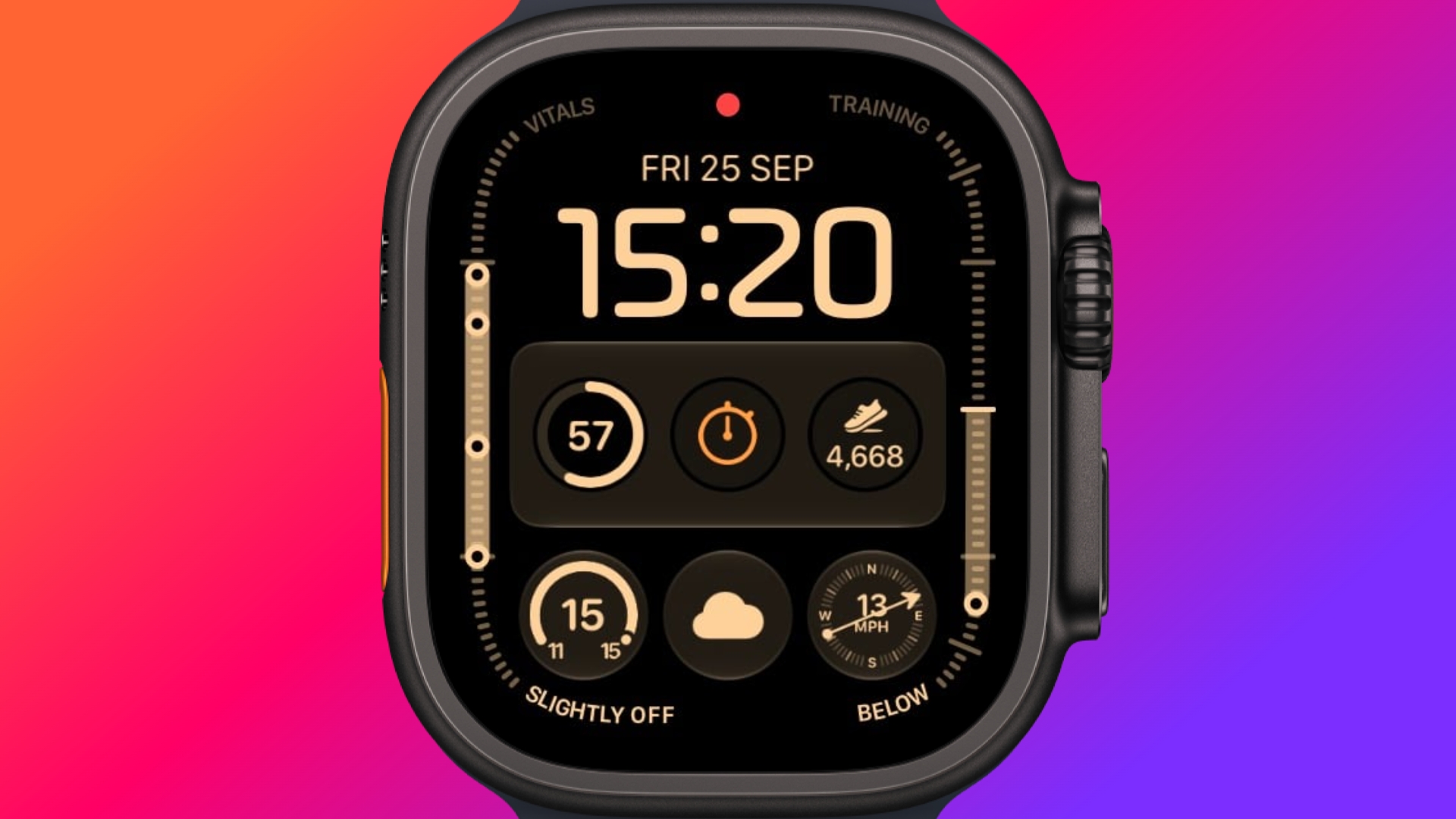
The new Siri watch face is a genuinely useful one. Its rectangular complication shows you whatever sits at the top of your Smart Stack, and it automatically updates through the day based on time, location, and other factors.

The Dynamic App Grid


Pressing the Digital Crown no longer produces the honeycomb app view by default. Now, watchOS 27 shows a dynamic grid made up of suggested apps, your most-used apps, and your most recently used ones. The Siri app sits in the middle, but the alphabetical list remains available – simply turn the Digital Crown to navigate through all of your apps.

New Tap Gesture


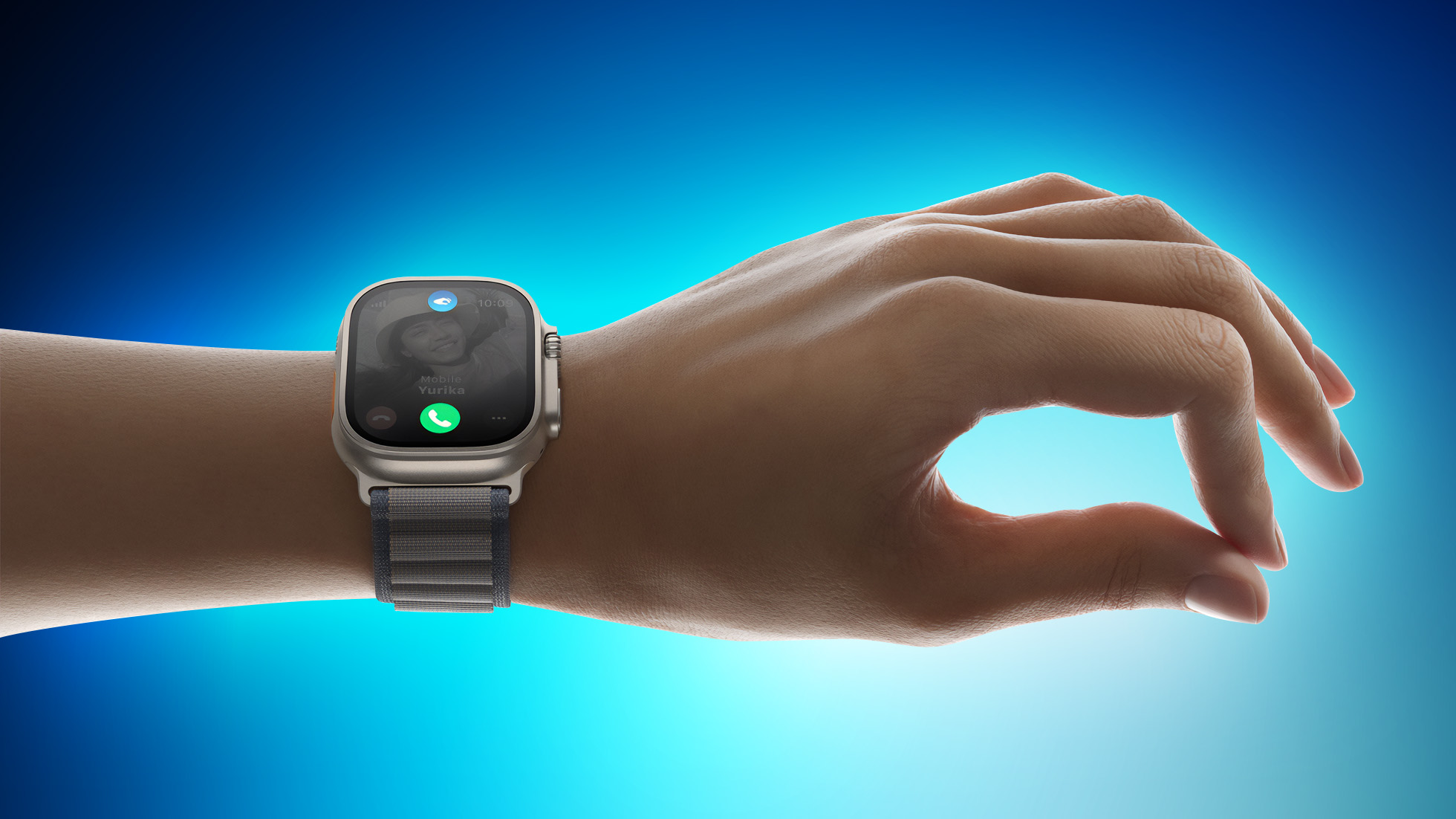
Apple has added a third gesture to Double Tap and Wrist Flick. The new one is simply called Tap. A single tap of your index finger and thumb opens the highlighted widget in the Smart Stack. You can still navigate the Smart Stack with Double Tap and dismiss notifications with Wrist Flick.

Walkie-Talkie Has Been Deleted


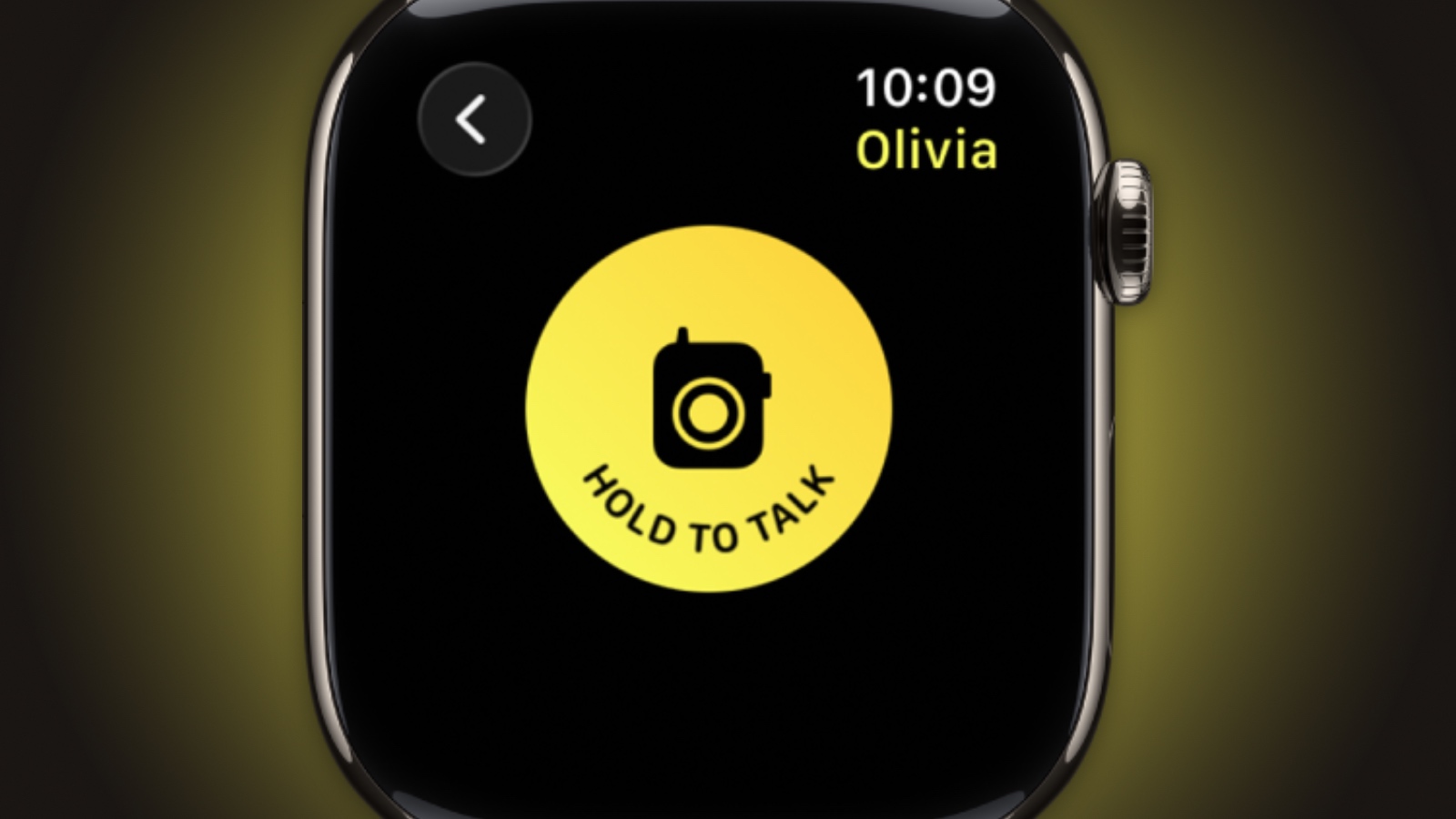
Walkie-Talkie is gone, and not merely hidden. The app is unavailable after updating to watchOS 27 and cannot be reinstalled from the App Store. You can keep the app by staying on watchOS 26, but you won't be able to start a conversation with a contact who has updated.

Live Rewind (Not Yet)


This is the change most likely to catch people out. In watchOS 26 and earlier, a double press of the Digital Crown opens the App Switcher, where you can jump back to the previous app, scroll through recent ones, and swipe to force-quit anything misbehaving.

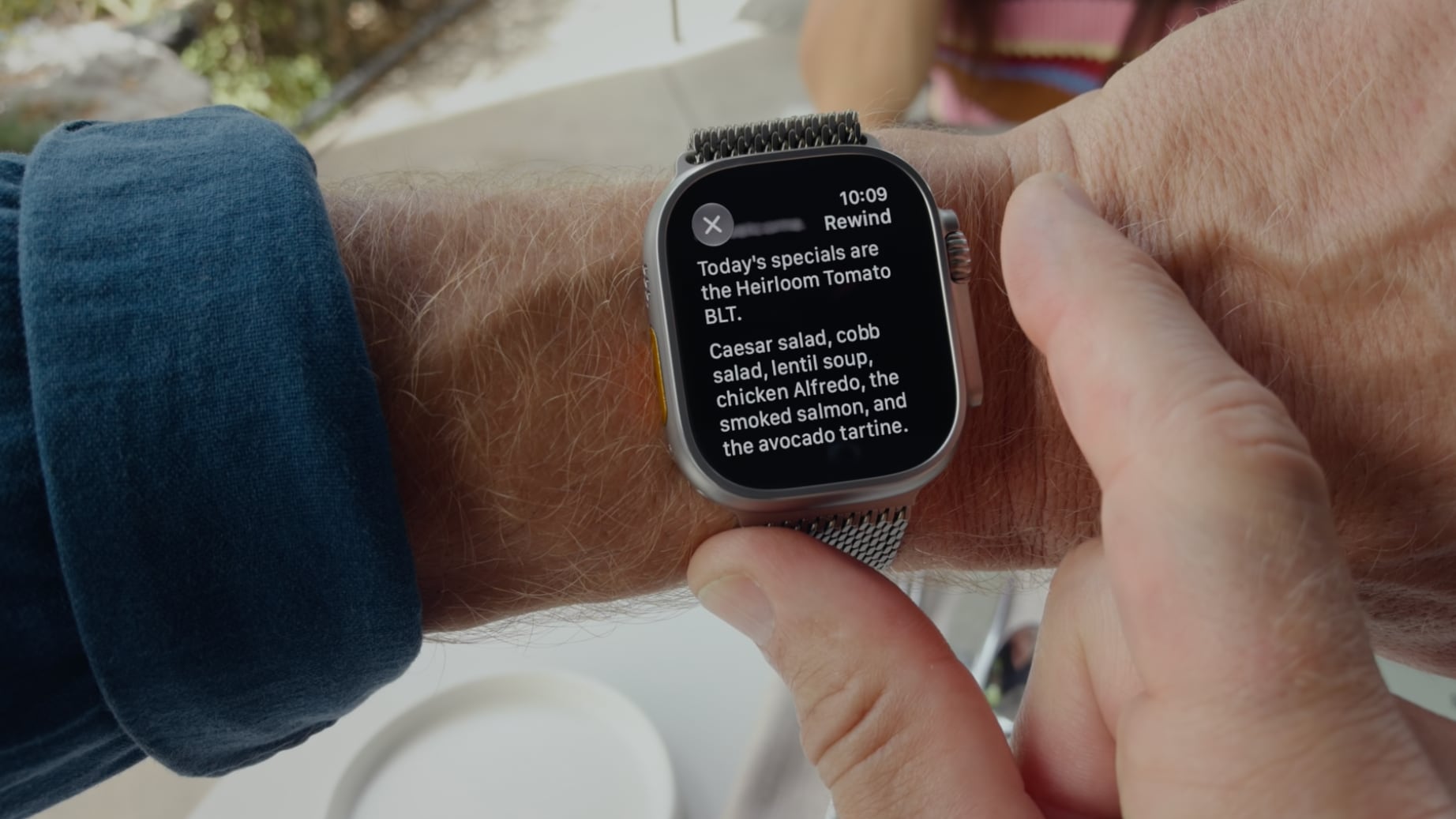
That's changed in watchOS 27, in which a double press shows the new dynamic app grid instead. The gesture has been reserved for Live Rewind, an upcoming feature (exclusive to Apple Watch Series 12 and Ultra 4) that produces a transcript of the last fifteen seconds of speech in your environment.

Fortunately, the App Switcher will still be available when watchOS 27.2 is released later this year, but it will open with a different gesture. If you're already on the latest beta, simply long press on the bottom of the app that you're in, and that should open the App Switcher.

Find My is Now One App


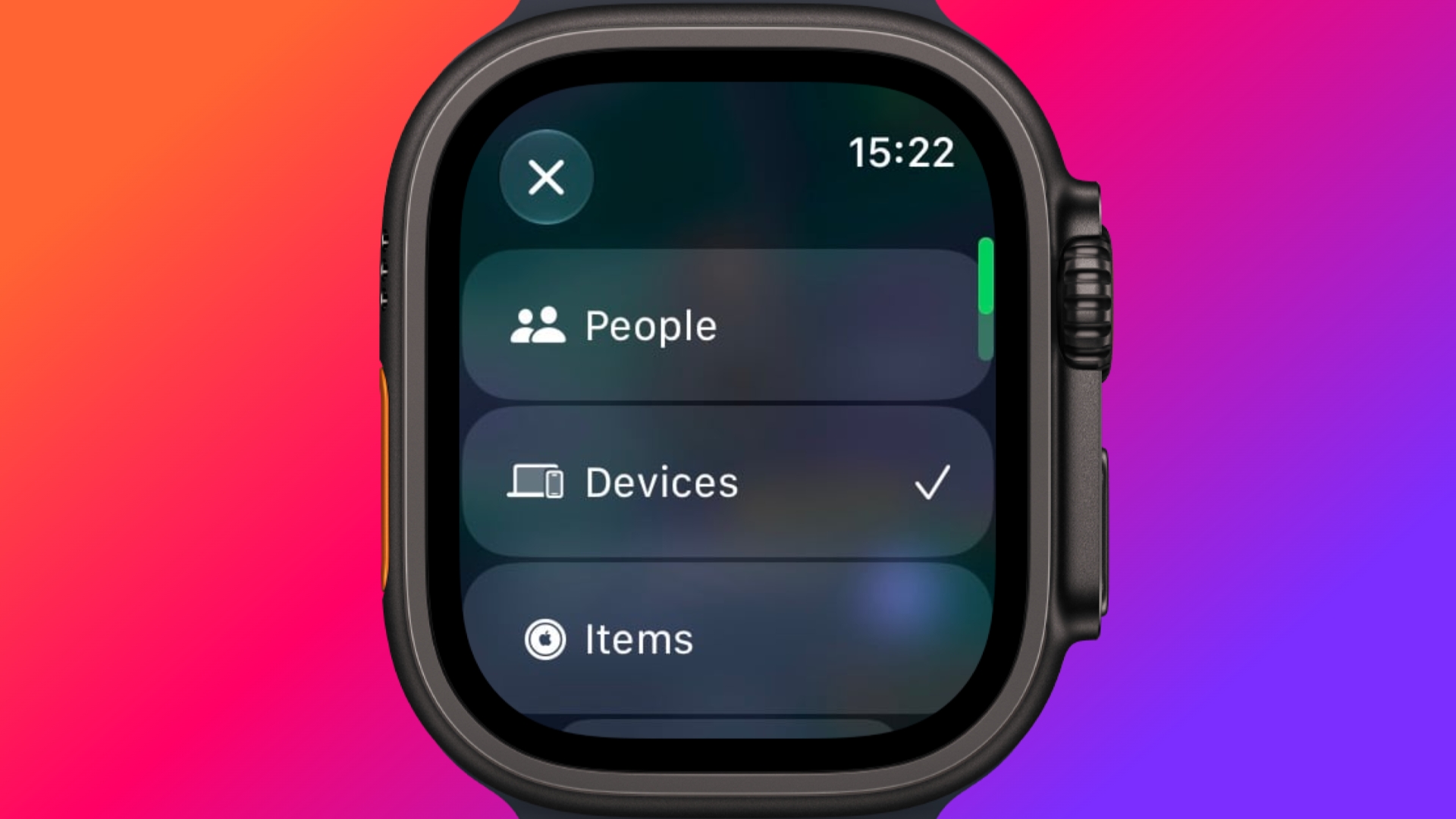
Find Devices, Find Items, and Find People have been folded into a single Find My app with a map-centric layout, which also includes shortcuts for directions and for items nearby.

Workout Buddy No Longer Needs Your iPhone


Introduced in watchOS 26, Workout Buddy previously required your iPhone within range. In watchOS 27, your Apple Watch can run it if Wi-Fi or cellular is available. It also draws new insights from your training history, tracking gradual gains in pace, distance and workout duration, and it now speaks Spanish as well as English.

New Cycle Tracking Features


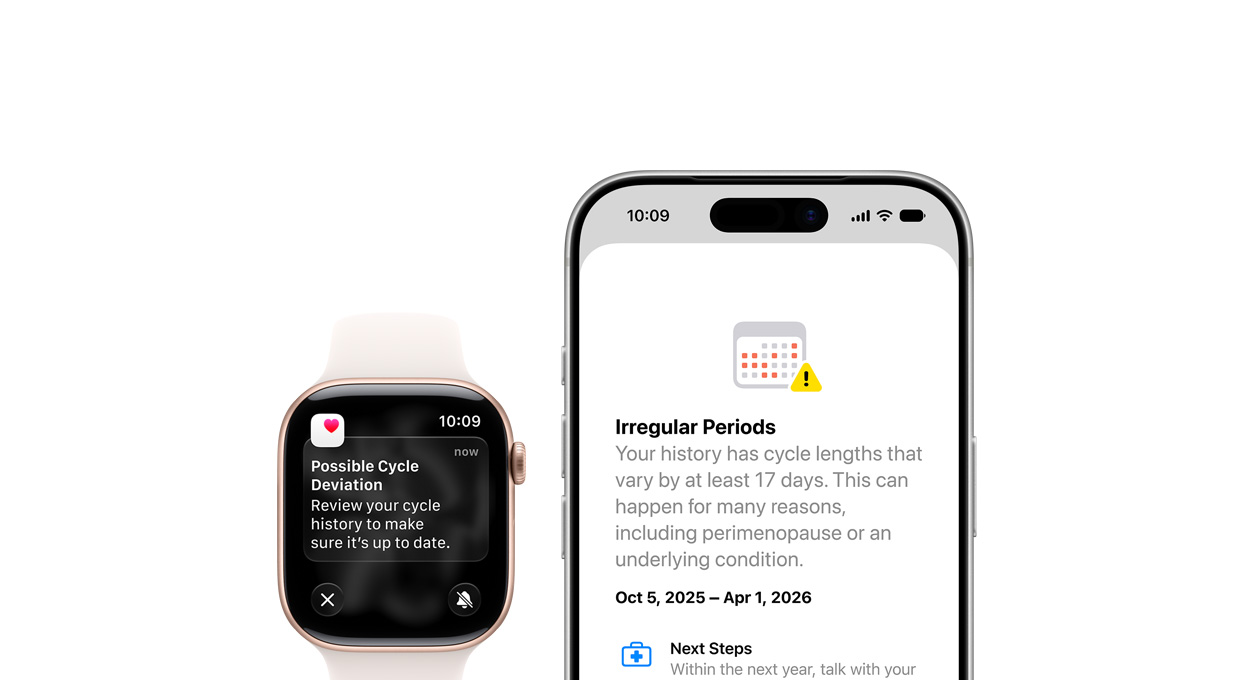
Cycle Tracking in the Health app can now notify you if your logged patterns are suggestive of perimenopause, alongside symptom tracking and educational material. The notifications only draw on your logged cycle history and apply to users aged 40 and over. Apple says the feature is not a method of birth control and is not a diagnosis.

Treadmill Distance Is More Accurate


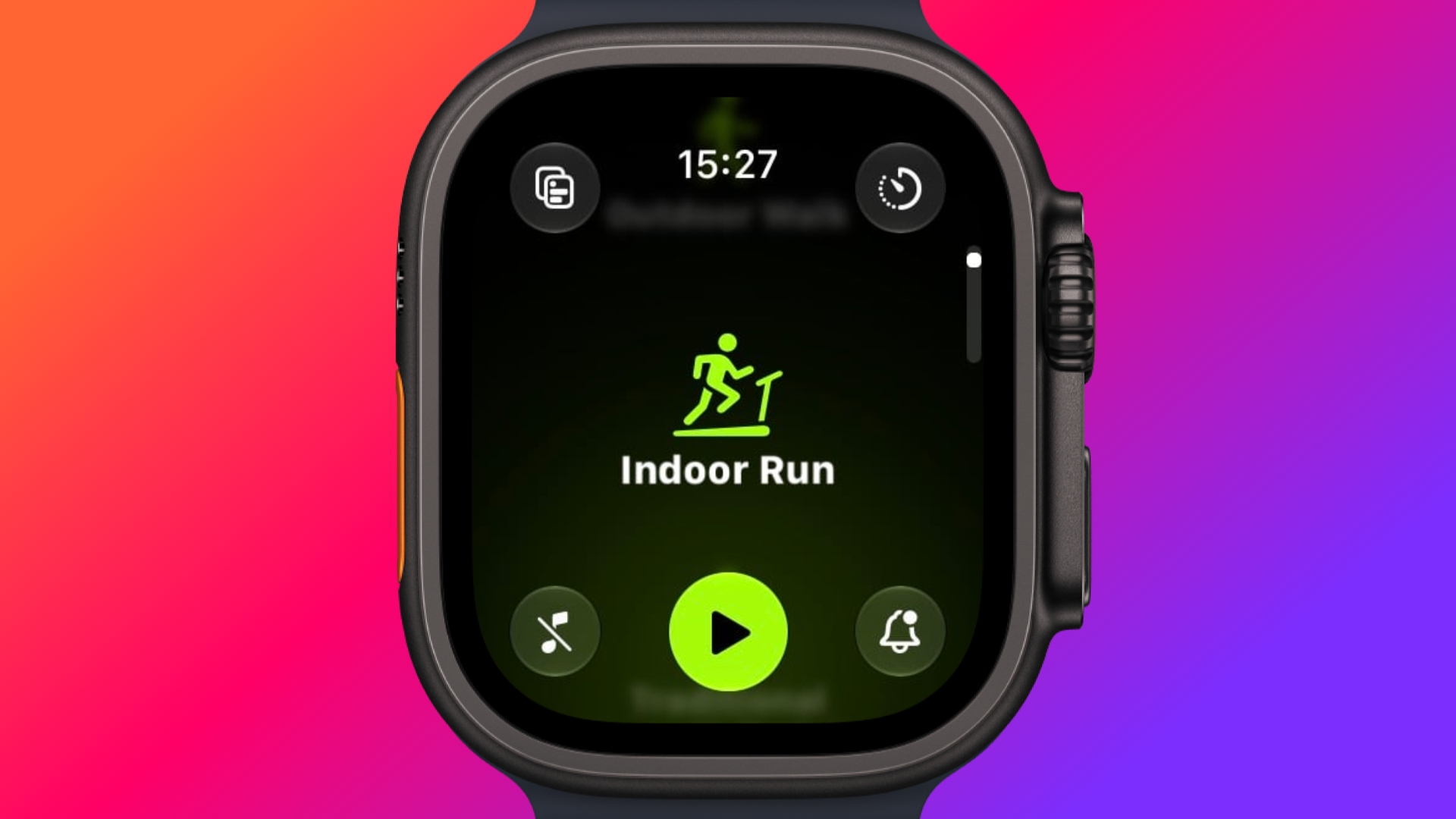
In watchOS 27, new machine learning motion algorithms measure distance more precisely for indoor runs and walks, and Apple says the improvement starts from the first step, as opposed to settling after a few minutes. Fitness route maps are more accurate too, and step counts finally stay in sync between the Fitness and Health apps.

The Smart Stack Gets More to Say


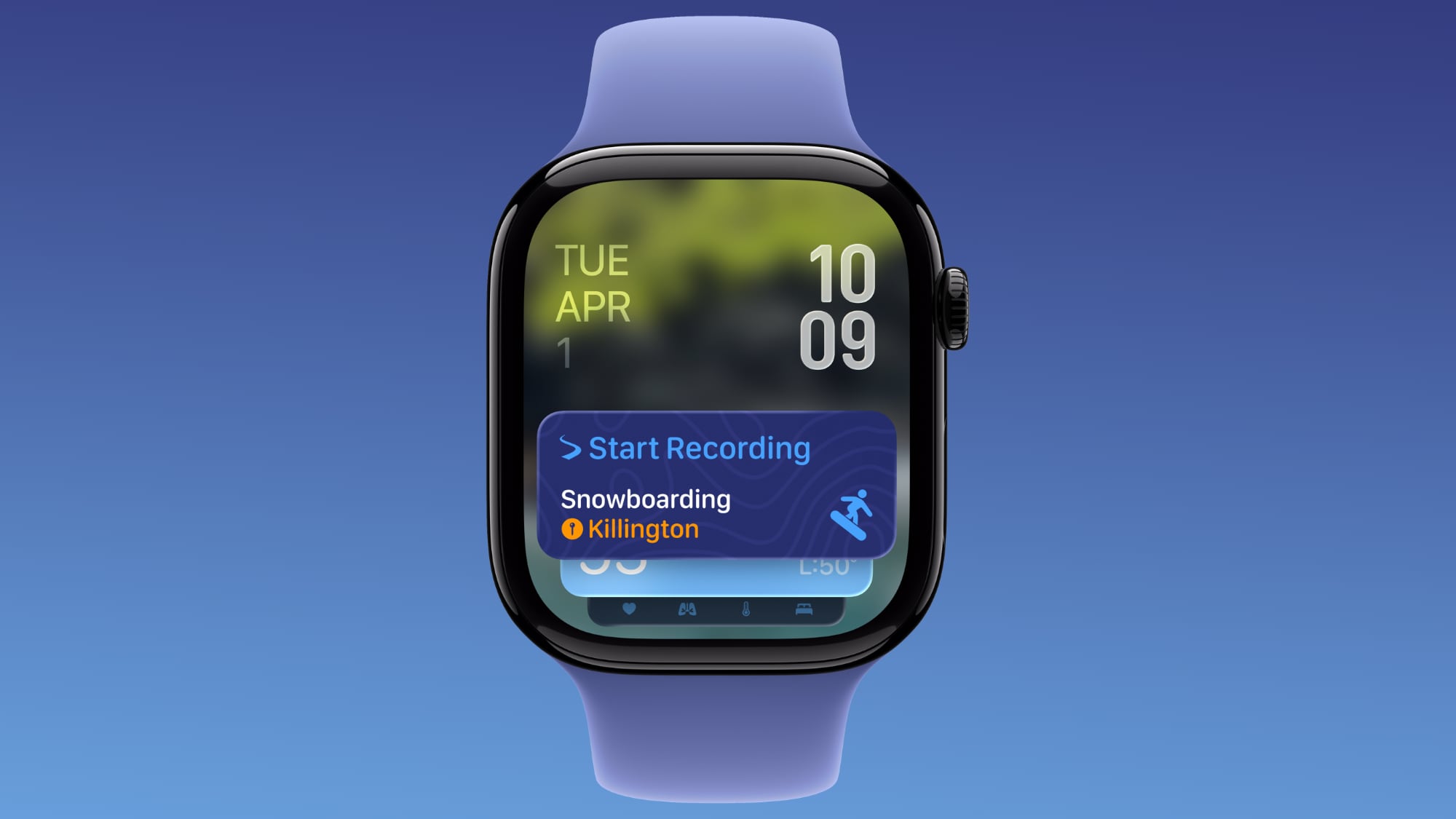
The Smart Stack's contextual suggestions are now a lot smarter. A few examples provided by Apple include new widgets surfacing your parked car's location, a close contact's birthday, a change in your transit card balance, the Noise app immediately after a loud-noise alert, a reminder that Theater Mode is still on, pinned messages, celebrations, and identity cards.

New Models Get a Steps Counter


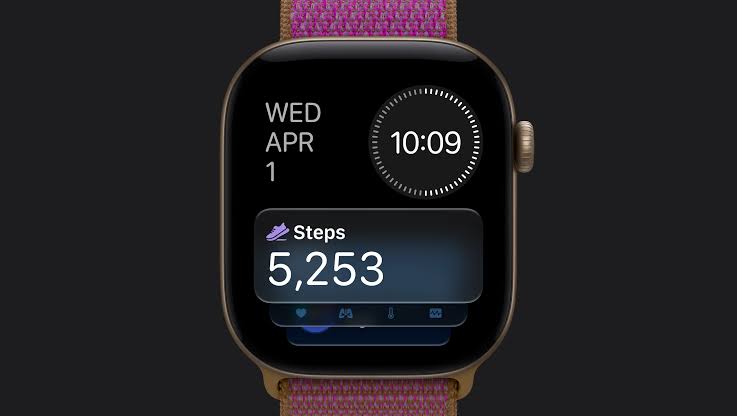
On Apple Watch Series 12 and Apple Watch Ultra 4, the redesigned pedometer model and S11 chip allow watchOS 27 to provide more accurate step counts. There's also a new Steps complication on the latest models to track your steps in real time, right from your watch face. Will we see the feature come to older devices? Your guess is as good as ours.
Buyer's Guide: Apple Watch (Buy Now)
Related Forum: Apple Watch

This article, "watchOS 27: 12 New Things To Check Out on Your Apple Watch" first appeared on MacRumors.com

Discuss this article in our forums
  •  

watchOS: Der App-Umschalter kehrt mit neuer Geste in die Beta zurück

22. September 2026 um 13:46

Die Kritik war anscheinend laut genug: Mit der Beta von watchOS 27.2 kehrt der App-Umschalter zurück. Allerdings öffnet er sich nicht über den ehemaligen Doppelklick auf die Digital Crown, sondern durch langes Drücken auf den unteren Rand einer geöffneten App.

Das ist semi-nachvollziehbar, weil iOS und iPadOS über eine vergleichbare Geste den App Switcher aufrufen. Allerdings funktioniert der Shortcut auf der Uhr nicht auf dem Zifferblatt, sondern ausschließlich aus einer Anwendung heraus.

Zu entdecken ist eine solche Geste nicht – zumindest zum jetzigen Stand. Einen Doppelklick führt man eventuell eher aus.

Wenn die Doppelbelegung tatsächlich für „Live Rewind“ reserviert bleibt, obwohl das Feature nicht global und lediglich auf zwei Modellen der Uhr funktioniert, sollten Watch-Nutzer:innen mindestens eine Auswahloption bekommen.

  •  

Apple Watch Series 12 and Ultra 4 Get Wave of New Bands

The Apple Watch Series 12 and Apple Watch Ultra 4 feature a refreshed band lineup for the fall, adding new colors and materials.


Here's a breakdown of what's new across the band lineup:


  • Sport Band: New Navy Blue, Magenta, Olive, Burgundy, Wildflower Blue, Pale Succulent, Sand, and Black colors for Apple Watch Series 12.

  • Sport Band (ceramic hardware): Sand and Navy Blue to match the new ceramic Apple Watch Series 12 models; not available as a standalone purchase.

  • Sport Loop: New Olive, Burgundy, Limestone, Magenta, and Chambray Blue colors, plus a new inkjet-printed plaid pattern in Burgundy and Light Umber.

  • Nike Sport Band and Nike Sport Loop: Five new colors; Essential White, Chalk Calm, Pavement Grey, After Dark Black, and Green Spark.

  • Milanese Loop: New Radiant Gold and Natural colors to match the titanium case, plus a new Dark Bronze option, priced at $99.

  • Link Bracelet: A new stainless steel bracelet in Radiant Gold and Natural, priced at $349.

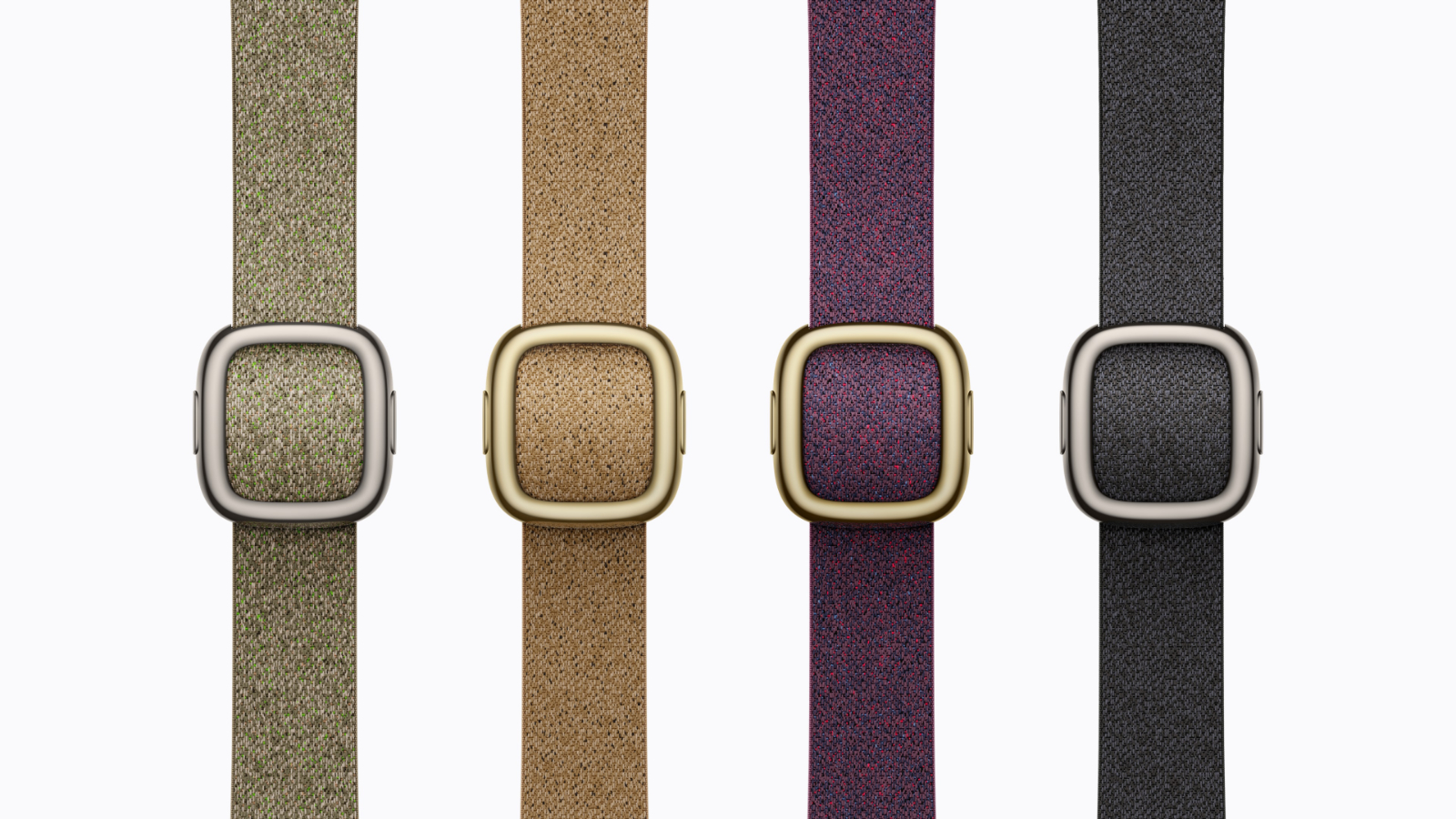
  • Modern Buckle: New woven material with flecks of color, in Mulberry, Camel, Sage, and Navy Blue, now available with gold hardware for the first time alongside natural hardware, priced at $199 (42mm only).

  • Magnetic Link: Available in Wildflower Blue, Burgundy, Camel, and Midnight, priced at $99.

  • Solo Loop: New Wildflower Blue, Burgundy, Olive, and Navy Blue colors, priced at $49.

  • Braided Solo Loop: New Olive, Magenta, Wildflower Blue, Burgundy, Navy Blue, and Black colors, priced at $99.

  • Trail Loop: New Dark Umber, Sand, and Burgundy colors for the Apple Watch Ultra 4, priced at $99 (49mm only).

  • Alpine Loop: New Desert, Dark Olive, and Burgundy colors for the Ultra 4, priced at $99 (49mm only).

  • Ocean Band: Now made from a translucent silicone material, offered in Translucent Gray, Translucent Kelp, and Translucent Black, priced at $99 (49mm only).

  • Hermès Noir Satin Clou de Selle: A new band with a gold-finish clasp and saddle stud, exclusively paired with the new Hermès radiant gold titanium case, priced at $499.

  • Hermès Rocabar Club: A new knitted H pattern band inspired by horse-jumping competitions, in four Bleu Nuit colorways paired with Gris Titane, Orange, Bleu Brighton, and Vert accents, priced at $499.

  • Hermès En Mer: A new water-resistant knit band for the Apple Watch Ultra 4 with a pillowed stripe and titanium buckle, in Argile, Bordeaux, Bleu Nuit, and Orange colorways, priced at $549 (49mm only).

  • Hermès Scub'H Diving: A new rubber band for the Ultra 4 with circular porthole-like cutouts, in Vert Vertigo, Gris Titane, and Bleu De Malte colorways, priced at $549 (49mm only).

  • Hermès Grand H Titane: A new titanium version of the Grand H bracelet for the Apple Watch Ultra 4, priced at $2,199 (49mm only).

  • Hermès Kilim Single Tour: Bleu De Malte, Cuivre, and Béton colorways, priced at $499.


The new Apple Watch bands are available to order today, with availability in stores beginning Friday, September 18.
Related Forum: Apple Watch

This article, "Apple Watch Series 12 and Ultra 4 Get Wave of New Bands" first appeared on MacRumors.com

Discuss this article in our forums
  •  

Apple Watch Series 12 Comes in New Finishes, Including Ceramic

Apple Watch Series 12 comes in a refreshed selection of case finishes and materials, including ceramic.


Here's a breakdown of the case types, finishes, and pricing across the new Apple Watch lineup:

  • Apple Watch Series 12 (aluminum): Available in space gray, black, light gold, and dark bronze (starts at $399).

  • Apple Watch Series 12 (titanium): Available in radiant gold and natural (starts at $699).

  • Apple Watch Series 12 (ceramic): Available in pearl white and night blue (starts at $899).

  • Apple Watch Ultra 4 (titanium): Available in natural and black finishes (starts at $799).

  • Apple Watch Hermès Series 12 (titanium): Available in radiant gold and silver (starts at $1,399).
  • Apple Watch Hermès Ultra 4 (titanium): Available in natural titanium (starts at $1,499).


The ceramic finish returns with the Series 12 this year, pairing with sand and navy blue Sport Bands that feature a ceramic pin-and-tuck closure to match the case.

Pre-orders for both Apple Watch Series 12 and Apple Watch Ultra 4 are open today, with availability beginning Friday, September 18.
Related Roundup: Apple Watch 11

This article, "Apple Watch Series 12 Comes in New Finishes, Including Ceramic" first appeared on MacRumors.com

Discuss this article in our forums

  •  

Three All-New 'Audio Intelligence' Features Arrive With Apple Watch Series 12 and Ultra 4

Apple today announced "Audio Intelligence," a new suite of Apple Intelligence-powered features for the Apple Watch Series 12 and Apple Watch Ultra 4 that use the built-in microphone to help users catch missed moments in conversation and stay aware of important sounds.


The Apple Watch's Audio Intelligence comprises four features:


  • Siri Recap: Uses ambient listening to generate high-level notes from conversations, such as takeaways from a team meeting or a parent-teacher conference, producing an Apple Intelligence-generated title, summary, and key points reviewable in the Siri app.

  • Live Rewind: Lets users "go back in time for 15 seconds," transcribing and displaying what was just said in a conversation with a double press of the Digital Crown.

  • Shazam: Automatically identifies music playing nearby and surfaces the song title and artist on the Music Recognition widget in the Smart Stack.

  • Sound Recognition: Brings sound alerts to Apple Watch for users who are deaf or hard of hearing, listening for sirens, alarms, doorbells, a baby crying, and more, even when their iPhone isn't nearby.


Apple emphasized that ‌Siri‌ Recap is opt-in and configurable, telling users they "control if and when ‌Siri‌ Recap takes notes." Users can set it to always listen or schedule it for specific contexts, such as only at work or never at night, and can toggle it on or off at any time from Control Center. Apple reiterated that none of the Audio Intelligence features create or store audio recordings, with raw audio processed in an isolated Secure Exclave on the S11 chip and deleted immediately after use.

Audio Intelligence and ‌Siri‌ AI both require an Apple Intelligence-enabled iPhone, with Live Rewind and ‌Siri‌ Recap limited to the iPhone 16 or later (excluding the iPhone 16e).

The features arrive in beta later this year, starting in English, with additional languages to follow, and will not initially be available in the EU.
Related Forum: Apple Watch

This article, "Three All-New 'Audio Intelligence' Features Arrive With Apple Watch Series 12 and Ultra 4" first appeared on MacRumors.com

Discuss this article in our forums
  •  

Apple Watch Series 12 and Ultra 4 Offer These Eight New Health and Fitness Features

The Apple Watch Series 12 and Ultra 4 offer a range of new health and fitness features. Here's everything that's new.


Apple today revealed the following features for the two new devices:


  • New "Health Sensing System": A redesigned sensor architecture with three main improvements, including increased electrode surface area for better ECG skin contact, photodiodes arranged in a ring for more efficient light capture, and larger, more power-efficient green LEDs for accurate heart rate readings during motion.

  • Continuous heart rate sensing: Heart rate is now measured every five seconds throughout the day, 60 times more frequently than before, viewable via a new watch face complication.

  • Higher-frequency HRV: Heart rate variability is sampled up to 24 times more often, with separate recovery and overall HRV values shown in a new section of the Heart Rate app.

  • Daytime vitals view: A new toggle lets users switch between overnight and daytime vitals, potentially catching shifts in metrics before they show up in overnight readings.

  • VO2 Max test: A new test has users set up their iPhone to watch them perform a series of exercises, delivering results immediately alongside data from their Apple Watch.

  • Most accurate step tracking: A redesigned pedometer model with new machine learning algorithms improves distance accuracy for indoor workouts and all-day step counts.

  • Steps complication: A brand-new watch face complication, enabled by the S11 chip, lets users track their step count in real time.

  • Longer workout battery life: Up to 10 hours during an outdoor workout, 25% more than the previous model, with 15 minutes of charging now delivering up to 12 hours of extra battery. The Apple Watch Ultra 4 goes further, with up to 50 hours of everyday battery life, 84 hours in Low Power Mode, and a new Max Extended Workout mode rated for up to 45 hours of outdoor tracking; 15 minutes of charging adds up to 18 hours of battery.


The Apple Watch Series 12 starts at $399 and the Apple Watch Ultra 4 starts at $799, with pre-orders for both open today and availability beginning Friday, September 18.
Related Forum: Apple Watch

This article, "Apple Watch Series 12 and Ultra 4 Offer These Eight New Health and Fitness Features" first appeared on MacRumors.com

Discuss this article in our forums
  •  

watchOS 27 nimmt der Digital Crown ihren Doppelklick

13. August 2026 um 20:17
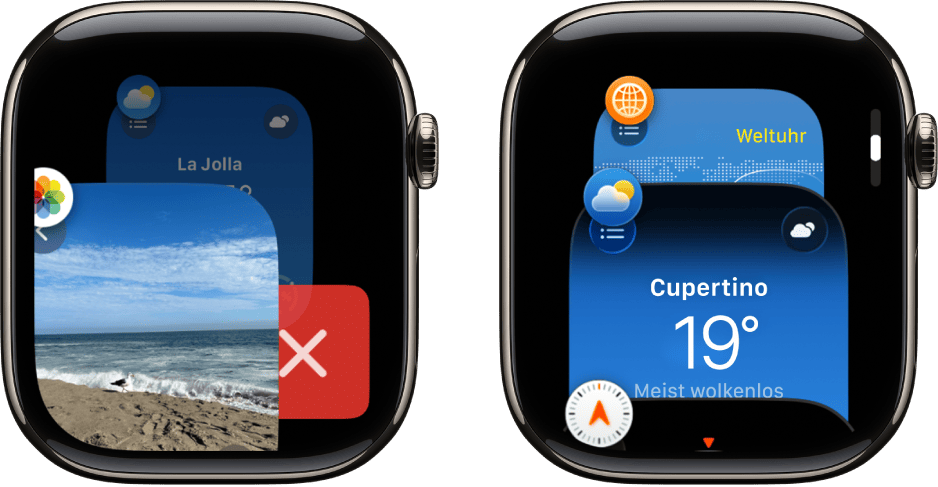
Zwei Apple-Watch-Displays nebeneinander, die die App-Übersicht zeigen. Links ist eine Foto-App mit einer Strandaufnahme zu sehen, die mit einem roten X-Symbol geschlossen werden kann. Rechts ist eine Wetter-App für Cupertino mit einer Temperatur von 19 Grad und dem Status „Meist wolkenlos“ dargestellt.

Previously, a double press of the Digital Crown would surface your currently open apps, allowing you to switch between them or close them. Now, a double press does the same thing as a single press: opening the new dynamic app grid. I used the App Switcher infrequently, but when I did, it was useful, so I hope Apple reverses course.

Jonathan Reed | MacStories

Bis zur aktuellen Beta 5 hielt sich meine Hoffnung, dass Apple die Doppelbelegung der Digital Crown – der Doppelklick führte ins „watchOS Dock“ – nicht komplett streicht. Das bremst den Wechsel zwischen Apps nämlich signifikant aus.

Selbst das Verhalten vor watchOS 10, bei dem ein Doppelklick schlicht zur zuletzt geöffneten Anwendung sprang, war besser als die Abkürzung generell zu entfernen.

Zugegeben: Der App-Umschalter ließ nie glorreich multitasken. Trotzdem war es immer der schnellere Weg, um zwischen einer Handvoll der zuletzt genutzten Anwendungen hin und her zu springen.

Solange das neue „dynamische App-Raster“ keine vollständig freie Belegung zulässt, mit der ihr Apps dort dauerhaft anspinnt, ist es kein Ersatz. Und selbst dann ist es lediglich eine feste Auswahl und ersetzt nicht den Verlauf der zuletzt verwendeten Apps.

  •  

Together Board – die digitale Pinnwand für Familie und Freunde

08. August 2026 um 11:34

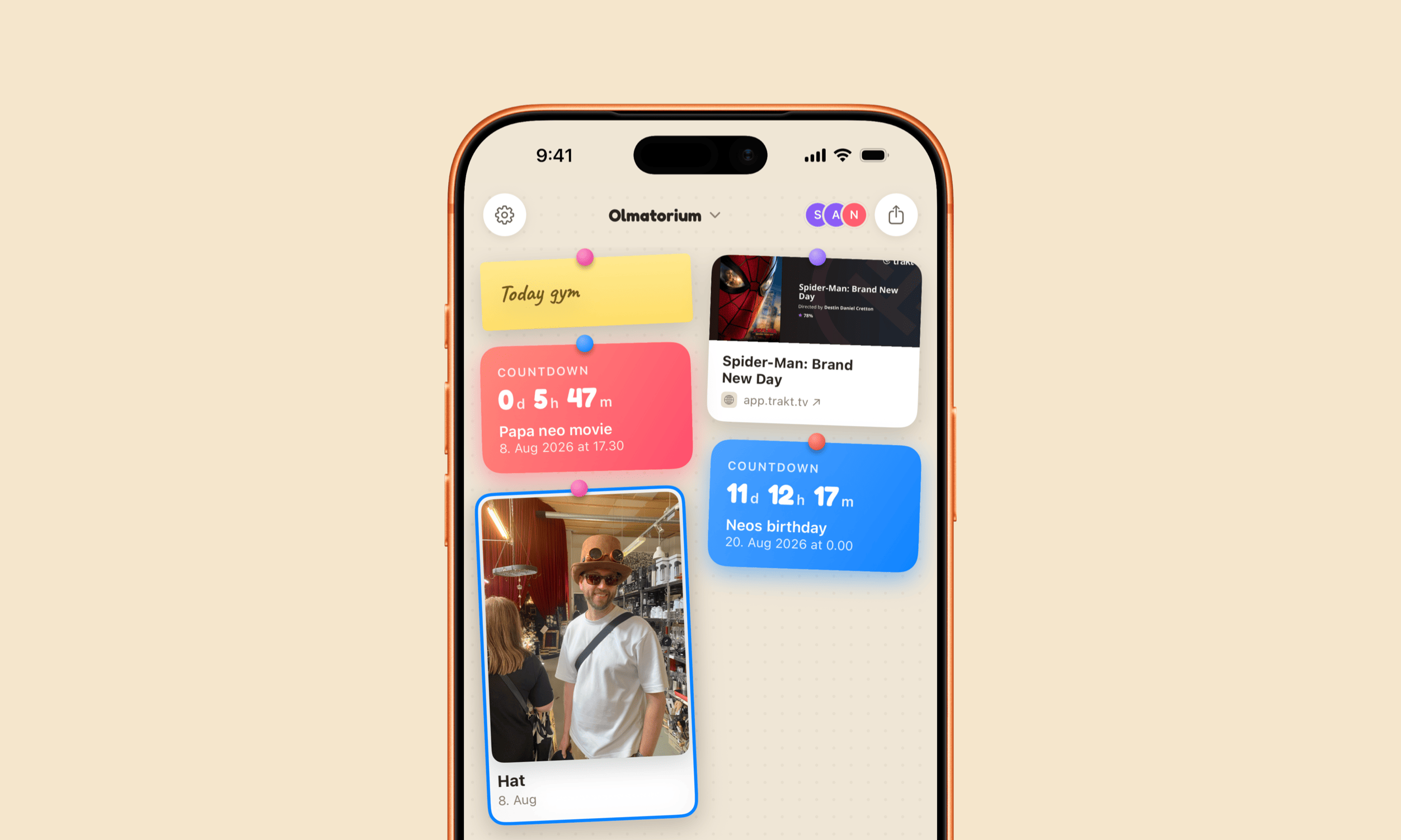
Together Board – eine geteilte Pinnwand mit den Liebsten – erlaubt die App-Store-Familienfreigabe und ist damit ein unverschämt guter Deal.

Ein Smartphone-Bildschirm zeigt die Benutzeroberfläche einer App namens „Olmatorium“, die wie ein digitales Notizbrett mit farbigen Widgets gestaltet ist. Zu den Widgets gehören Countdown-Timer, ein Fitness-Erinnerungszettel, ein Karten-Element mit Filminformationen und ein Foto einer Person mit Zylinder und Sonnenbrille.

Das über iCloud geteilte Organisationsboard reicht von lustigen (Foto-)Erinnerungen über Post-its bis hin zu Einkaufslisten und Events. Dinge, die sich manche Familien vielleicht mit Magneten an ihren Kühlschrank kleben.

Weil’s aber digital ist, pinnt ihr an diese Familientafel auch Sprachnotizen, Abstimmungen und kleine Zeichnungen – sogar von der Apple Watch aus!

Together Board ist natürlich nicht auf die Personen eurer iCloud-Familie beschränkt. Allerdings nutzt diese Gruppe einfach euer Abo/den Einmalkauf mit.

Im Gegensatz zu einer klassischen iMessage-Gruppe verschluckt der Chatverlauf hier keine Ereignisse. Obendrein ist die App narrensicher, erfordert keine separaten Accounts, zieht eure Inhalte nicht über Apple-fremde Server und lässt euch bei Bedarf die Boards komplett exportieren.

Together Board ist eine simple Idee, hervorragend umgesetzt.

  •  

„Watch to 5K“ nimmt euch ins Training für den ersten 5-Kilometer-Lauf

03. Juni 2026 um 18:09

Am heutigen „Global Running Day“ gibt es für ’nen entspannten 5-Kilometer-Run eine Apple-Watch-Auszeichnung.

Diese Fitnessherausforderung ist ein passender Anlass, um auf „Watch to 5K“ hinzuweisen – für alle, die sich mit einem solchen Run nicht so leicht tun.

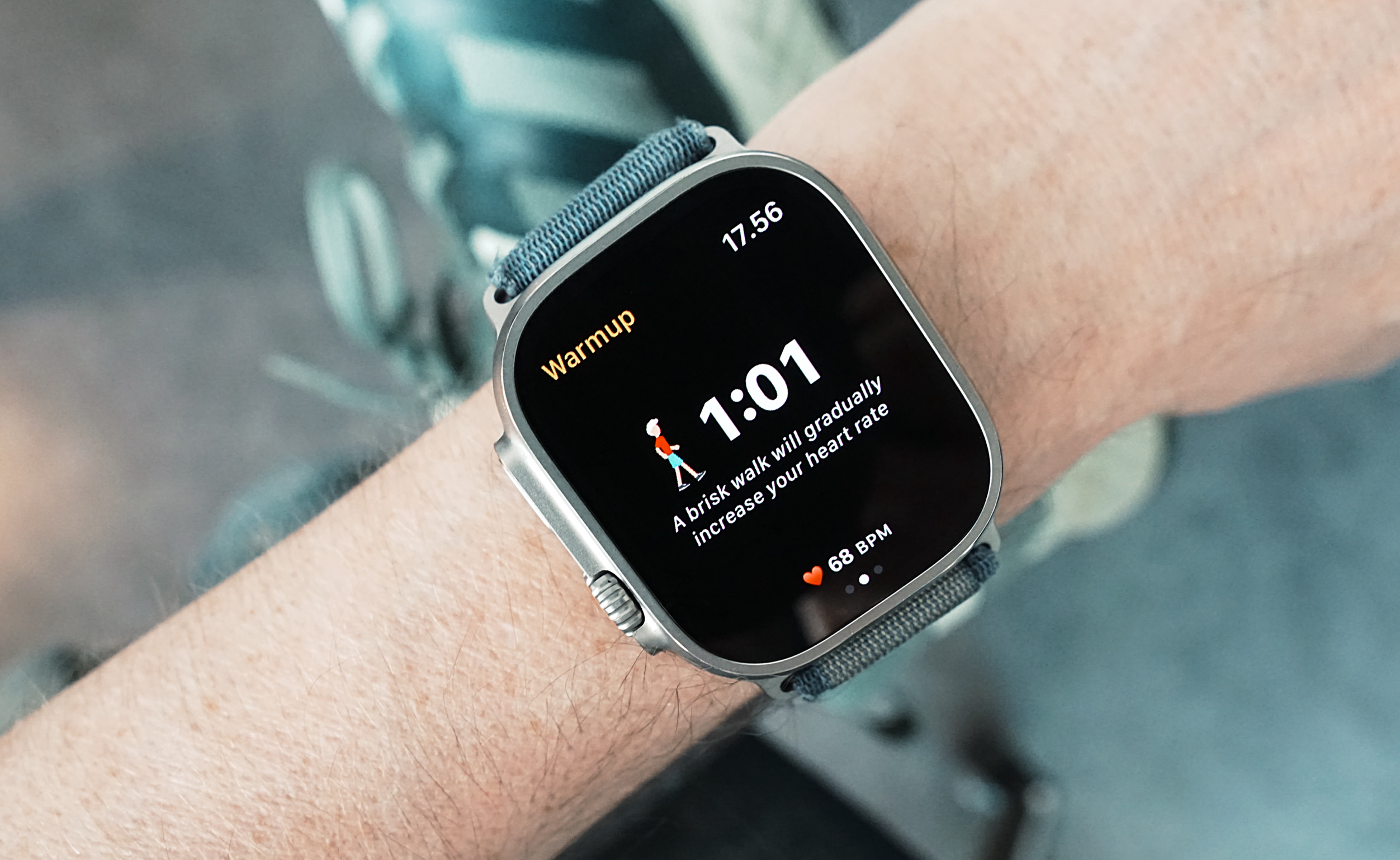
Nahaufnahme einer Smartwatch am Handgelenk einer Person, die einen Trainings-Aufwärmbildschirm mit Timer, Herzfrequenz und der Anweisung für ein zügiges Gehen anzeigt.

Watch to 5K is an Apple Watch app that helps people gradually work up towards running 5K in just nine weeks by following the Couch to 5K program (C25K). The app works independently on the Watch, allowing users to leave their phone at home (or in their locker) while they run.

Für fünf Euro nimmt die Watch-App hier absolute Beginner an die Hand zu ihrem ersten 5K.

„Watch to 5K“ entstand in den ersten COVID-Lockdown-Monaten vor sechs Jahren, funktioniert tatsächlich unabhängig vom Telefon und motiviert gezielt Anfänger:innen (oder alle, die das Laufen wieder aufnehmen) mit einem strukturierten Trainingsplan.

  •  
❌