❌

Normale Ansicht

Apple Says iPhone Duo Has Replaceable 'Cover Layer' Above the Display

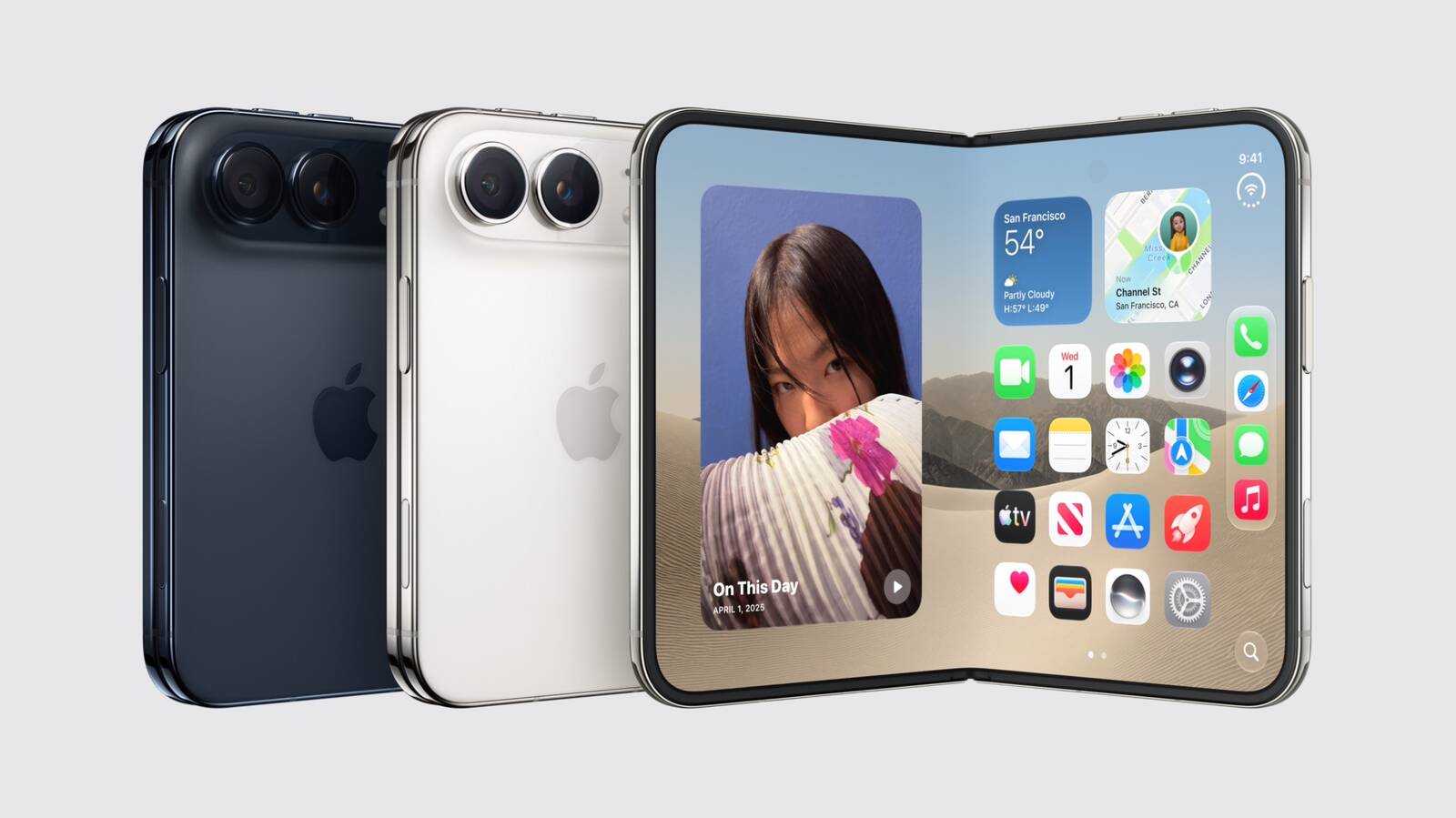
In a recent interview with content creator Angelica Siciliani Fendi, Apple's vice president of hardware engineering Kate Bergeron revealed that the iPhone Duo's nano-texture cover layer above the inner display can be removed and replaced.


"It's actually replaceable, which is a really nice thing for the customer that you can peel off that layer and get a new one," said Bergeron.

In the U.S., customers who purchase AppleCare+ coverage for the iPhone Duo can get the cover layer replaced for $19, according to Apple's website. The cost to replace the cover layer without coverage has yet to be disclosed.

The cover layer helps to hide the crease in the middle of the foldable inner display. Bergeron said Apple did a "significant amount of engineering work" to ensure that this layer remains in good condition for as long as possible, but customers will have the option to replace it if it wears down or the crease becomes more visible over time.

Officially, the ability to replace the iPhone Duo's cover layer will likely be limited to Apple Stores and Apple Authorized Service Providers. It remains to be seen if customers will be able to easily remove the layer themselves.

iPhone Duo pre-orders begin on Friday, October 16 at 5 a.m. Pacific Time, and the device will launch in stores on Friday, October 23.
Related Roundup: iPhone Duo
Related Forum: iPhone

This article, "Apple Says iPhone Duo Has Replaceable 'Cover Layer' Above the Display" first appeared on MacRumors.com

Discuss this article in our forums

  •  

Early Prime Big Deal Days: Best Discounts on Accessories, TVs, and More at Amazon

Amazon is hosting another Prime Day event this year, called Prime Big Deal Days and offering shoppers the first chance to save on holiday shopping from a major retailer. Similar to last year's fall Prime Day, it will last for two days (October 6-7) and you can already find a large selection of early deals across Amazon's storefront, covering savings on tech, clothing, video games, groceries, and much, much more.

Note: MacRumors is an affiliate partner with Amazon. When you click a link and make a purchase, we may receive a small payment, which helps us keep the site running.

For our coverage, we're focusing on Apple and Apple-related discounts that can be purchased during the lead-up to this event on Amazon. As of today, this includes deals from popular accessory makers like Anker, Belkin, JBL, Jackery, and more.


As is typical for Prime Day deals, these markdowns are very time sensitive, so sales listed below may disappear fast, and new ones may appear even faster. With this in mind, we'll keep this article updated throughout the event, and keep an eye on the MacRumors front page as we'll be posting particularly great deals in separate articles as the event gets closer.

Lastly, and perhaps most importantly, Amazon Prime Day requires you to have an Amazon Prime membership to take advantage of the discounts. Amazon Prime costs $14.99 per month or $139.00 per year, and it comes with a 30-day free trial for new subscribers.

Charging Accessories


Wall Chargers


Wireless Chargers


Portable Chargers


TVs


Audio


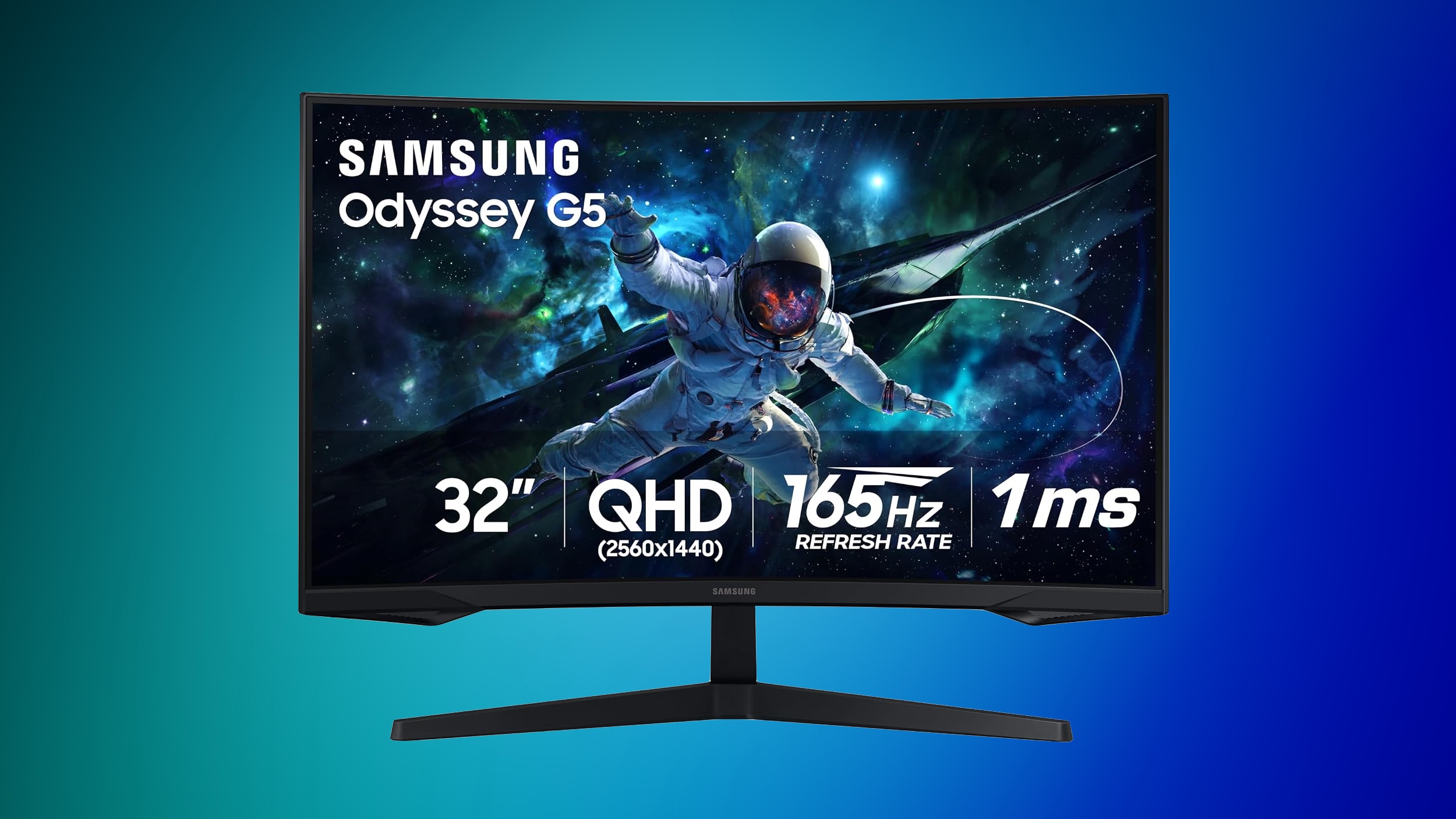
Samsung Monitors


You can find up to 42% off select monitors this week, plus deals on storage, tablets, and more on this sale page.


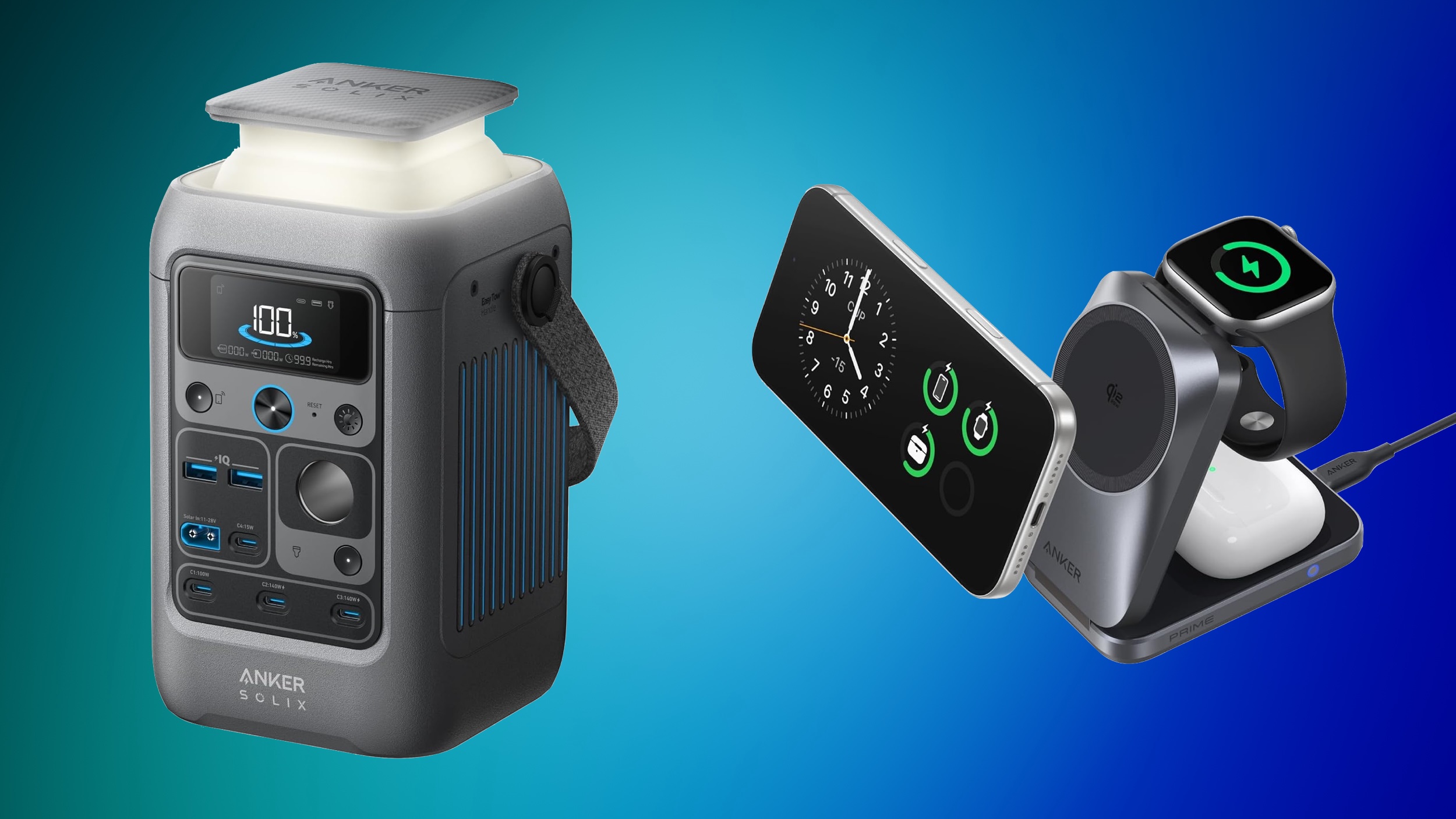
Anker SOLIX


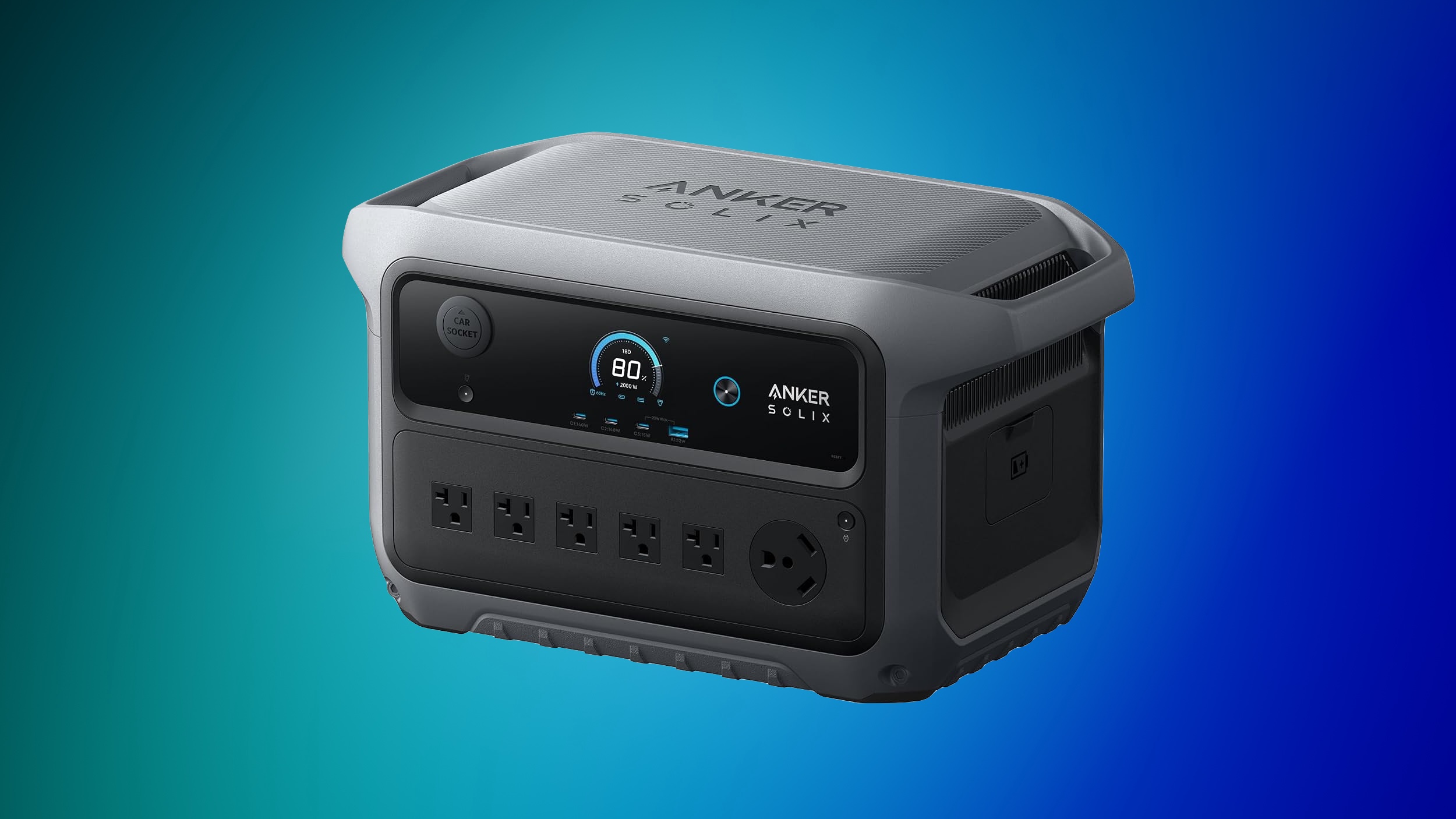
Anker's SOLIX brand is hosting an early Prime Day sale with early bird deals, free gifts, and more. This sale is focused on Anker's high-end SOLIX portable power stations, with options that range from 1-2 days of backup to 3-5 days of backup.


For cheaper options, Amazon has notable markdowns on lower-cost SOLIX batteries, like the popular SOLIX C300 Portable Power Station with Lantern for $199.99 ($50 off). If you're shopping on Anker's website, be sure to make your purchases before October 5, when the sale ends.


Jackery


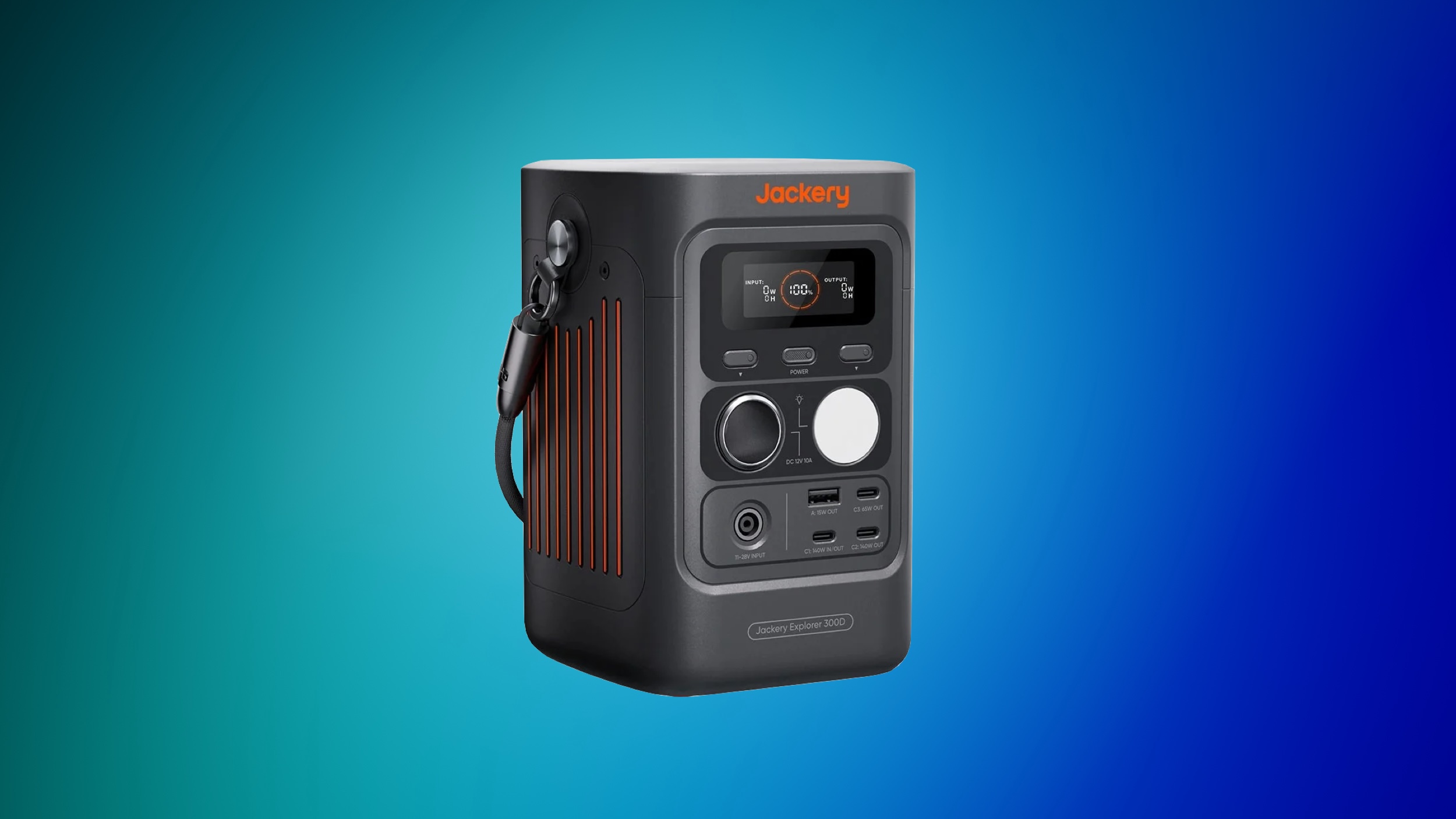
Over on Jackery's website, you'll find up to 65% off a wide array of portable power stations, solar generators, add-on batteries, and more. This is another Prime Big Deal Days early access event, and is set to run through October 3.


If you're on the hunt for more discounts, be sure to visit our Apple Deals roundup where we recap the best Apple-related bargains of the past week.


Deals Newsletter


Interested in hearing more about the best deals you can find in 2026? Sign up for our Deals Newsletter and we'll keep you updated so you don't miss the biggest deals of the season!


Related Roundup: Apple Deals

This article, "Early Prime Big Deal Days: Best Discounts on Accessories, TVs, and More at Amazon" first appeared on MacRumors.com

Discuss this article in our forums

  •  

iPhone 18 Pro Colors Buyer's Guide: Which Should You Choose?

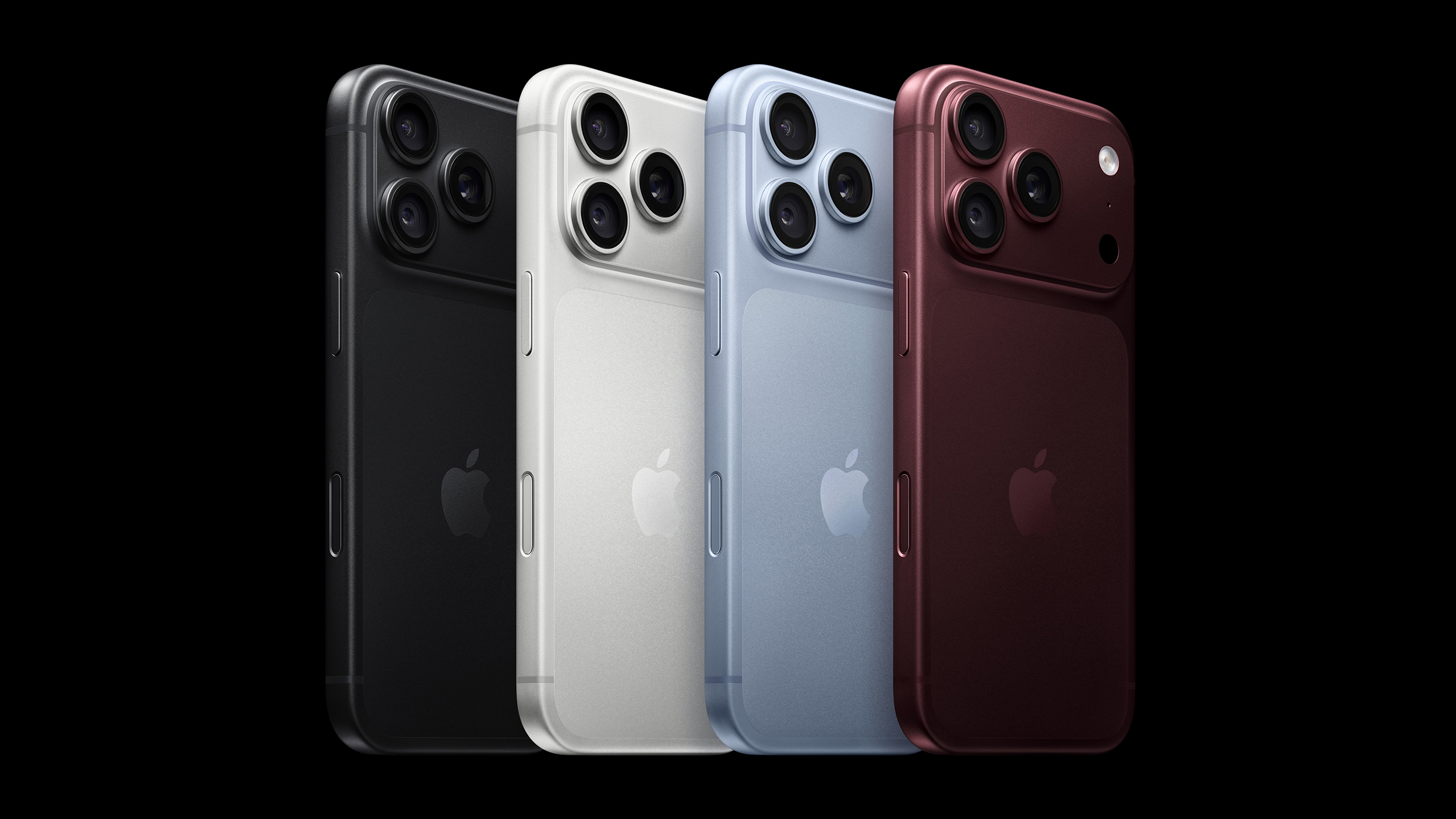
Apple's iPhone 18 Pro and ‌iPhone 18 Pro‌ Max models come in four distinct color options, so which should you choose?


The ‌iPhone 18 Pro‌ models come in Black, Silver, Glacier, and Burgundy. The aluminum and glass backs are more closely matched than on the iPhone 17 Pro, although the different materials remain somewhat visible.

You should also consider if you plan to use a case with your device and, if so, which one. The ‌iPhone 18 Pro‌'s large, full-width camera plateau stands out on most cases, exposing more of the device's color. Choosing a complimentary color should be your first priority.

Burgundy


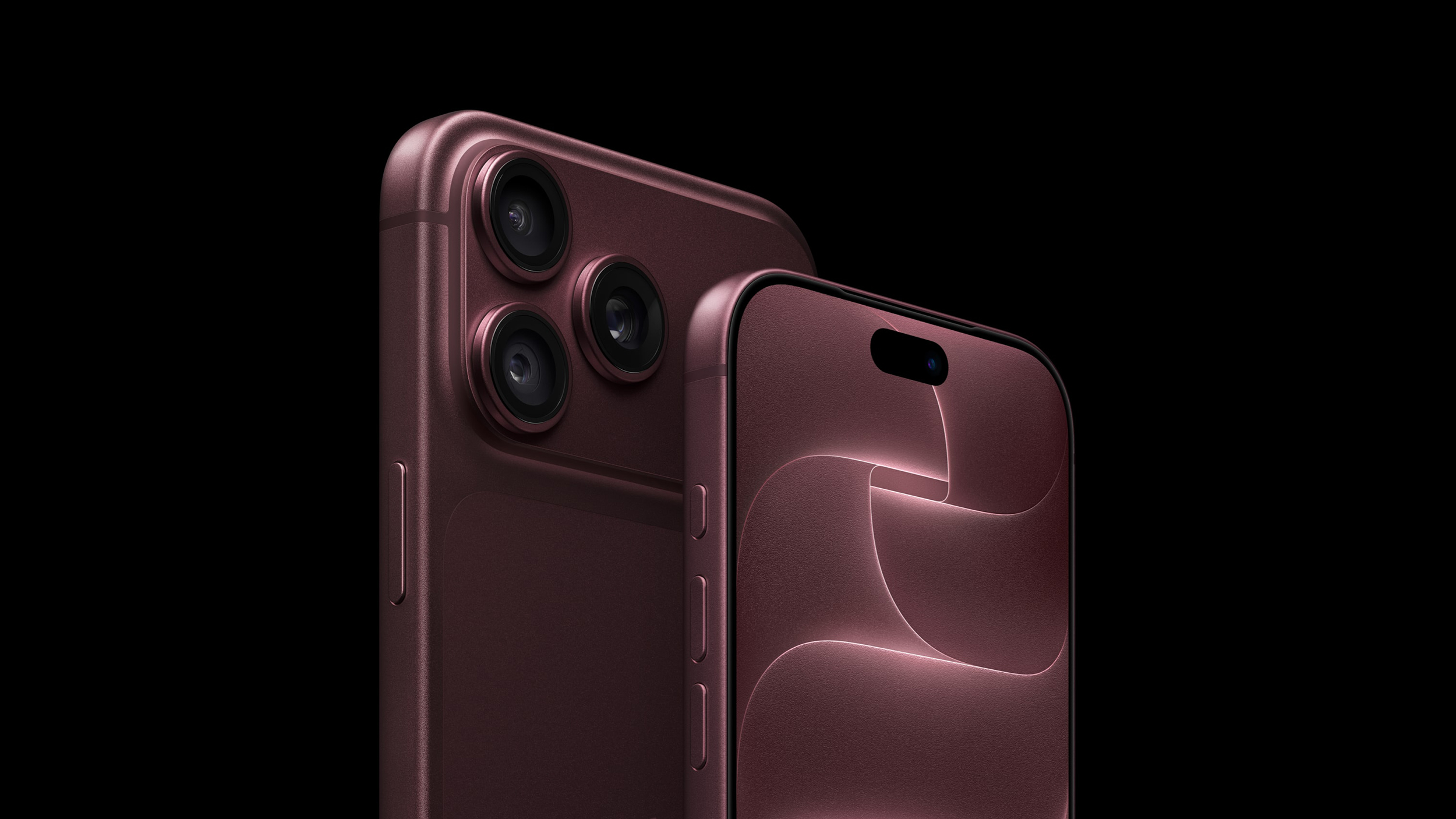
Burgundy is the most distinct and expressive ‌iPhone 18 Pro‌ finish, and it is much darker than the ‌iPhone 17‌ Pro's equivalent Cosmic Orange. It looks closer to wine or plum than a vivid red.


Burgundy is the standout shade in the ‌iPhone 18 Pro‌ lineup, designed to be bold and attention-grabbing. It is the most noticeable ‌iPhone 18 Pro‌ color, and the most likely to indicate that you have the latest generation device—there has never been an iPhone color option like it before.

Apple offers Burgundy Silicone and TechWoven cases if you want the phone and case to look closely coordinated. With a contrasting case, the large, exposed plateau becomes a prominent patch of red-purple. That is worth considering if you like to change between bright case colors: Burgundy will remain part of every combination.

A clear case shows more of the finish, although Apple's white MagSafe ring covers part of the back. Burgundy is the clearest way to distinguish this generation by color, but anyone hoping for a bright red iPhone may be disappointed.

Choose Burgundy if you want a distinctive, dark color that remains noticeable even when the phone is in a case.

Glacier


Glacier is a cool, pale blue that gives the iPhone a much softer look than Burgundy. It is much lighter than the ‌iPhone 17‌ Pro's Deep Blue, yet it does not disappear into Silver; in-person, it still looks distinctly blue.


Glacier is a useful middle ground if you want gentle color with some saturation, without making it the strongest feature of the phone. The exposed camera plateau gives an opaque case a light blue accent, while a clear case reveals most of the finish. Apple's clear case has a large white ‌MagSafe‌ ring, however, so it does not leave the back completely unobstructed.

Apple sells blue cases in shades such as Crisp Blue and Chambray Blue, but neither is named Glacier. If you want the case and phone to match precisely, it may be best to compare them in person; otherwise, a clear or neutral case lets Glacier stand on its own.

Choose Glacier if you want an iPhone with a fresh, subtle, and light appearance.

Silver


Silver is the most classic, versatile, and timeless option, but also the most practical. The finish gives off a clean and bright look that pairs well with virtually any case or wallpaper, and it reflects light more than the other three colors, making it quite neutral.


Its aluminum has a metallic sheen that leans toward white in some lighting conditions. This year, the two rear materials are the same tone, making the new model look much more cohesive than the two-tone Silver ‌iPhone 17‌ Pro.

Silver is also the most adaptable color for cases. The exposed silver plateau provides a crisp, light accent against a dark case and sits more quietly beside a pale one. The color is likely to age well since it goes well with any case and embodies Apple's most traditional colors.

It is also the only finish of the three that pairs well with Apple's own clear case. The clear case's white ‌MagSafe‌ ring is less of a visual interruption here than it is against Black or Burgundy. If you frequently change cases, Silver is unlikely to compete with your next choice.

Unlike Burgundy or Black, Silver minimizes the appearance of damage. When the anodized layer chips or scratches, the raw aluminum underneath is very close in tone, so imperfections blend in far better. For users who prioritize long-term durability of appearance, Silver is the most forgiving finish. It may not be as dramatic as Burgundy or as sleek as Black, but it is the safest choice for maintaining a "like-new" look over years of use.

Choose Silver if you want a classic, flexible look that mitigates the signs of damage.

Black


Black returns after the ‌iPhone 17‌ Pro offered Deep Blue as its darkest option. It offers a dark, neutral look without Deep Blue's blue cast.


A black case makes the exposed camera plateau blend into the rest of the phone. A light or colorful case has the opposite effect, framing a broad dark section across the top. Apple's clear case also makes its white ‌MagSafe‌ ring particularly noticeable against Black, so it is less suited to an uninterrupted all-black look.

If a deep chip or scratch exposes bare aluminum, its lighter color would stand out against this finish, especially on the plateau that Apple's cases leave uncovered. Anyone using the device without a case should be prepared for more noticeable damage. If visible marks would bother you and you plan to go without a case, Silver may be a better fit.

Choose Black if you want a dark, stealthy, and professional look, but be willing to accept signs of wear and tear.
Related Roundup: iPhone 18 Pro
Related Forum: iPhone

This article, "iPhone 18 Pro Colors Buyer's Guide: Which Should You Choose?" first appeared on MacRumors.com

Discuss this article in our forums

  •  

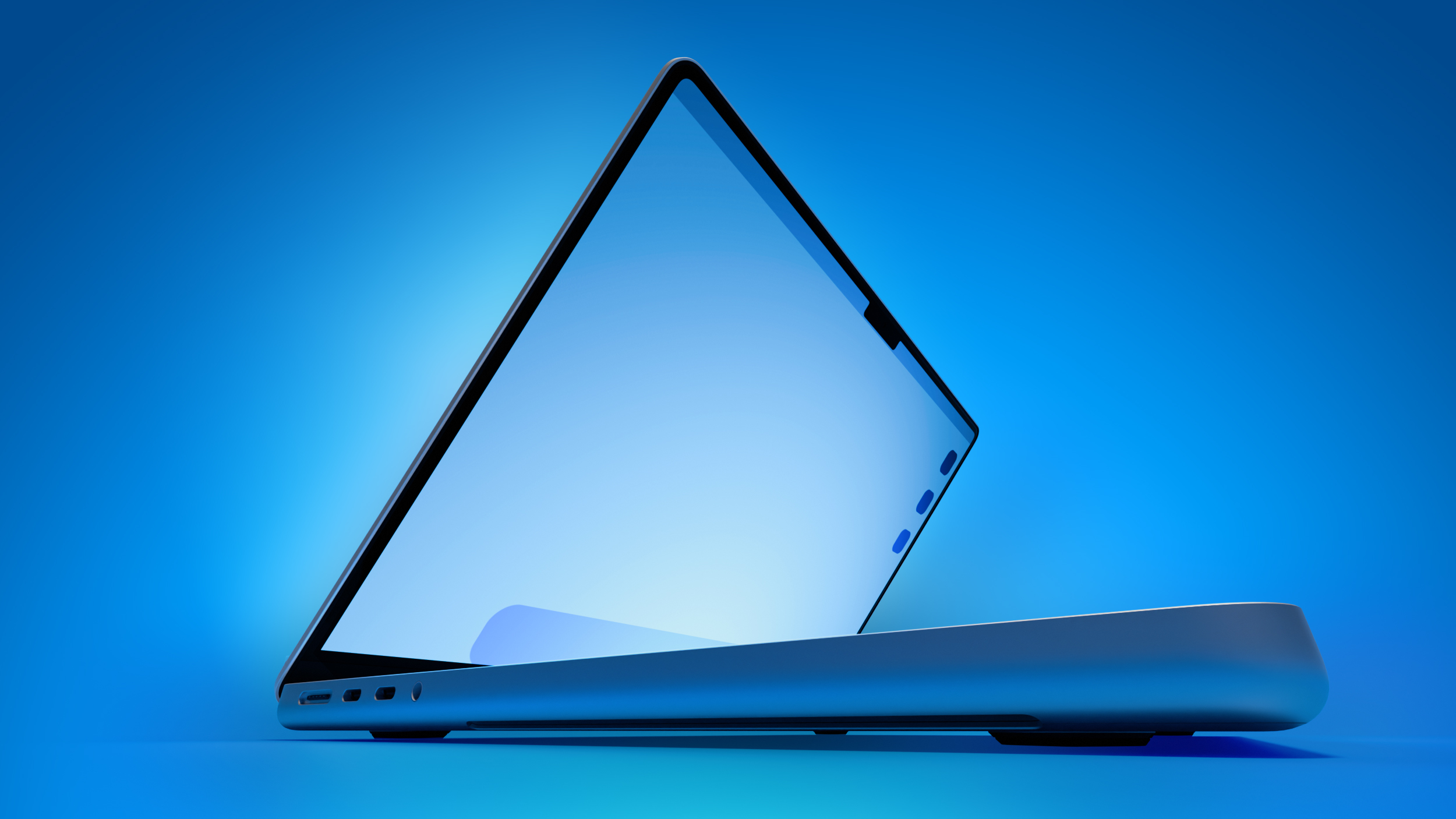
MacBook Pro With OLED Touch Screen Rumored to Launch in October or November

On his first-ever Power On podcast today, Bloomberg's Mark Gurman said that he believes Apple will introduce its long-rumored 14-inch and 16-inch MacBook Pro models with touch-enabled OLED displays in October or November this year.


"Apple, I believe, will introduce its first touchscreen MacBook Pro this fall, as early as October," he said. "It could slip to November, but as early as October."

Apple is testing the laptops with macOS 27.2, which is currently in beta, he added. The software update is expected to be released towards the end of October, so the touch-screen MacBook Pro models might be announced later this month.

Other rumored features beyond an OLED touch screen include Apple's existing M5 Pro and M5 Max chips, a thinner design, and a Dynamic Island instead of a notch.

A few years ago, Gurman reported that Apple was looking into the idea of cellular Macs that would be able to connect to a 5G or LTE network without relying on an iPhone's hotspot. For this reason, some Apple fans are hopeful that the touch-screen MacBook Pro models will be equipped with the company's custom-designed C1X or C2 modem.

The touch-screen models are expected to be positioned above the regular 14-inch and 16-inch MacBook Pro models, which will reportedly jump to the M7 Pro and M7 Max chips next year. It is unclear if the touch-screen models will still have MacBook Pro branding, or if Apple will opt for something unique like MacBook Ultra.
Related Roundup: MacBook Pro
Buyer's Guide: MacBook Pro (Caution)
Related Forum: MacBook Pro

This article, "MacBook Pro With OLED Touch Screen Rumored to Launch in October or November" first appeared on MacRumors.com

Discuss this article in our forums

  •  

Apple's All-New Home Hub Rumored to Launch in These Four Colors

Apple reportedly plans to unveil its long-rumored smart home hub on Tuesday, October 13, and a proven leaker known as "pdfu" has revealed that the device may be available in up to four finishes: Silver, Space Gray, Starlight, and Rose Pink.


MacRumors contributor Aaron Perris uncovered the same four colors within the code for the macOS 26.7 Release Candidate back in August.

On the home hub, users will be able to create a Photo Face, and the leaker said Apple's preview art for this will correspond with the color of the device.

Apple's Home device may come in four finishes: Silver, Space Gray, Starlight, and Rose Pink.

The Photo Face setup screen picks its preview art based on the hardware color the device reports.

The device's housing may also show in setup screens once device assets are available.... https://t.co/8h4iF9OEsG pic.twitter.com/oRRTijUdkO

— pdfu (@itspdfu) October 1, 2026

Earlier this week, Bloomberg's Mark Gurman reported that the home hub will come in "Apple's standard gray aluminum finish." He did not mention any other color options for the device, so we shall see if the other three colors materialize.

According to Gurman, the home hub will have a roughly 6-inch square display and will be available in tabletop and wall-mounted versions. He said the tabletop model's screen has a polished metal arm that connects to a metal, round base with perforated speaker holes, similar to the iMac G4 that Apple released back in 2002.
This article, "Apple's All-New Home Hub Rumored to Launch in These Four Colors" first appeared on MacRumors.com

Discuss this article in our forums

  •  

Apple Stores Receive 'Do Not Open' Boxes Ahead of Smart Home Products Launch

Apple Stores around the world are preparing to install new product presentations starting on Thursday, October 8.


Apple retail stores received confidential boxes earlier this week featuring "Do Not Open Until October 8" stickers on them. They are believed to contain new visual merchandise, which enables workers to update labels, graphics, and product layouts in stores around the release of new products. MacRumors received a tip-off about the boxes earlier this week, which it has now independently verified.

There is a possibility that the materials relate to the iPhone Duo, but it seems more likely given their confidentiality and timing that they relate to the rumored launch of Apple's smart home hub, alongside a new Apple TV 4K, and the HomePod mini 2. Yesterday, Bloomberg's Mark Gurman said that Apple plans to introduce these three long-awaited new devices on Tuesday, October 13.

If Apple announces the new devices sometime in the week of Monday, October 5, Apple Stores would need to update their displays for launch on October 13. For now, the exact timing of the announcement of the trio is unclear. Gurman's report used indeterminate wording, simply saying that Apple would "push into the smart-home market on October 13." This could be either announcement or launch.
Related Roundups: Apple TV, HomePod mini

This article, "Apple Stores Receive 'Do Not Open' Boxes Ahead of Smart Home Products Launch" first appeared on MacRumors.com

Discuss this article in our forums

  •  

PSA: Apple Mail on Mac May Stop Syncing Microsoft 365 Accounts Today

Microsoft today began disabling Exchange Web Services (EWS) by default in Exchange Online, which will cut off the protocol that Apple's Mail and Calendar apps on Mac still rely on to sync Microsoft 365 work accounts.


The cutoff has been on the cards for a fairly long time, as Microsoft stopped adding new features to EWS back in 2018, while in 2023 it announced that it would start disabling the protocol in Exchange Online from October 2026.

As Microsoft explains in the blog post linked above, organizations that have chosen to keep EWS running aren't affected for now. As for everyone else, the cutoff may not happen all at once. In a recently updated post from June, Microsoft described the change as a "phased rollout," so some Mac users could lose access sooner than others.

It's still possible for IT administrators to restore access. However, Microsoft plans to shut down EWS in Exchange Online permanently on April 1, 2027, and no extensions are currently planned.

As you'd expect, Apple is aware of the situation. In an Apple Platform Deployment support document, the company says it is "actively working with Microsoft" to move Mail, Calendar, Contacts, Notes, and Reminders apps on Mac to the newer Microsoft Graph API in a future macOS 27 update.

Except, that update hasn't arrived yet. Apple skipped macOS 27.1 betas entirely, while release notes for the macOS 27.2 betas have yet to make any mention of Graph support.

Meanwhile, affected organizations can just keep EWS running or move Mac users to a Graph-compatible client, such as Microsoft's Outlook app.

Note that the change will only affect Microsoft's cloud-hosted email server. In other words, companies that run their own Exchange servers aren't affected. Neither will iPhone and iPad be impacted, since they use Exchange ActiveSync rather than EWS.

(Thanks, Jonathan!)
This article, "PSA: Apple Mail on Mac May Stop Syncing Microsoft 365 Accounts Today" first appeared on MacRumors.com

Discuss this article in our forums

  •  

Apple Watch SE 3 vs. Series 12 Buyer's Guide: Which Should You Buy?

The Apple Watch SE 3 starts at $249, while the Apple Watch Series 12 starts at $399. The $150 difference buys a more advanced health sensing system, a larger display, longer battery life, and more options for tracking training and recovery.


The two watches still share many features, including an always-on display, wrist temperature sensing, sleep apnea notifications, retrospective ovulation estimates, 5G connectivity on cellular models, media playback, and 64GB of storage. Our guide helps to answer the question of how to decide which of these two Apple Watch models is best for you. The differences between the two models are as follows:


‌Apple Watch SE 3‌ Apple Watch Series 12
Same design as Apple Watch Series 4, 5, and 6 Refined design with a thinner casing, display with more rounded edges and a wider aspect ratio, and front glass that extends further over the sides for a higher screen-to-body ratio
40mm or 44mm case 42mm or 46mm case
Aluminum case Aluminum, titanium, or ceramic case
40mm: 40 by 34 by 10.7mm
44mm: 44 by 38 by 10.7mm
42mm aluminum/titanium: 42 by 37 by 9.7mm
46mm aluminum/titanium: 46 by 40 by 9.7mm
42mm ceramic: 43 by 37 by 9.85mm
46mm ceramic: 47 by 41 by 9.85mm
Aluminum GPS weight: 26.3 grams (40mm) or 32.9 grams (44mm) Aluminum GPS weight: 32.2 grams (42mm) or 39.5 grams (46mm)
Ion-X front glass Ceramic Shield 2 front on aluminum models; sapphire crystal front on titanium and ceramic models
No published IP6X rating IP6X dust resistance
LTPO OLED display LTPO3 display with a 1Hz always-on refresh rate, allowing a live ticking seconds hand on supported watch faces
‌OLED‌ display Wide-angle ‌OLED‌ display
40mm: 324 by 394 pixels
44mm: 368 by 448 pixels
42mm: 374 by 446 pixels
46mm: 416 by 496 pixels
40mm: 759 sq mm display area
44mm: 977 sq mm display area
42mm: 970 sq mm display area
46mm: 1,196 sq mm display area
Up to 1,000 nits brightness Up to 2,000 nits brightness
2 nits minimum brightness 1 nit minimum brightness
Nylon composite and sapphire crystal back Aluminum or titanium and zirconia back; ceramic and zirconia back on ceramic models
S10 chip (2024) S11 chip (2026)
2GB RAM 4GB RAM
Second-generation optical heart sensor Always-on optical heart sensor
Standard background heart rate tracking Background heart rate readings every five seconds
Heart rate variability tracking Recovery HRV and more frequent overall HRV readings
Vitals app with heart rate, respiratory rate, wrist temperature, and sleep duration Vitals app with heart rate, respiratory rate, wrist temperature, sleep duration, HRV, and a daytime view
Readiness app
Electrical heart sensor and ECG app
Blood oxygen sensor and Blood Oxygen app
Hypertension notifications
Standard step tracking Improved step tracking
Real-time heart rate and steps watch face complications
Water temperature sensor
Depth gauge to 6 meters and Depth app
Oceanic+ app for snorkeling to 6 meters, available on the App Store
Audio Intelligence features including Siri Recap, Sound Recognition, and Shazam
Live Rewind and ‌Siri‌ Recap, due in beta in late 2026
Microphone Microphone with Voice Isolation
Single, elongated speaker openings Individual speaker holes
2.4GHz Wi-Fi 4 2.4GHz and 5GHz Wi-Fi 4
L1 GPS Precision L1 GPS
Second-generation Ultra Wideband chip
Find iPhone Precision Finding for iPhone, with distance and direction guidance
HomePod playback controls ‌HomePod‌ playback controls and proximity-based media suggestions with a compatible Ultra Wideband ‌HomePod‌
Up to 18 hours of normal use Up to 24 hours of normal use
Up to 32 hours in Low Power Mode Up to 38 hours in Low Power Mode
Up to 7 hours of workout tracking Up to 10 hours of workout tracking
Charges from 0 to 80% in about 45 minutes Charges from 0 to 80% in about 30 minutes
15 minutes of charging for up to 8 hours of normal use 15 minutes of charging for up to 12 hours of normal use
8 minutes of charging for up to 8 hours of sleep tracking 5 minutes of charging for up to 10 hours of sleep tracking
Midnight and Starlight aluminum finishes Dark Bronze, Light Gold, Black, and Space Gray aluminum finishes
Radiant Gold and Natural titanium finishes
Pearl White and Night Blue ceramic finishes
Silver and Radiant Gold titanium Hermès models
40mm: $249 GPS or $299 GPS + Cellular
44mm: $279 GPS or $329 GPS + Cellular
Aluminum 42mm: $399 GPS or $499 GPS + Cellular
Aluminum 46mm: $449 GPS or $549 GPS + Cellular
Titanium models start at $699; ceramic models start at $899


If you mainly want a smart watch for notifications, standard workout and sleep tracking, and an always-on display, the ‌Apple Watch SE 3‌ remains the better value. Although it is now a year old, it still represents excellent value for money at $249, offering most of the Apple Watch's core features for $150 less than the entry-level Series 12.

The Apple Watch Series 12 has a much stronger case for anyone who uses their device to follow health and recovery trends. Its new Health Sensing System enables frequent heart rate readings, Recovery HRV, and a Readiness score that draws on recent activity, training load, vitals, and sleep. ECG, blood oxygen monitoring, and hypertension notifications add further capabilities unavailable on the ‌Apple Watch SE 3‌.

Battery life may be a decisive factor. The Apple Watch Series 12 is rated for six more hours of normal use and three more hours of outdoor workout tracking. It also charges faster, which is particularly useful if you wear your watch overnight for sleep tracking.

The Series 12 also offers a larger and brighter display, which makes a noticeable difference in daily use, along with 5GHz Wi-Fi, Precision Finding for a misplaced iPhone, and premium titanium and ceramic case options. Its Audio Intelligence features include ‌Siri‌ Recap, Sound Recognition, and always-on Shazam.

If you prefer the Series 12's broader health tracking capabilities, longer battery life, display advantages, or luxury case options, the extra cost is justified. If those features are unlikely to change how you use or appreciate your watch, the ‌Apple Watch SE 3‌ is the more economical choice.
Related Roundups: Apple Watch 12, Apple Watch SE 3
Related Forum: Apple Watch

This article, "Apple Watch SE 3 vs. Series 12 Buyer's Guide: Which Should You Buy?" first appeared on MacRumors.com

Discuss this article in our forums

  •  

Top Stories: Apple Leaks, Siri AI Settlement, and More

The Apple rumor mill never stops, and this week MacRumors was able to break the news of details on several upcoming products.
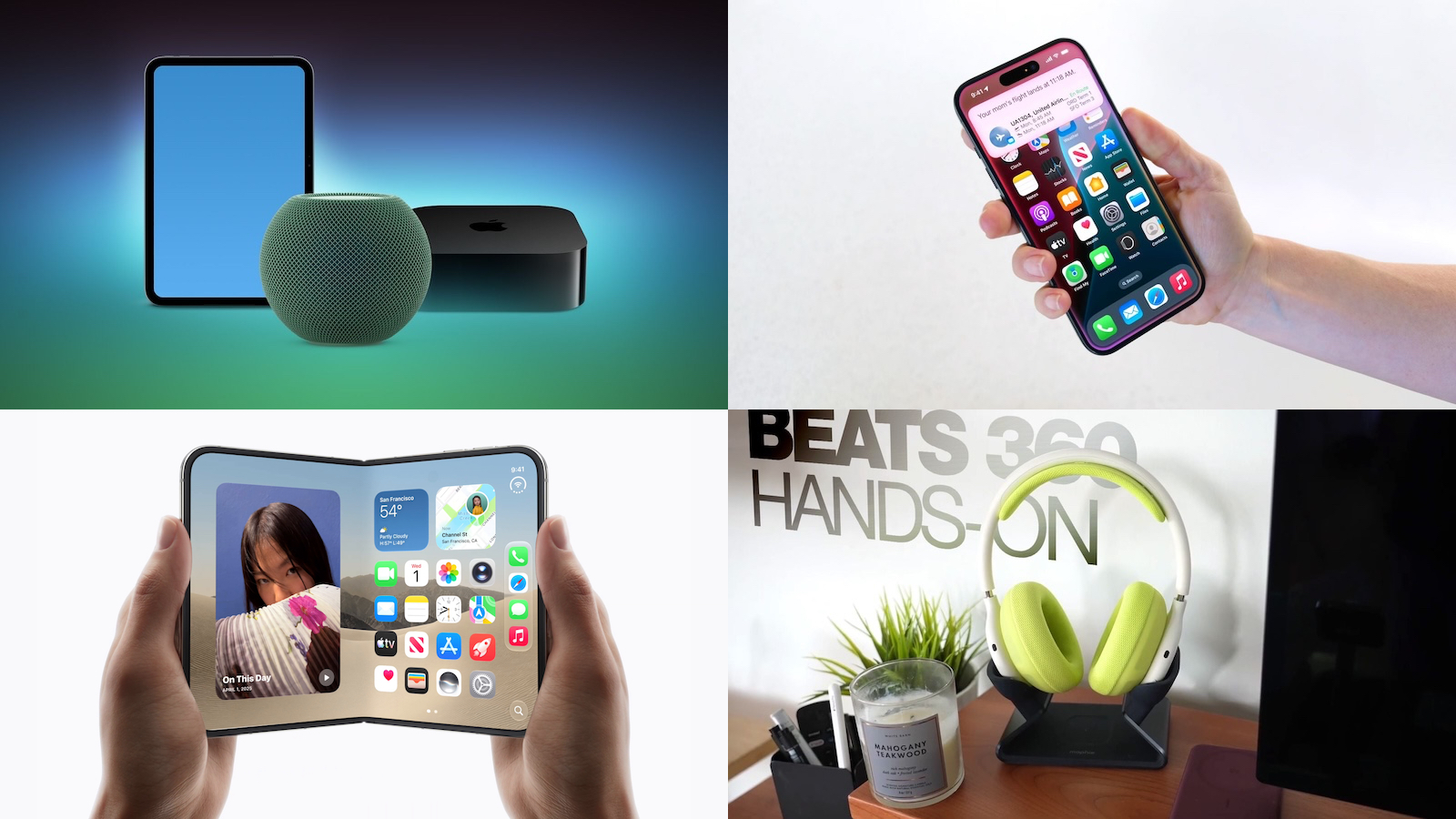

We're also still learning more about the just-released iPhone 18 Pro and Pro Max plus the upcoming iPhone Duo, while this week saw the debut of new Beats 360 headphones and the start of claim acceptance for the class action lawsuit over Siri AI delays, so read on below for all of the details on these stories and more!

Top Stories


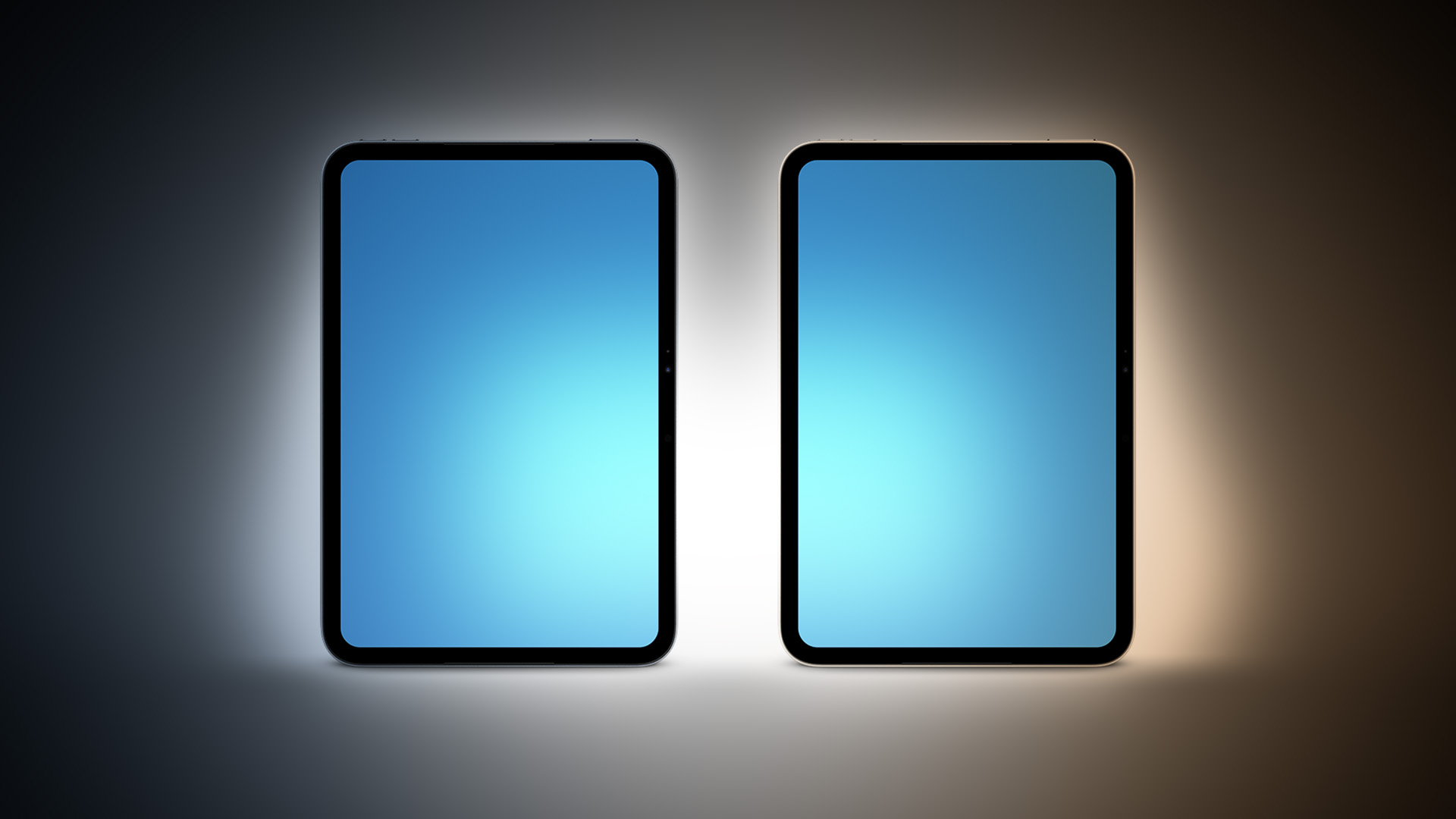
iPad Mini With A20 Pro, New HomePod Mini Colors, and New Apple TV 4K All Just Leaked


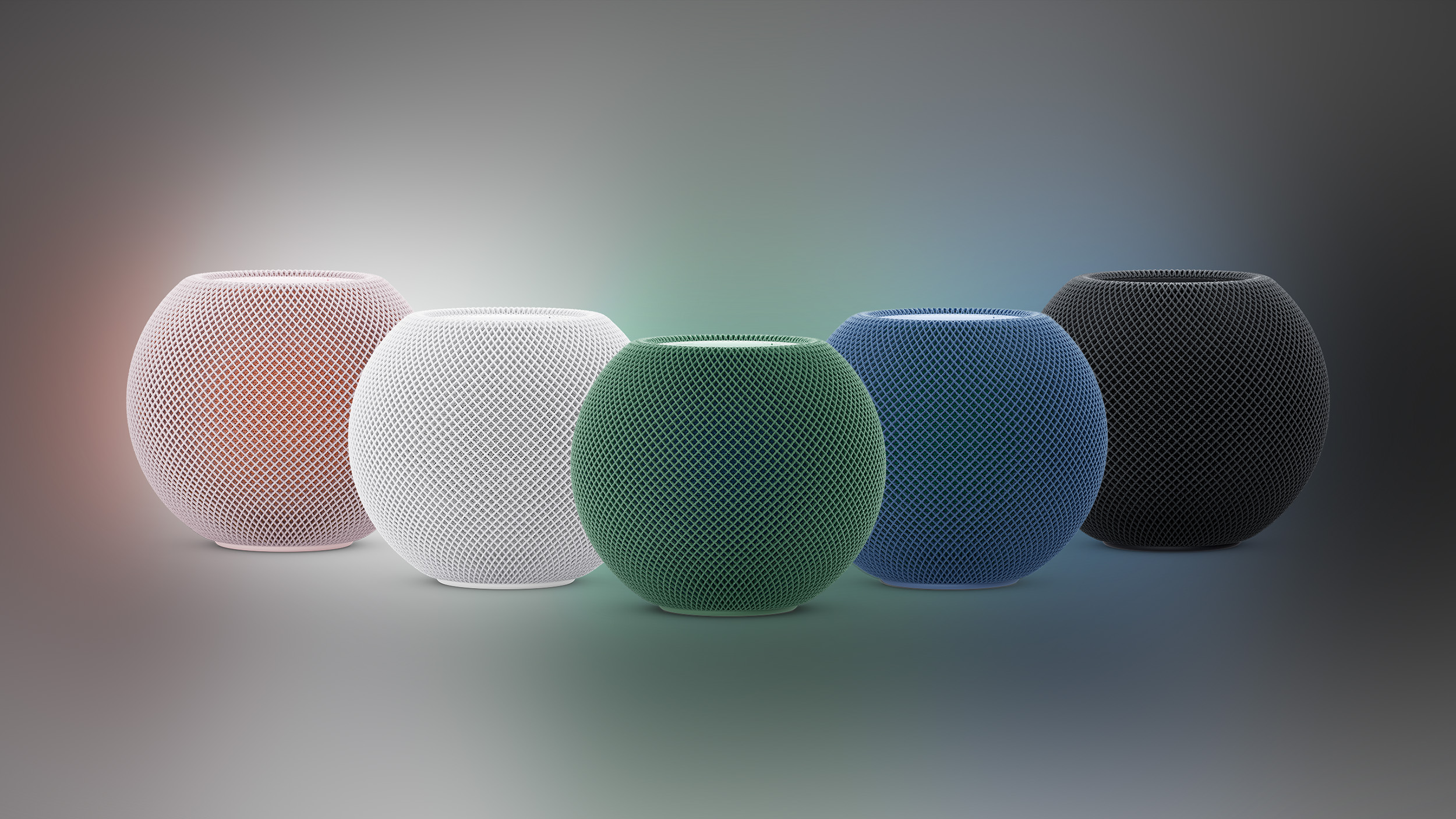
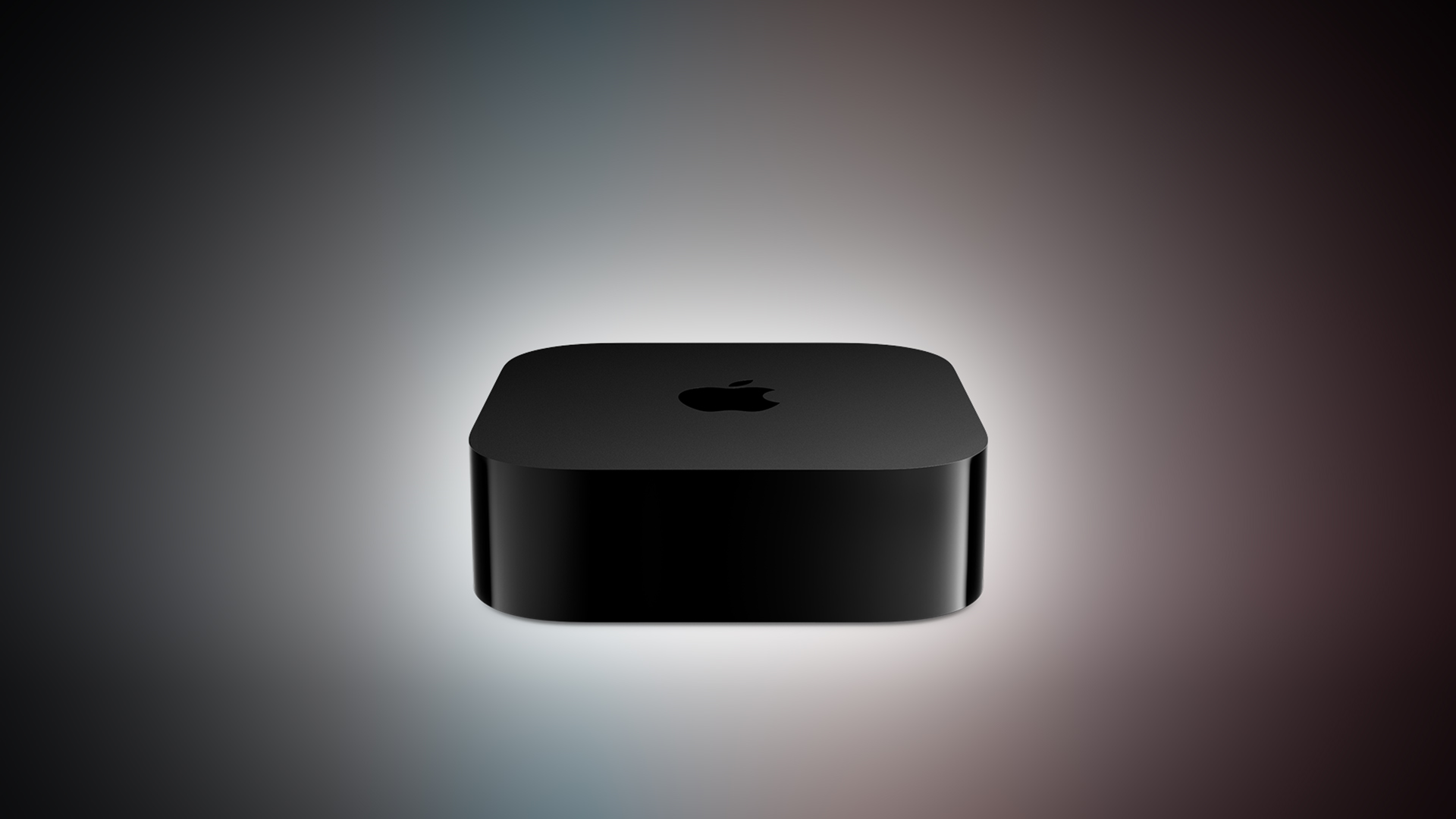
MacRumors this week leaked the next iPad mini, HomePod mini, and Apple TV 4K models, all of which are likely to be announced this October as part of another wave of product launches including an all-new operating system to accompany some of the new hardware.
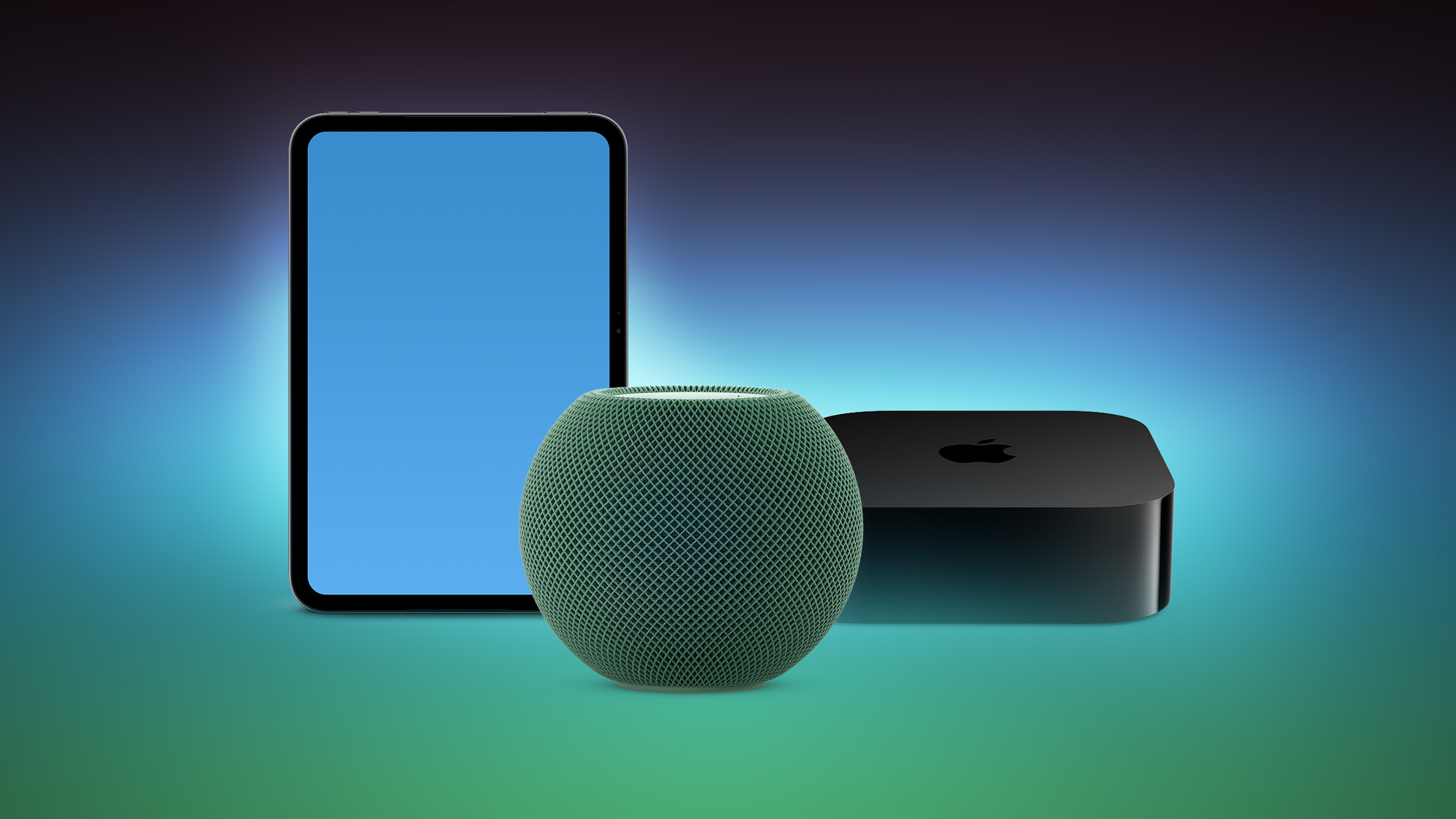

The most notable iPad mini details revealed in the leaks include an A20 Pro chip, a new speaker design, and a landscape front camera, while images have revealed that the next HomePod mini will be available in new colors like green and pink. There is also evidence of an upcoming "Apple TV 4K (4th generation)" model, so it appears that a new Apple TV is finally coming soon after a four-year wait.

A separate Apple code leak has confirmed some rumored details for the 12th-generation iPad, although we're not expecting that to launch until early next year.

Siri AI Settlement Website Now Live: Apple to Pay Some iPhone Owners


In May, Apple agreed to pay $250 million to settle a U.S. class action lawsuit over Siri AI's delayed launch, and the settlement website is now live.
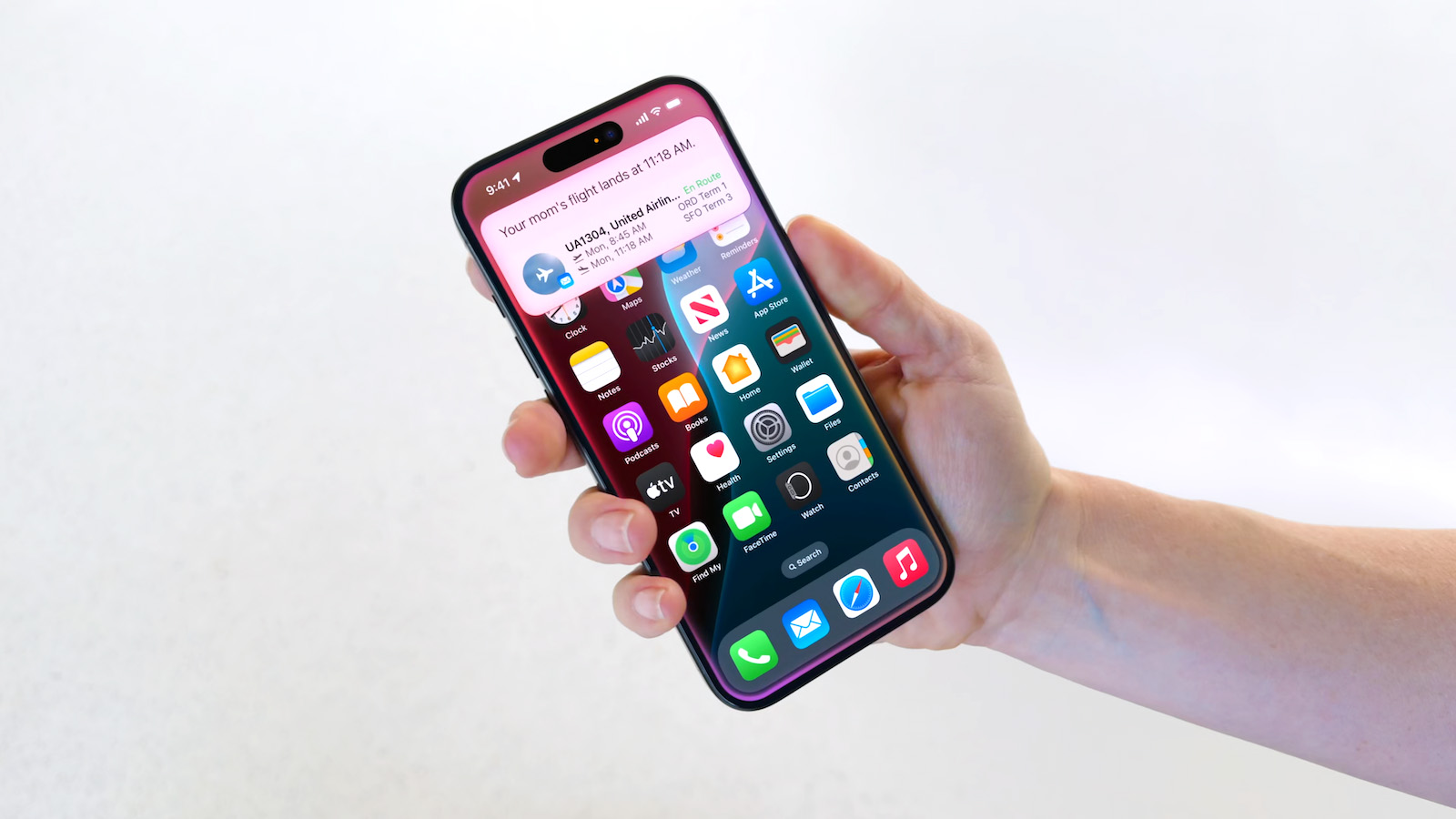

Apple will pay an estimated $25 per eligible iPhone to eligible customers, who can submit a claim via the settlement website between September 21 and December 21 of this year. The exact payment may be higher or lower than $25 depending on the total number of valid claims submitted and other factors, with the maximum amount set at $95.

Apple denies all of the allegations made in the lawsuit, but agreed to the settlement to avoid the costs and risks of a trial.

iPhone 18 Pro Max Requires 'Prepare to Ship' Battery Drain Before Shipping


The iPhone 18 Pro Max has a single-cell battery capacity over 20 watt-hours, which means there are additional shipping requirements. If an ‌iPhone 18 Pro‌ Max needs to be shipped somewhere, its maximum battery capacity has to be limited through firmware.
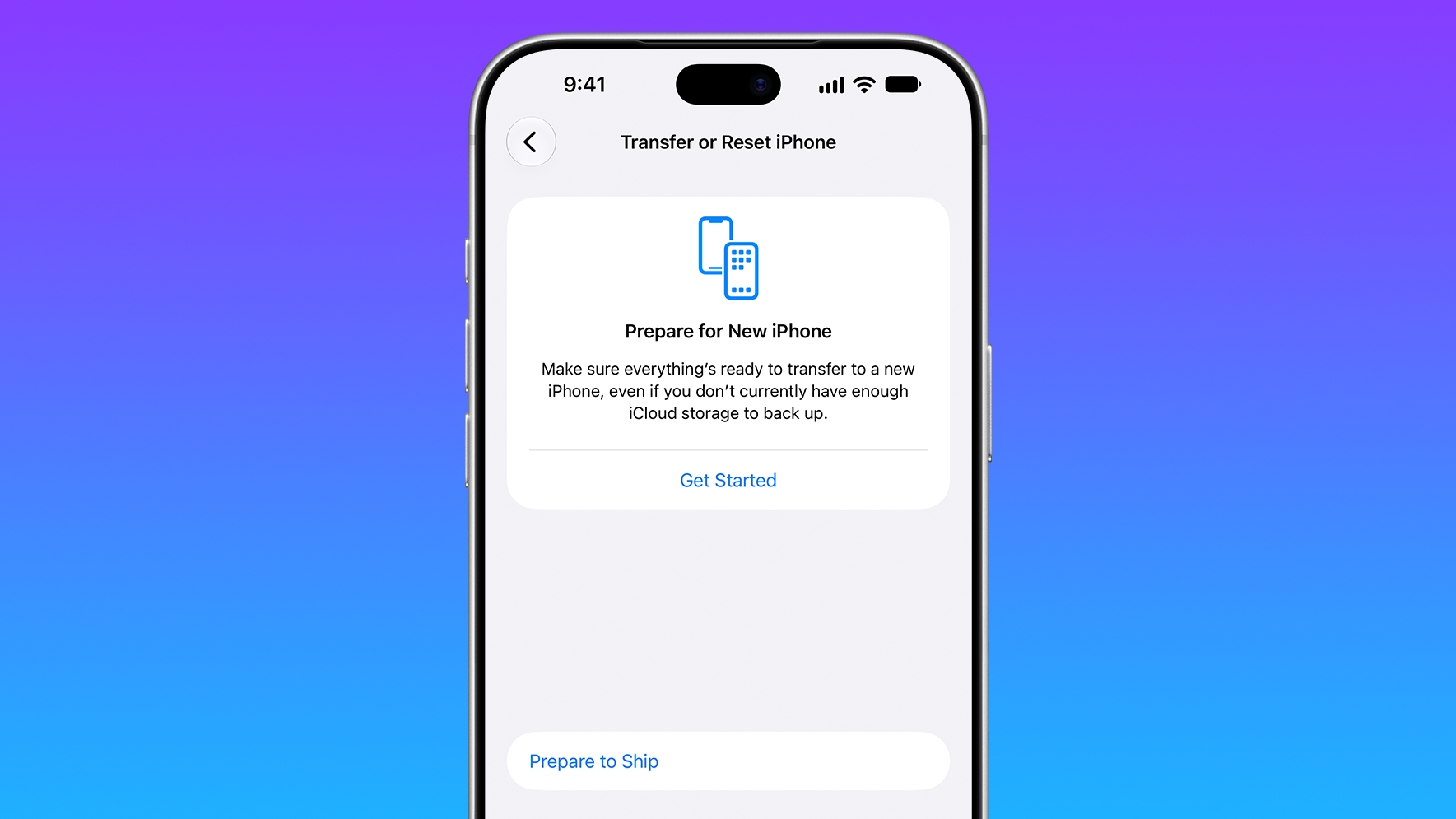

According to Apple, the ‌iPhone 18 Pro‌ Max uses an "innovative battery-firmware solution" that limits battery capacity to below 20Wh between when the iPhone is manufactured and its delivery to a customer. Activating the iPhone removes the limit to make the battery's full charging capacity available.

Customers who need to ship the ‌iPhone 18 Pro‌ Max for repair, trade-in, or other purposes have to use a new Prepare to Ship feature. Prepare to Ship discharges the battery to below 20Wh and sets a charge limit so the iPhone stays below the threshold during the shipping process.

Apple Exec Says 'Hold Us Accountable' on iPhone Duo Crease


Apple hardware engineering VP Tom Marieb recently spoke with TechRadar and shared some candid thoughts about Apple's upcoming iPhone Duo.
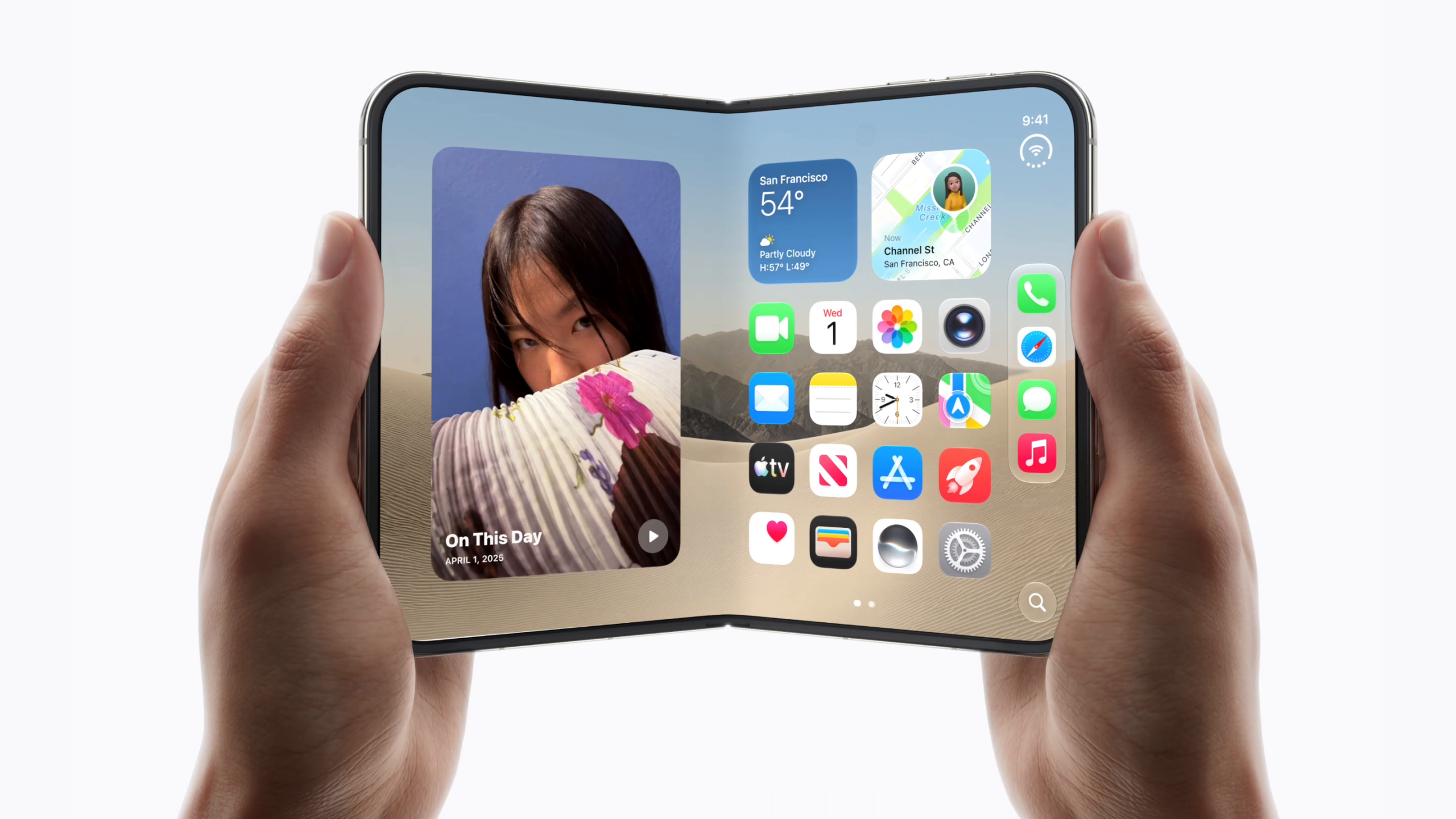

The ‌iPhone Duo‌ uses a matte nano-texture display, which is meant to cut down on glare and minimize the visibility of the crease. When asked if the ‌iPhone Duo‌'s crease would be more visible over time, as that's what tends to happen on other foldables, Marieb said the nano-texture display would help. He asked people to hold the company "accountable" on crease visibility.

Marieb also discussed the Duo's innovative hinge, the use of Ceramic Shield 2 on the front display, and more.

Beats 360 Deliver Customizability and a Revamped Over-Ear Headphone Design


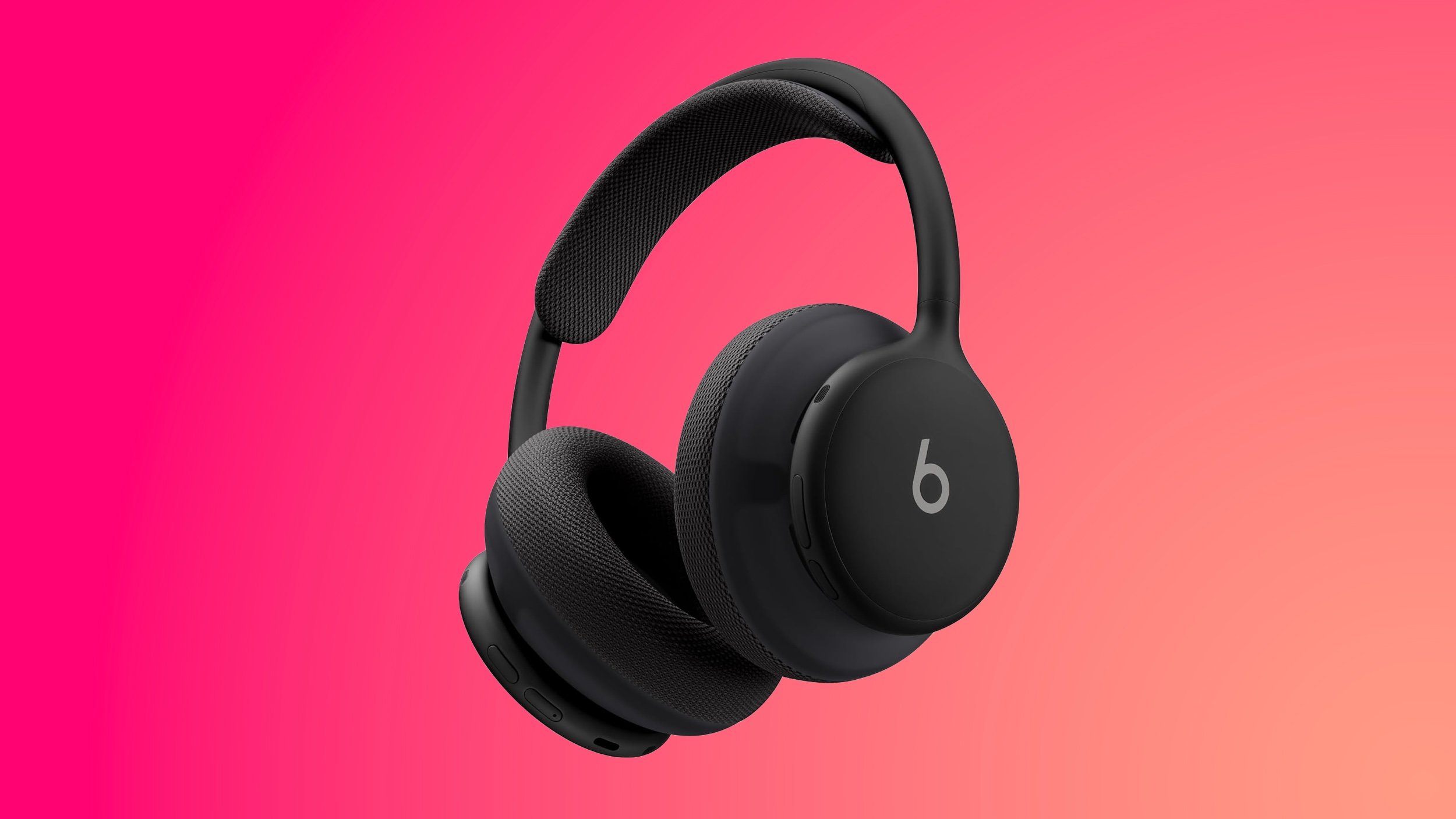
After months of teases and leaks, Apple's Beats brand officially announced its new Beats 360 headphone this week. Priced at $349.99, Beats 360 represents a rethinking of the Beats over-ear headphone design, with an emphasis on sound quality, comfort, and customizability.
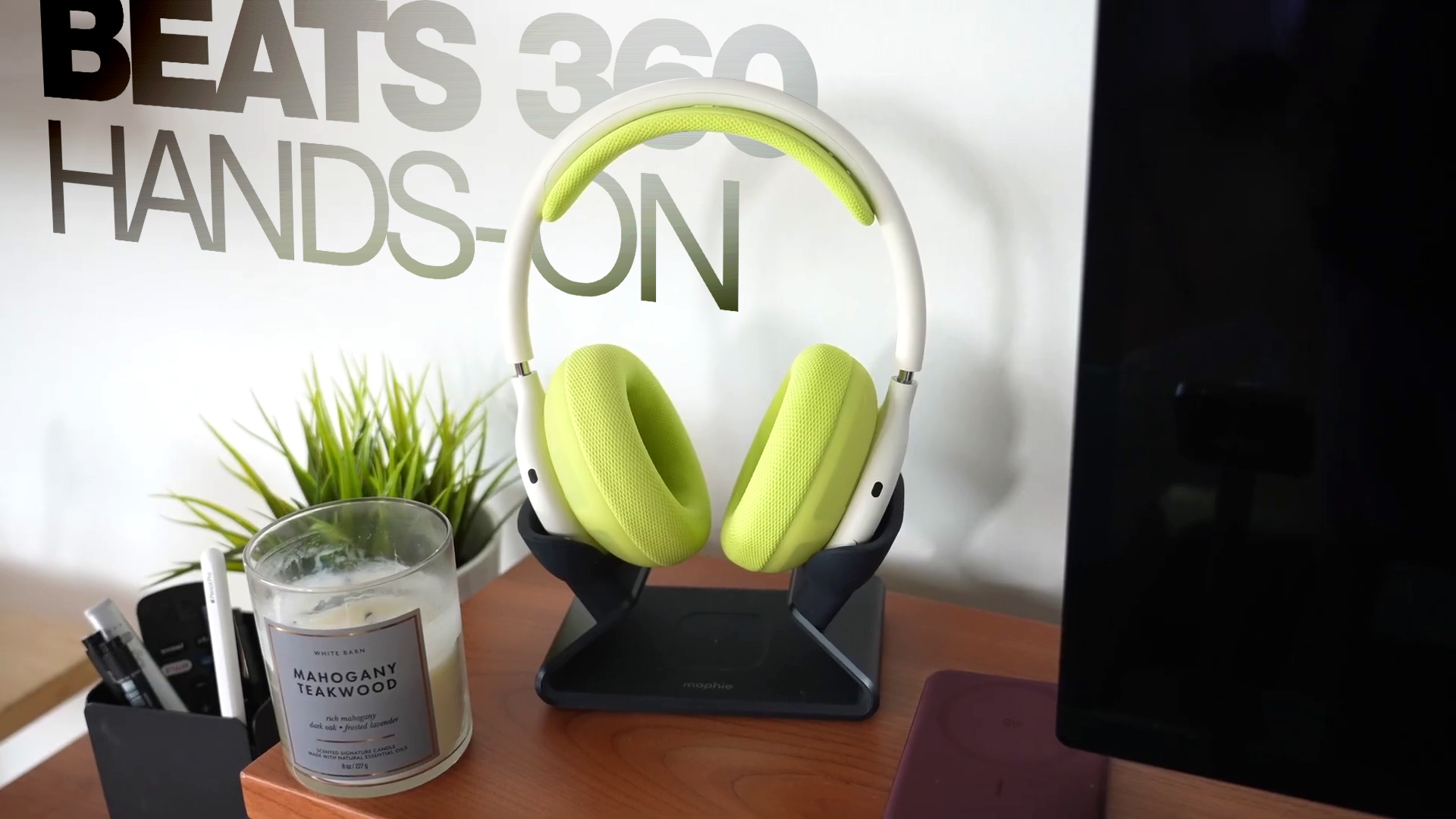

Beats 360 is not a replacement for the brand's Studio Pro over-ear headphone, as the Studio Pro will remain part of the Beats lineup at a reduced price point of $299.99, down from the previous $349.99. Compared to Studio Pro, Beats 360 features a completely new acoustic architecture that delivers up to 1.75× more active noise cancellation and a 12dB increase in output while maintaining clarity across all frequencies with low distortion.

Swappable ear and headband cushions let you customize your look by mixing and matching colors and materials, with Beats offering extra cushion kits at heavily discounted prices as part of a launch promo.

iPhone 20 Pro Display Sizes Leak Ahead of 2027 Launch


Apple's 20th-anniversary iPhone lineup coming next year could feature slightly larger displays than the iPhone 18 Pro models, if a recent leak shared on Weibo is accurate.
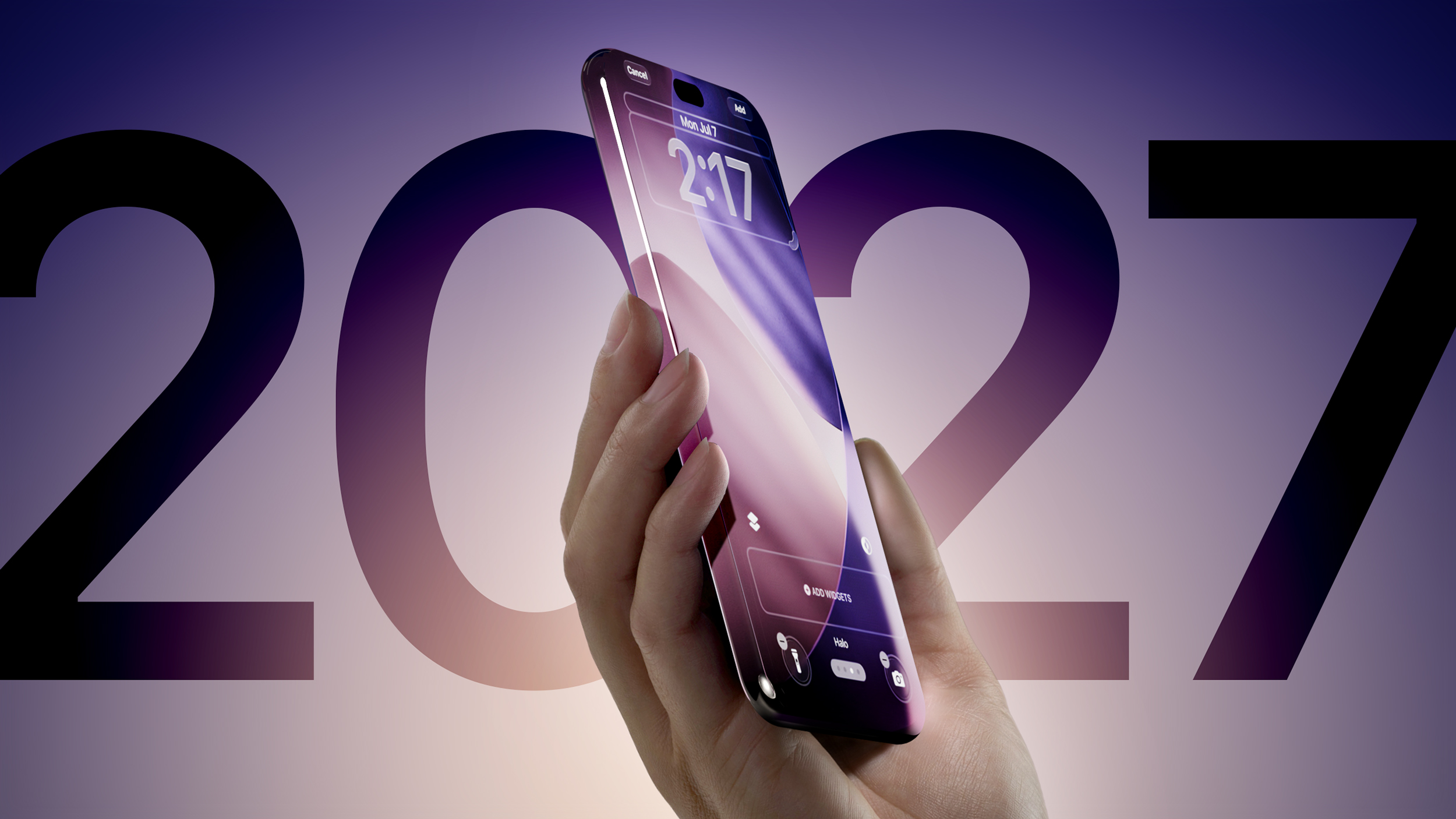

Prolific Chinese leaker Digital Chat Station claims that early iPhone 20 Pro display specifications include a 6.41-inch screen with a resolution of approximately 2,686 × 1,236 pixels, while the iPhone 20 Pro Max is said to have a 6.96-inch display with a resolution of around 2,912 × 1,340 pixels.

For comparison, the iPhone 18 Pro and iPhone 18 Pro Max feature 6.27 inches (rounded to 6.3 inches) and 6.86 inches (rounded to 6.9 inches) respectively. Meanwhile, the iPhone 18 Pro and 18 Pro Max resolutions are 2,622 × 1,206 pixels and 2,868 × 1,320 pixels, respectively.

MacRumors Newsletter


Each week, we publish an email newsletter like this highlighting the top Apple stories, making it a great way to get a bite-sized recap of the week hitting all of the major topics we've covered and tying together related stories for a big-picture view.

So if you want to have top stories like the above recap delivered to your email inbox each week, subscribe to our newsletter!

This article, "Top Stories: Apple Leaks, Siri AI Settlement, and More" first appeared on MacRumors.com

Discuss this article in our forums

  •  

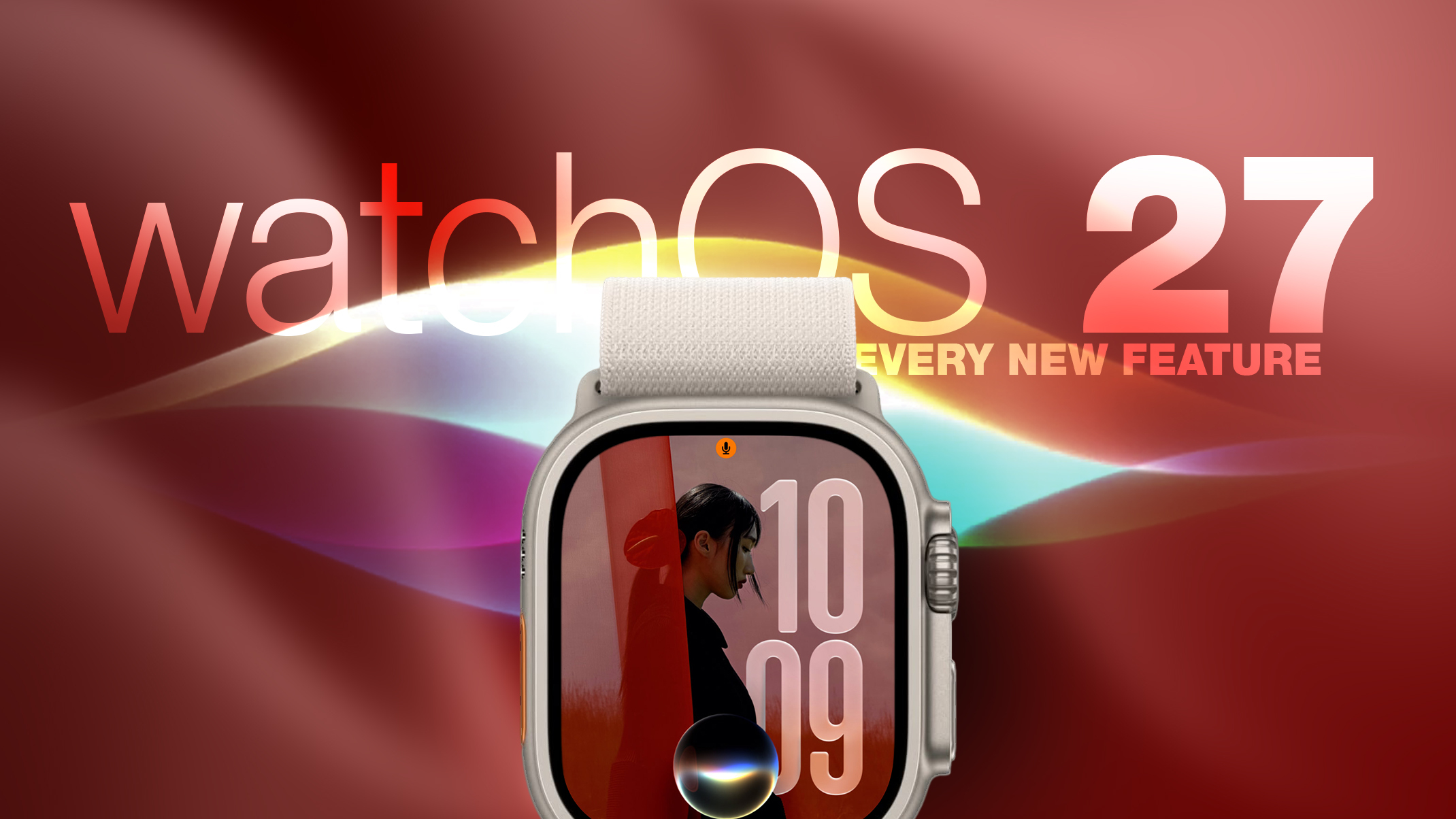
watchOS 27: 12 New Things To Check Out on Your Apple Watch

Apple released watchOS 27 on September 14. The features and changes aren't limited to owners of new Apple Watch Series 12 and Apple Watch Ultra 4 models. If you have an Apple Watch model that supports the latest update, here are 12 features and changes to check out after installation.


To do so, open the Watch app on your iPhone, then tap General ➝ Software Update, strap your watch into a charger, and follow the onscreen prompts.

Check Out the Dedicated Siri App


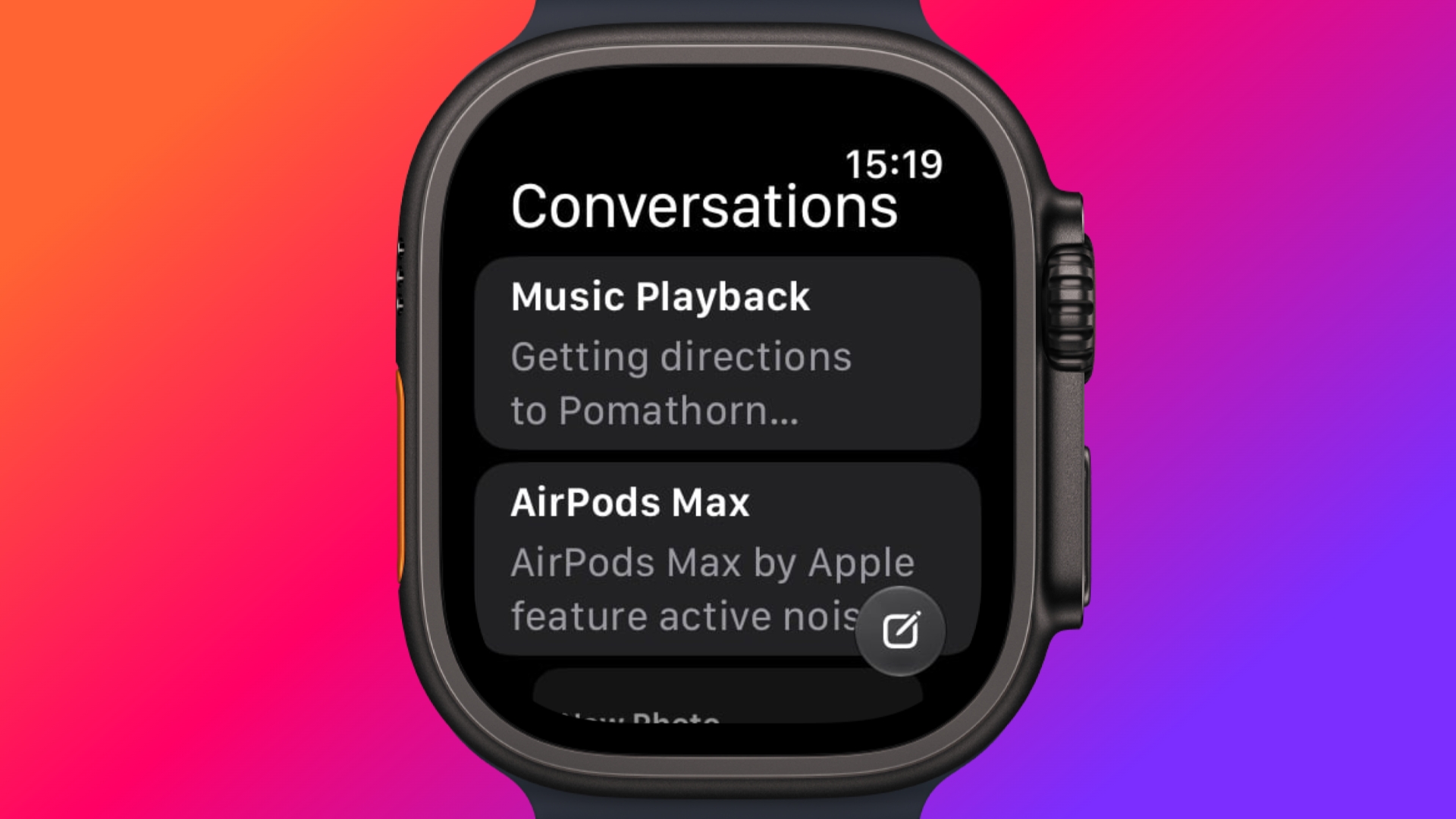
Siri has finally caught up with the AI revolution, and apart from having contextual awareness, it now has an app of its own that collects every conversation in a single view and syncs them privately across your devices over iCloud. Just ask something on your iPhone and you can pick the thread up again on your Apple Watch, as well as pin conversations worth keeping, or even start a new chat directly from your wrist.

Try Siri Modular Watch Face


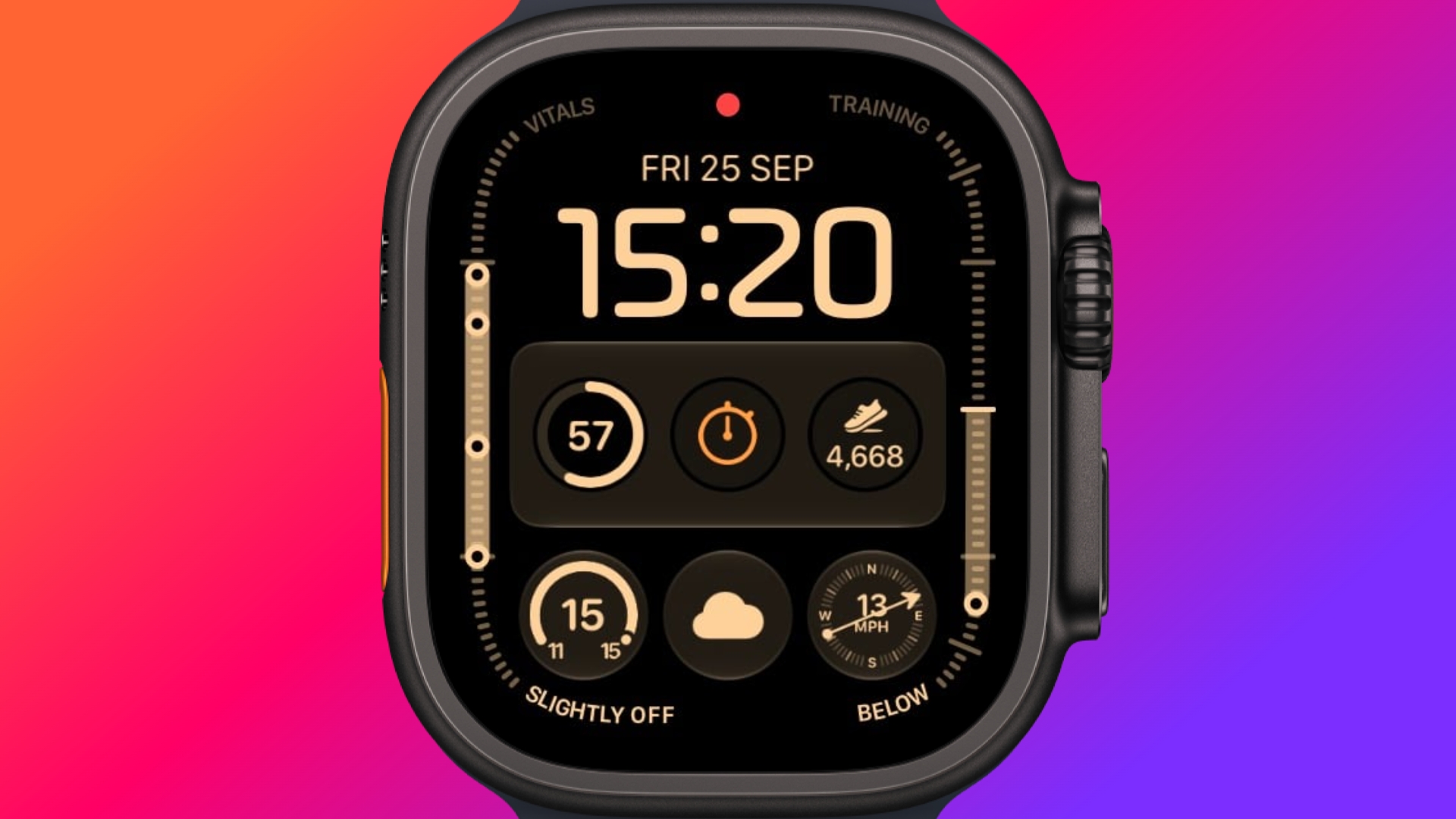
The new Siri watch face is a genuinely useful one. Its rectangular complication shows you whatever sits at the top of your Smart Stack, and it automatically updates through the day based on time, location, and other factors.

The Dynamic App Grid


Pressing the Digital Crown no longer produces the honeycomb app view by default. Now, watchOS 27 shows a dynamic grid made up of suggested apps, your most-used apps, and your most recently used ones. The Siri app sits in the middle, but the alphabetical list remains available – simply turn the Digital Crown to navigate through all of your apps.

New Tap Gesture


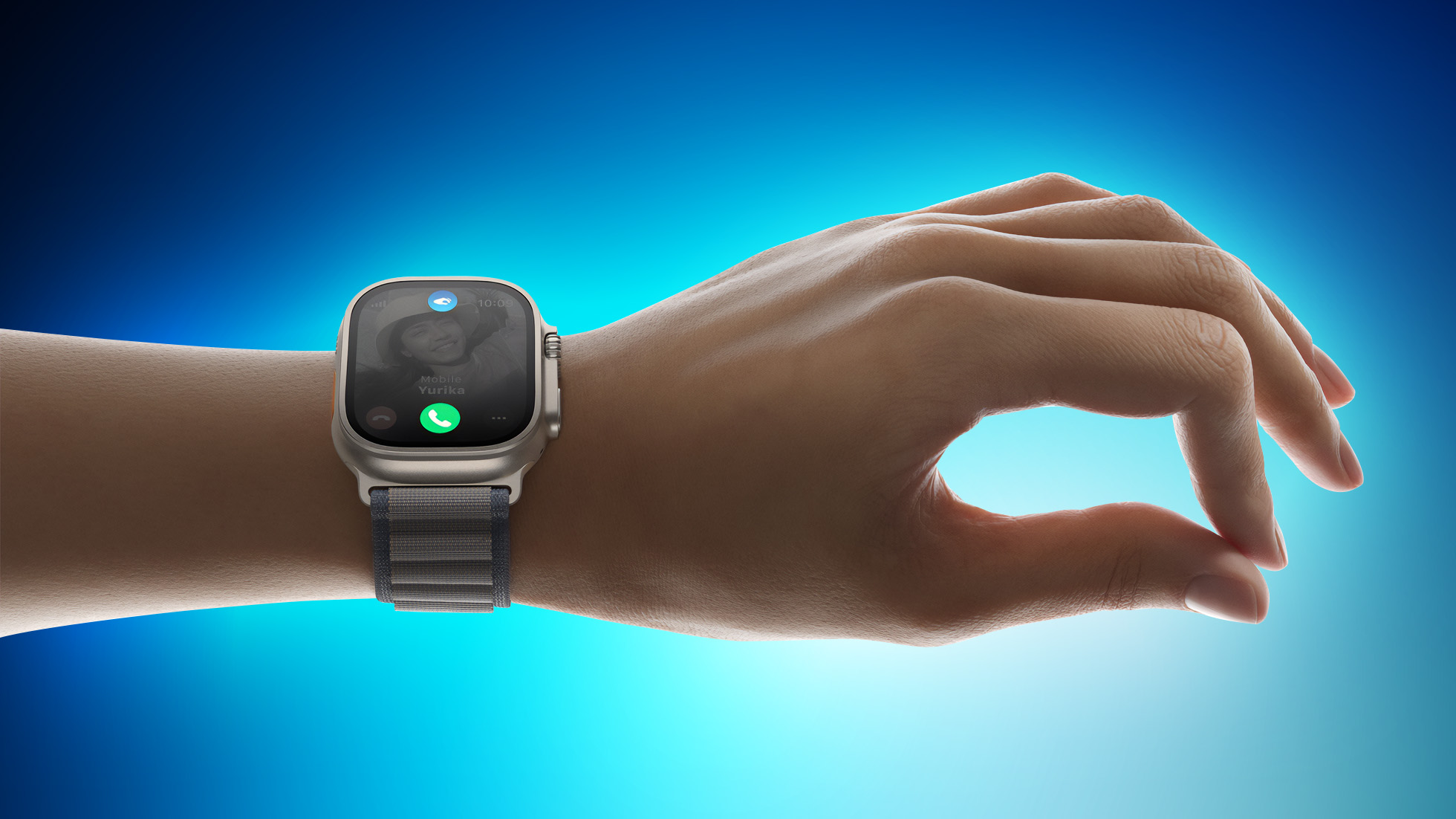
Apple has added a third gesture to Double Tap and Wrist Flick. The new one is simply called Tap. A single tap of your index finger and thumb opens the highlighted widget in the Smart Stack. You can still navigate the Smart Stack with Double Tap and dismiss notifications with Wrist Flick.

Walkie-Talkie Has Been Deleted


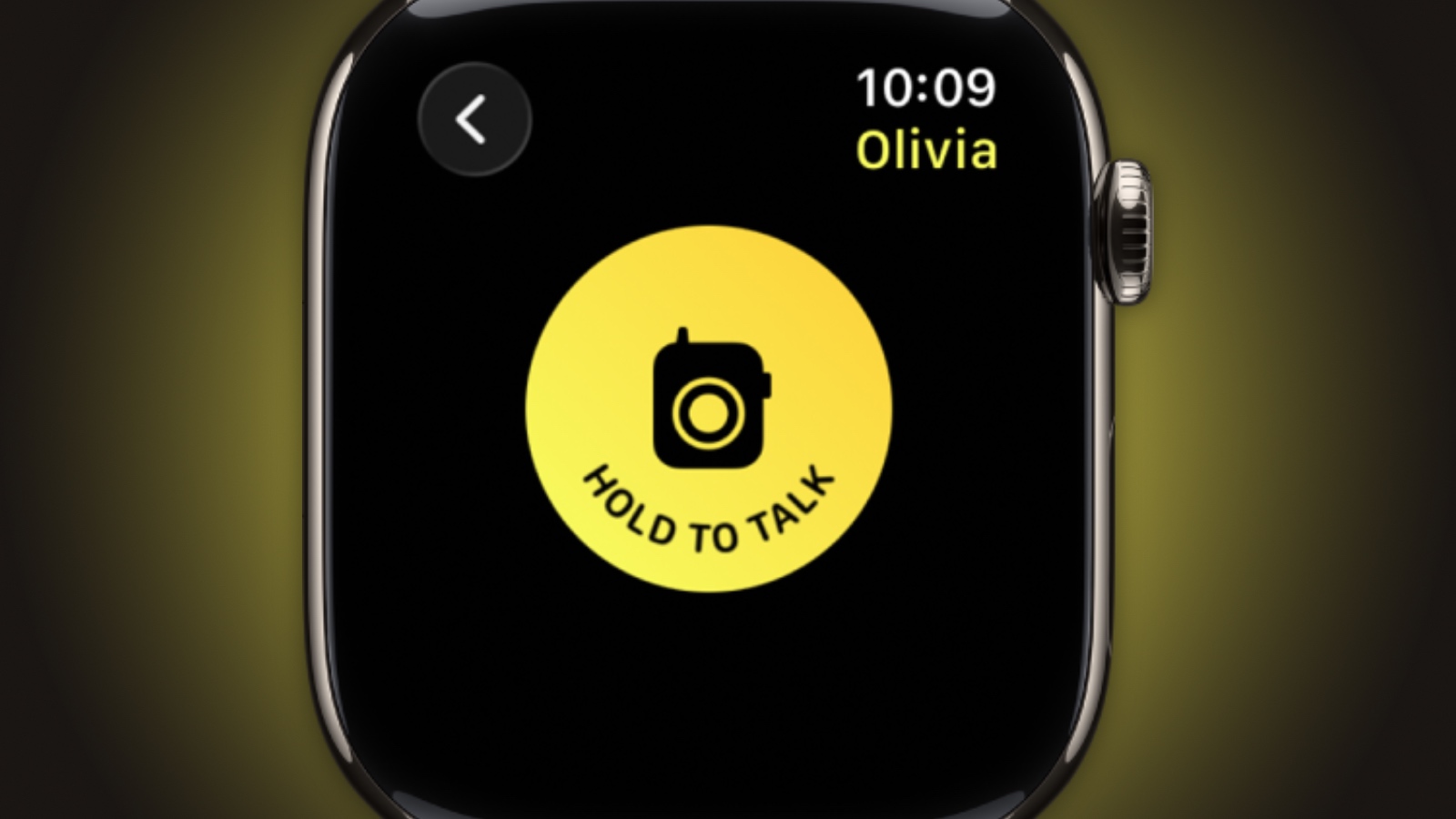
Walkie-Talkie is gone, and not merely hidden. The app is unavailable after updating to watchOS 27 and cannot be reinstalled from the App Store. You can keep the app by staying on watchOS 26, but you won't be able to start a conversation with a contact who has updated.

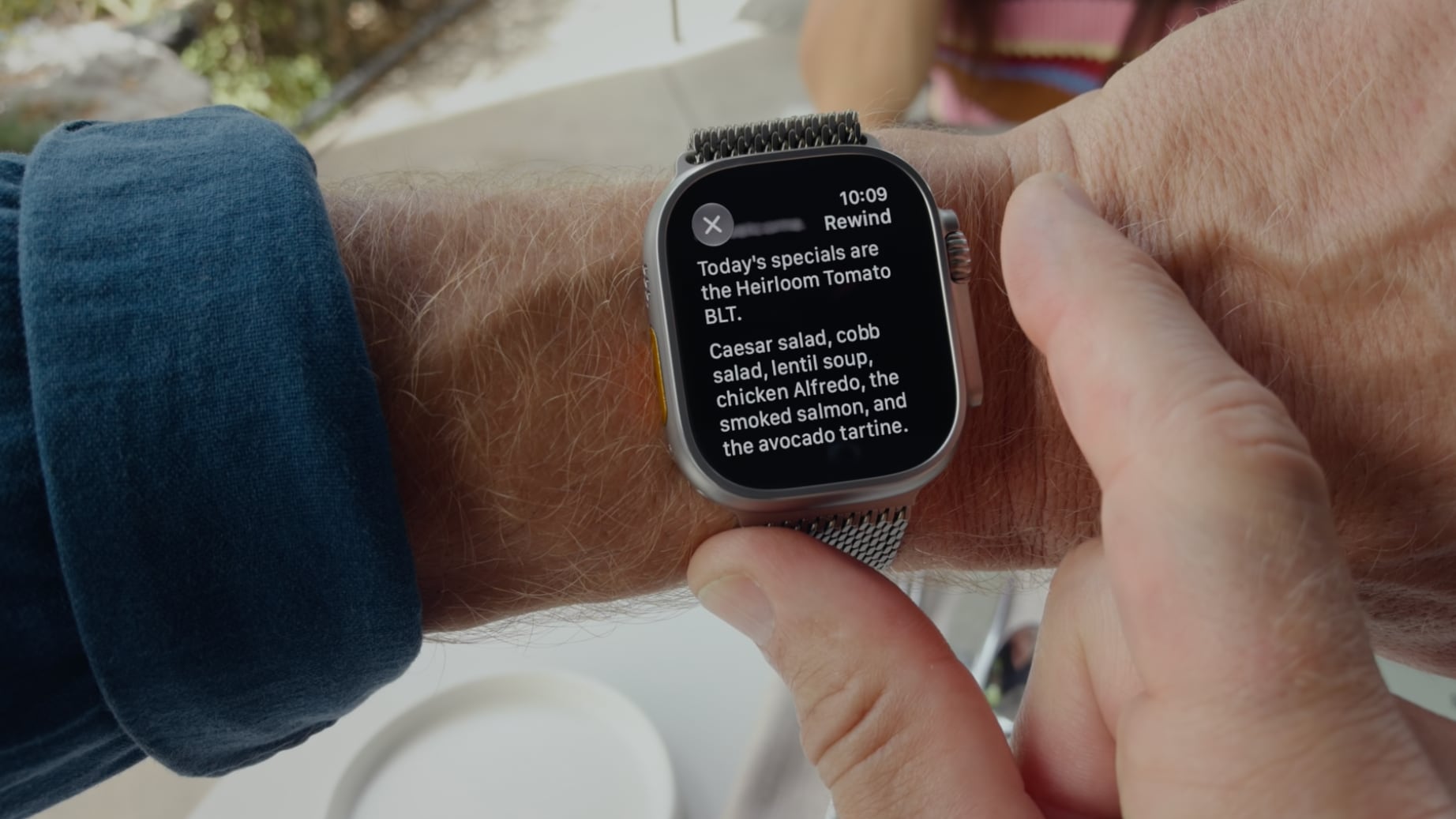
Live Rewind (Not Yet)


This is the change most likely to catch people out. In watchOS 26 and earlier, a double press of the Digital Crown opens the App Switcher, where you can jump back to the previous app, scroll through recent ones, and swipe to force-quit anything misbehaving.

That's changed in watchOS 27, in which a double press shows the new dynamic app grid instead. The gesture has been reserved for Live Rewind, an upcoming feature (exclusive to Apple Watch Series 12 and Ultra 4) that produces a transcript of the last fifteen seconds of speech in your environment.

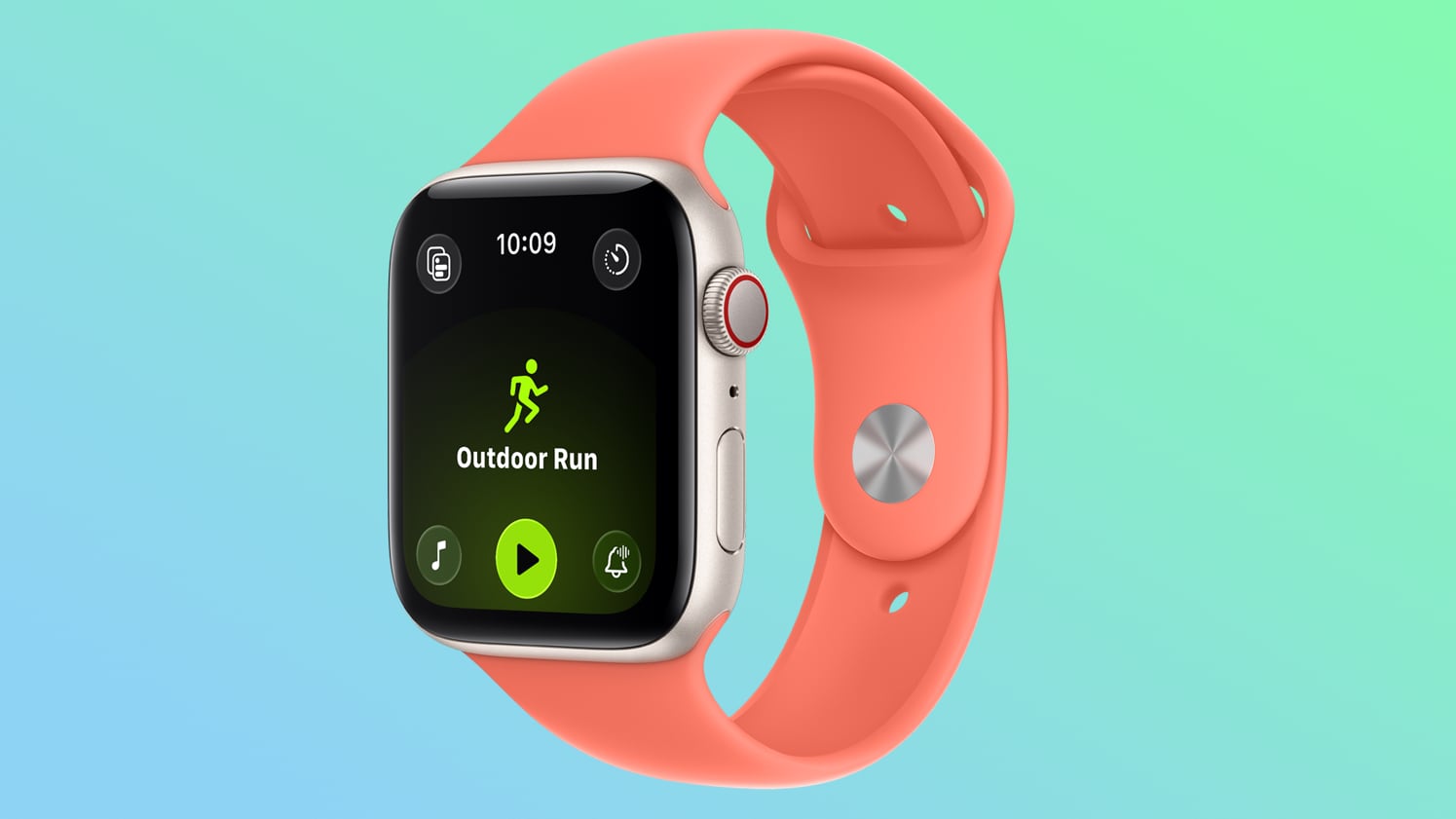
Fortunately, the App Switcher will still be available when watchOS 27.2 is released later this year, but it will open with a different gesture. If you're already on the latest beta, simply long press on the bottom of the app that you're in, and that should open the App Switcher.

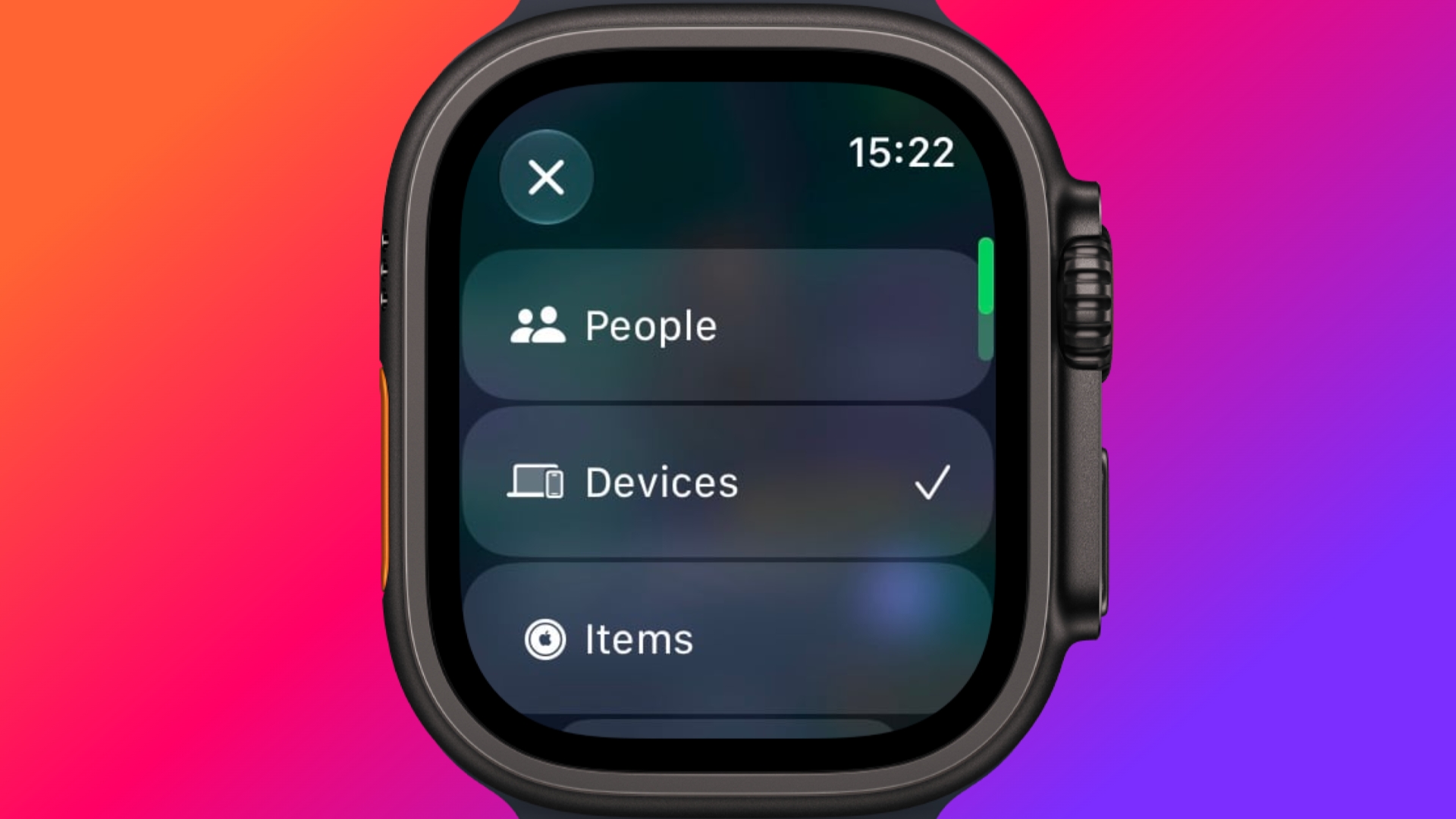
Find My is Now One App


Find Devices, Find Items, and Find People have been folded into a single Find My app with a map-centric layout, which also includes shortcuts for directions and for items nearby.

Workout Buddy No Longer Needs Your iPhone


Introduced in watchOS 26, Workout Buddy previously required your iPhone within range. In watchOS 27, your Apple Watch can run it if Wi-Fi or cellular is available. It also draws new insights from your training history, tracking gradual gains in pace, distance and workout duration, and it now speaks Spanish as well as English.

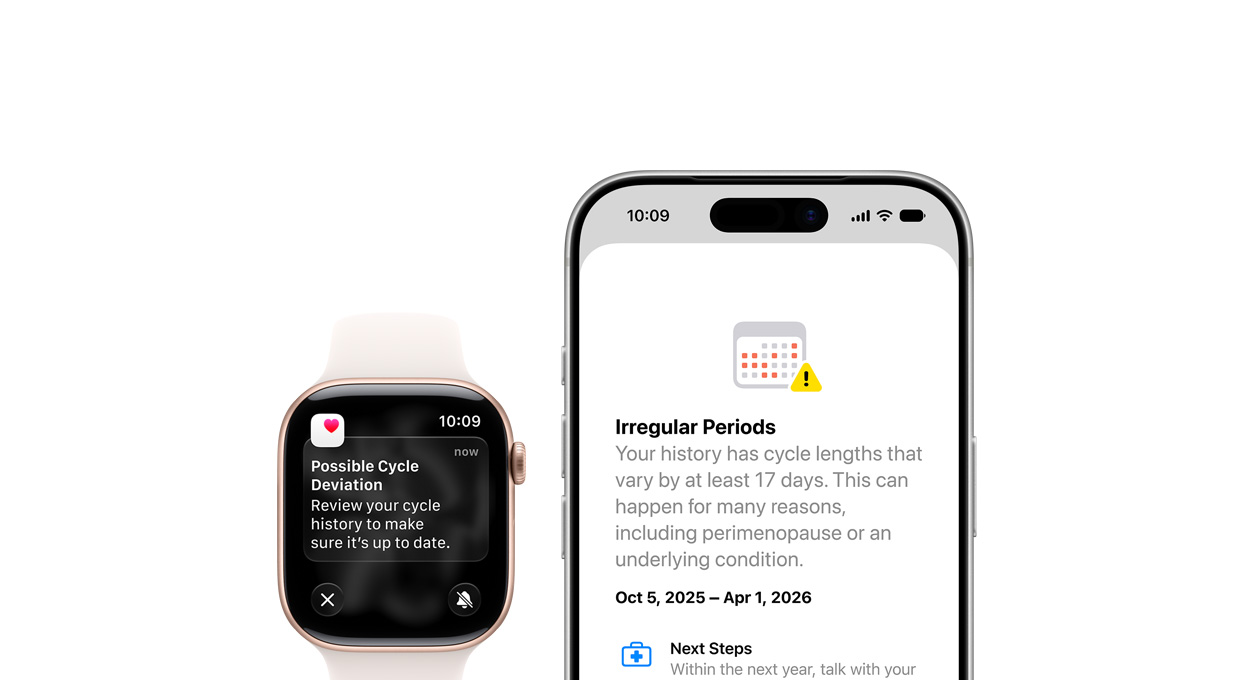
New Cycle Tracking Features


Cycle Tracking in the Health app can now notify you if your logged patterns are suggestive of perimenopause, alongside symptom tracking and educational material. The notifications only draw on your logged cycle history and apply to users aged 40 and over. Apple says the feature is not a method of birth control and is not a diagnosis.

Treadmill Distance Is More Accurate


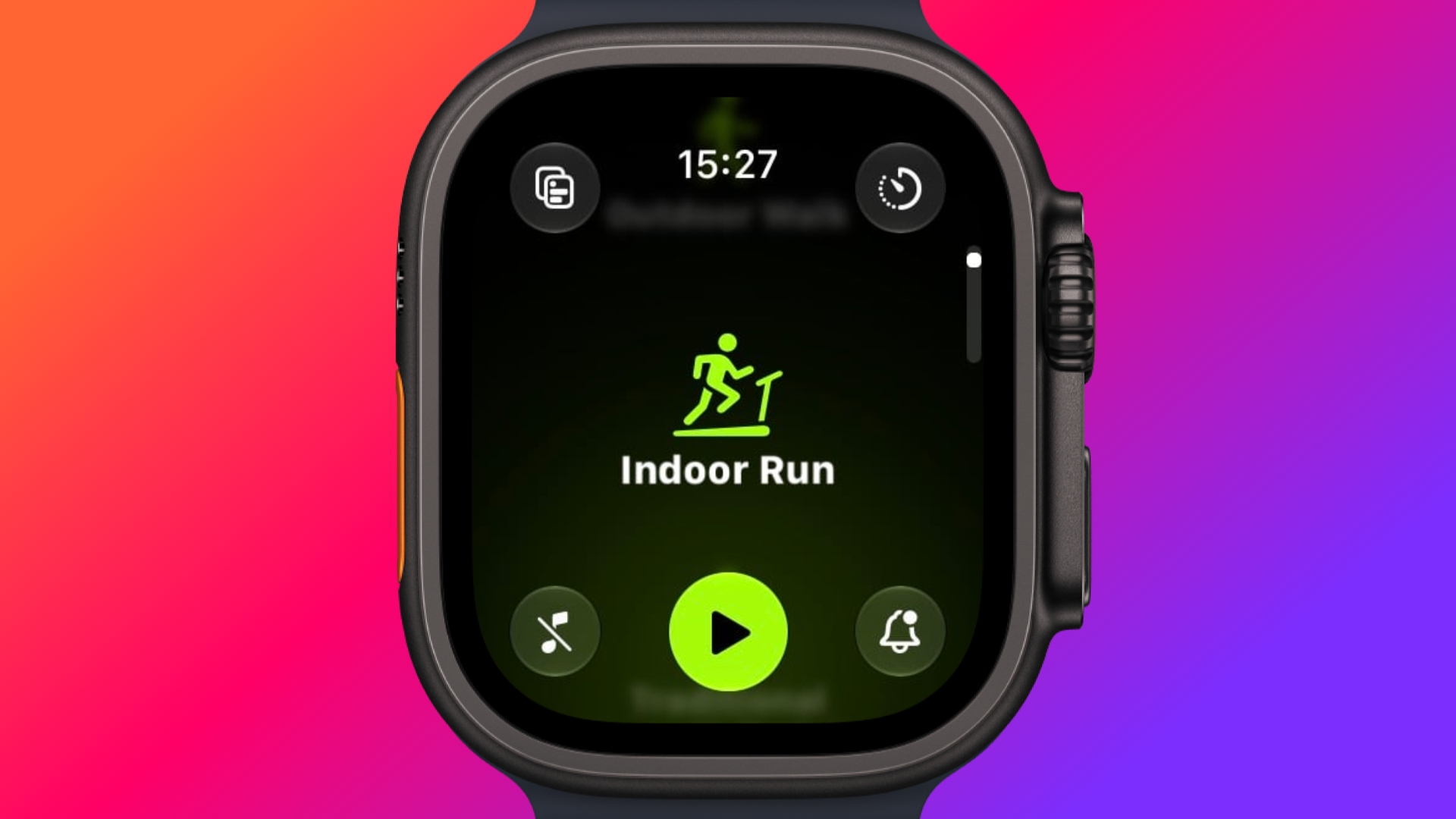
In watchOS 27, new machine learning motion algorithms measure distance more precisely for indoor runs and walks, and Apple says the improvement starts from the first step, as opposed to settling after a few minutes. Fitness route maps are more accurate too, and step counts finally stay in sync between the Fitness and Health apps.

The Smart Stack Gets More to Say


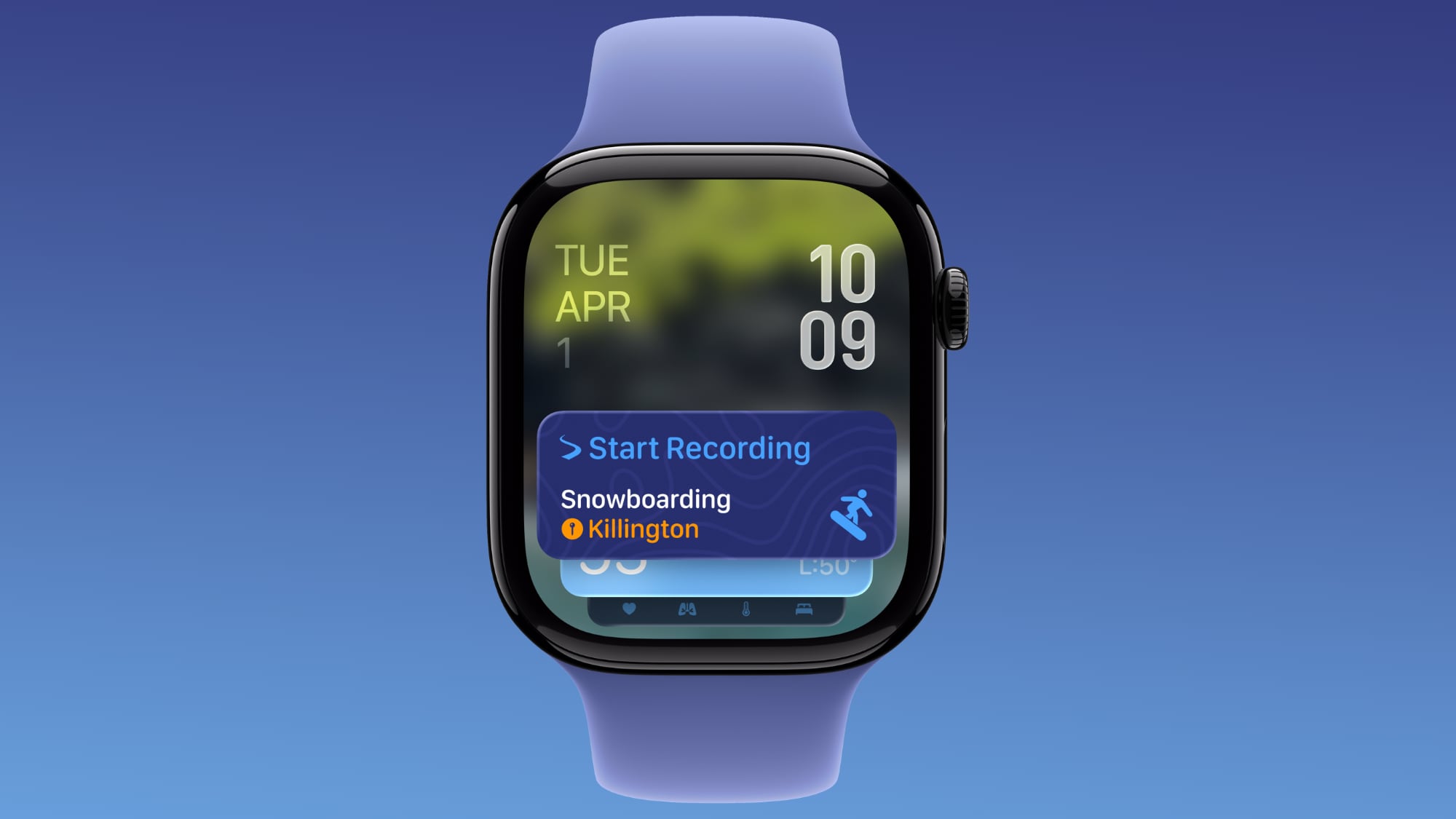
The Smart Stack's contextual suggestions are now a lot smarter. A few examples provided by Apple include new widgets surfacing your parked car's location, a close contact's birthday, a change in your transit card balance, the Noise app immediately after a loud-noise alert, a reminder that Theater Mode is still on, pinned messages, celebrations, and identity cards.

New Models Get a Steps Counter


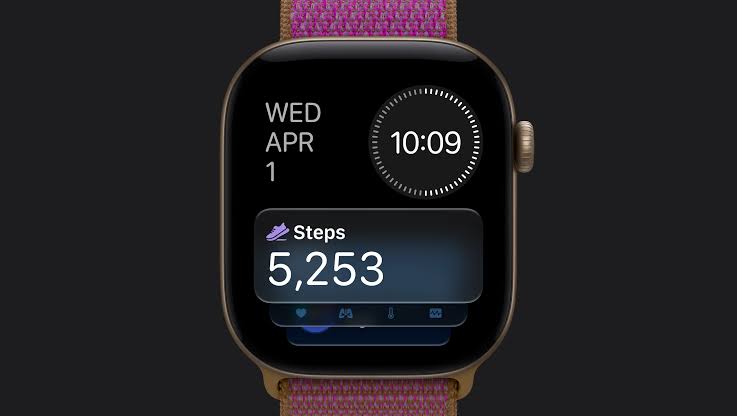
On Apple Watch Series 12 and Apple Watch Ultra 4, the redesigned pedometer model and S11 chip allow watchOS 27 to provide more accurate step counts. There's also a new Steps complication on the latest models to track your steps in real time, right from your watch face. Will we see the feature come to older devices? Your guess is as good as ours.
Buyer's Guide: Apple Watch (Buy Now)
Related Forum: Apple Watch

This article, "watchOS 27: 12 New Things To Check Out on Your Apple Watch" first appeared on MacRumors.com

Discuss this article in our forums

  •  

Apple Code Confirms iPad 12 Specs: A19, 8GB RAM, N1, C1X Modem

The next low-cost iPad will be equipped with an A19 chip, C1X modem, N1 networking chip, and 8GB RAM, according to details found in Apple's code by MacRumors contributor Aaron Perris.


We've heard some of these same specifications in prior rumors, so this is more of a confirmation than a new leak. The ‌iPad‌ 11 has an A16 chip, so the upgrade to the A19 in the 12th-generation ‌iPad‌ will bring a noticeable improvement in performance. More importantly, the A19 supports Apple Intelligence, so the ‌iPad‌ 12 will have all the ‌Apple Intelligence‌ and Siri AI features missing from the ‌iPad‌ 11.

The ‌iPad‌ 11 has 6GB RAM, but 8GB RAM is the minimum for ‌Apple Intelligence‌, and the RAM boost will also speed things up.

Apple's C1X modem supports sub–6GHz 5G networks, and it is more efficient than the Qualcomm modem used in the existing ‌iPad‌. The addition of the N1 networking chip will bring support for Wi-Fi 7, Bluetooth 6, and Thread.

Though not included in the code, it's possible the ‌iPad‌ 12 will be available in new colors.

There is no word on when Apple will release the new ‌iPad‌, and at this point, we're not expecting it until spring 2027. The current ‌iPad‌ is priced starting at $449 after a June 2026 price hike, and the new model will likely have the same starting price.

There's no low-cost ‌iPad‌ coming this year, but Apple is expected to refresh the iPad mini before the end of October. We discovered new details about the ‌iPad mini‌ just this morning. It will have an A20 Pro chip, a new speaker system, and a landscape front-facing camera. Prior rumors say it will feature an OLED display as the main upgrade.

We also found official images of the Apple TV 4K and the HomePod mini, including its colors. The ‌HomePod mini‌ will come in green, pink, blue, white, and black.
Related Roundup: iPad
Buyer's Guide: iPad (Don't Buy)
Related Forum: iPad

This article, "Apple Code Confirms iPad 12 Specs: A19, 8GB RAM, N1, C1X Modem" first appeared on MacRumors.com

Discuss this article in our forums

  •  

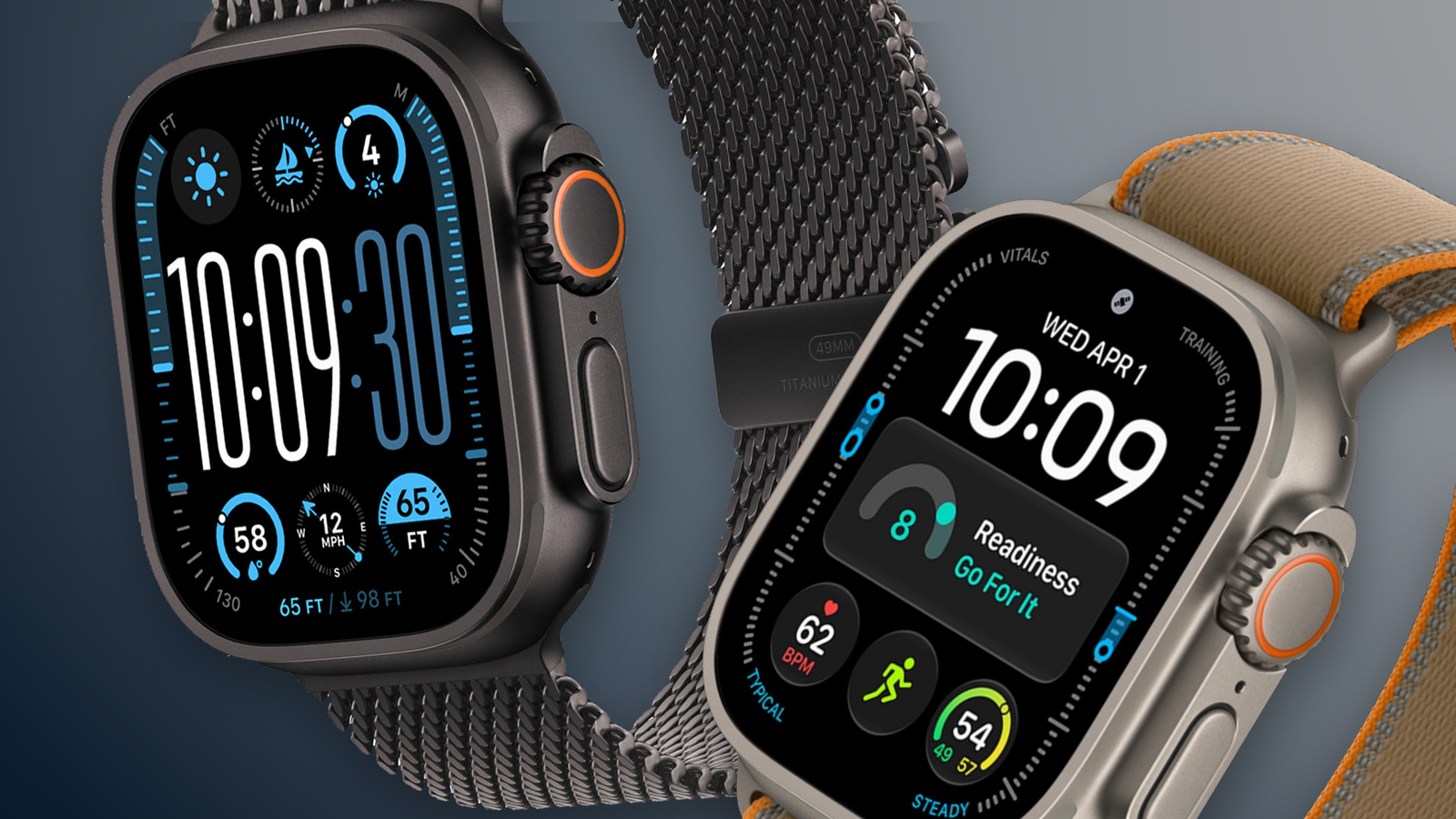
MacRumors Giveaway: Win an Apple Watch Ultra 4 From Lululook

For this week's giveaway, we've teamed up with Lululook to offer MacRumors readers a chance to win a new Apple Watch Ultra 4. Lululook makes all kinds of accessories for Apple devices, including the Apple Watch. The company has a selection of Apple Watch bands that work well with the new Series 12 and the Ultra 4 models.


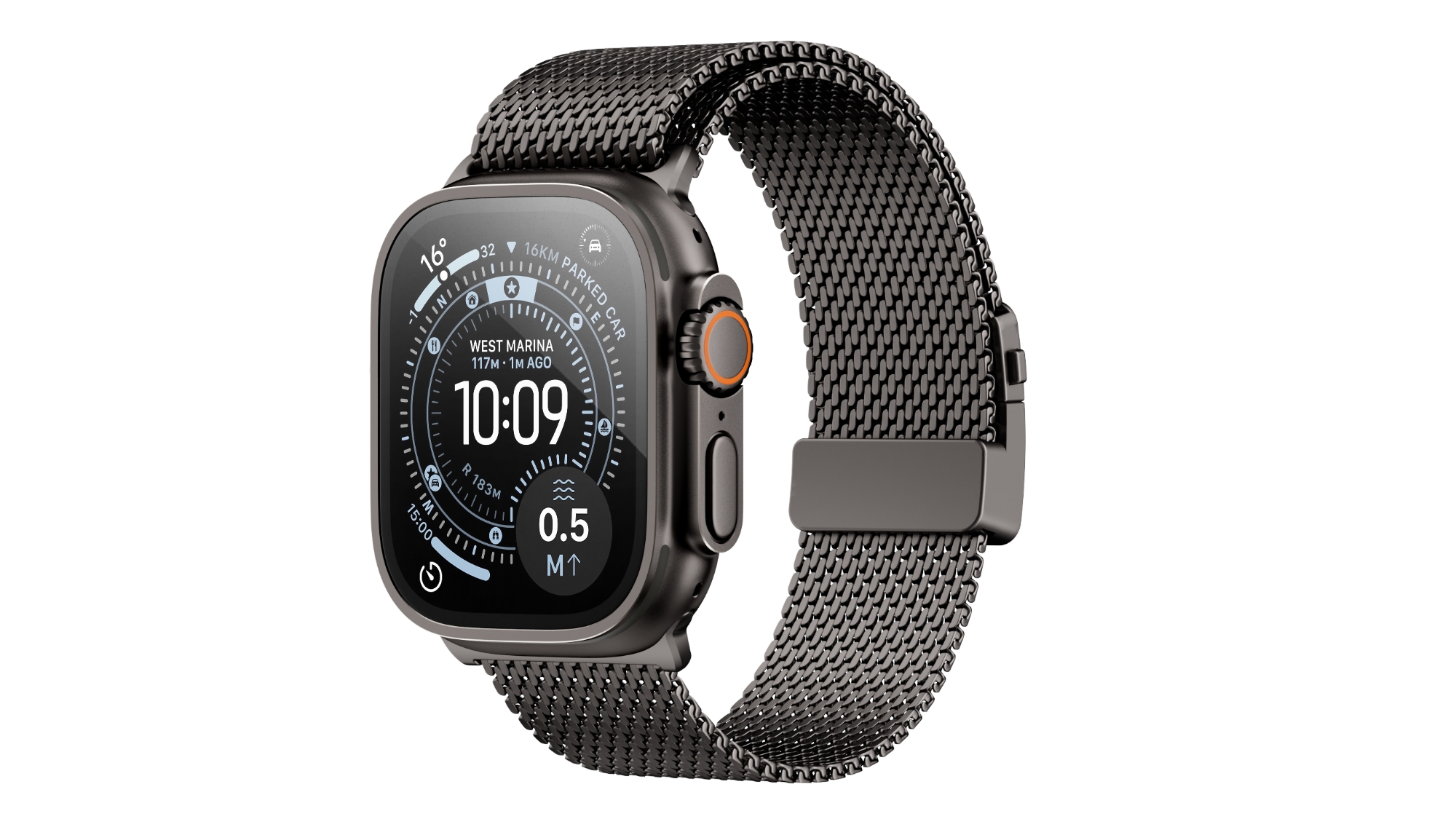
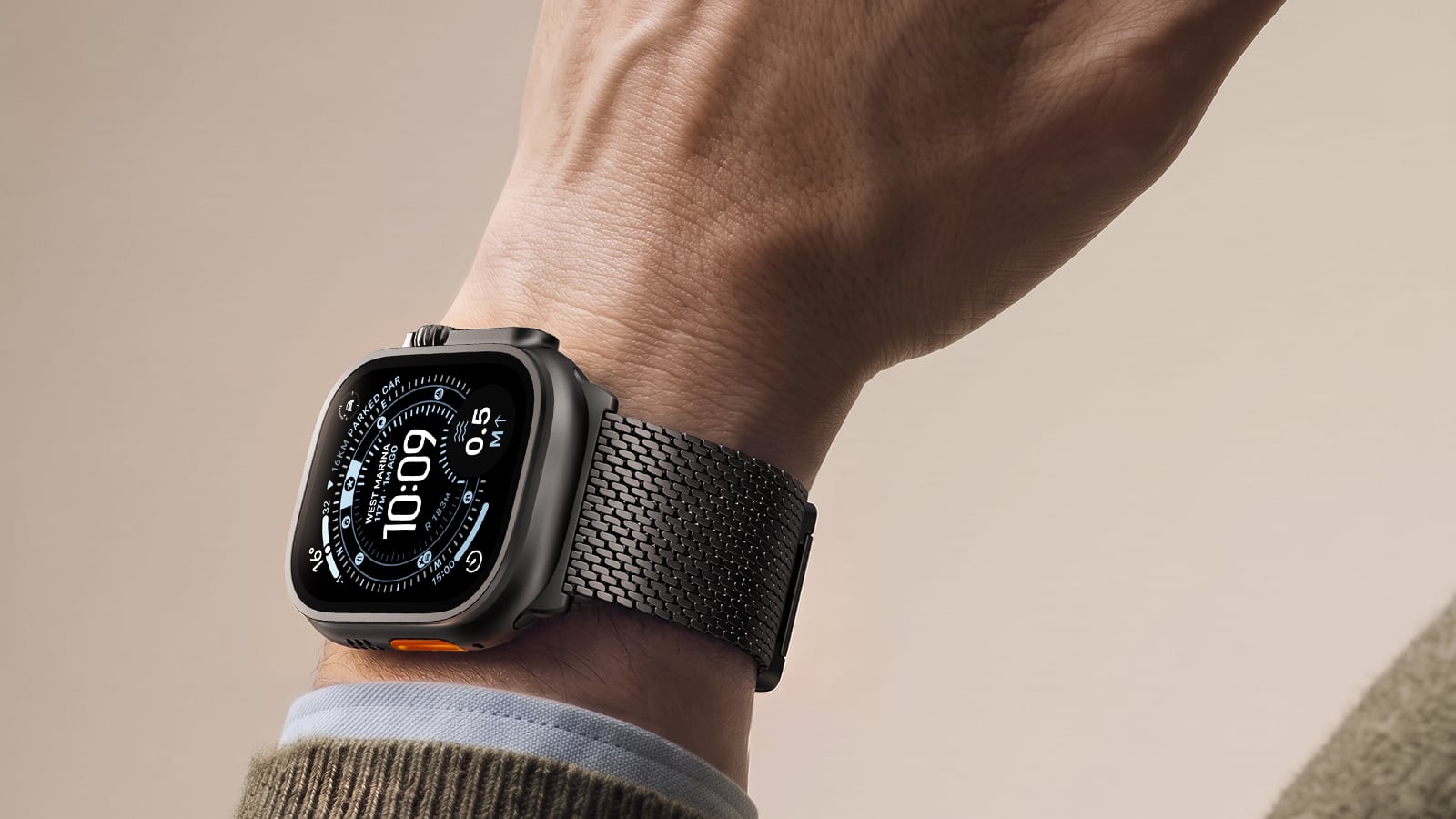
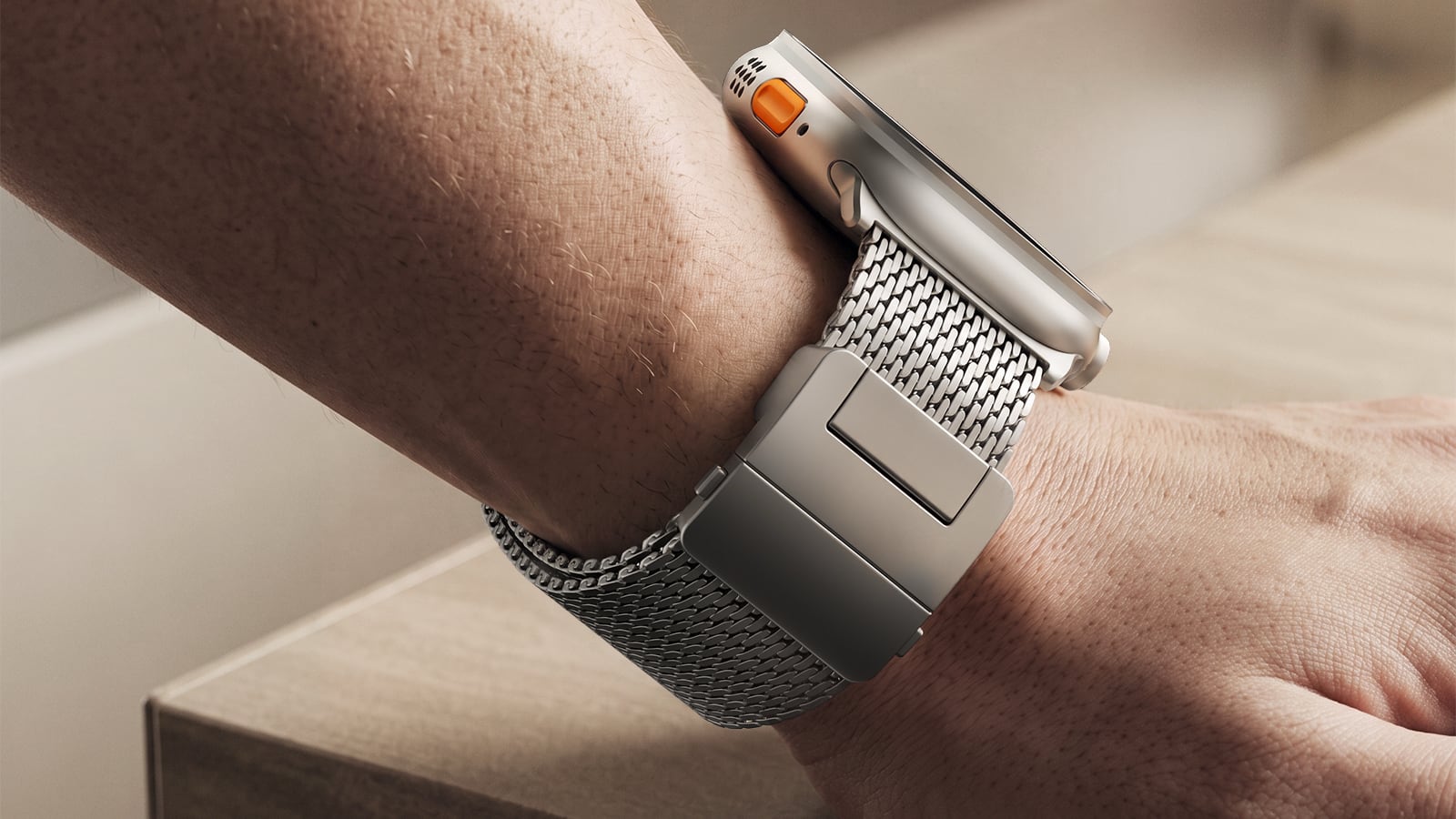
Lululook's $129.99 Strata Milanese Band matches the ‌Apple Watch Ultra 4‌. It is made from 99 percent woven grade 5 titanium, and it has a coating that protects it from scratches. The Strata band comes in black and natural finishes, and the titanium is about 40 percent lighter than stainless steel.


The band has a spring-loaded titanium locking mechanism with a side-press button to open it. Lululook says the band will stay in place during workouts and activities from running to swimming. While made for the Ultra, the band works with the larger 44mm to 49mm Apple Watch models, and it comes in medium and large size options to fit wrists from 155mm to 210mm.


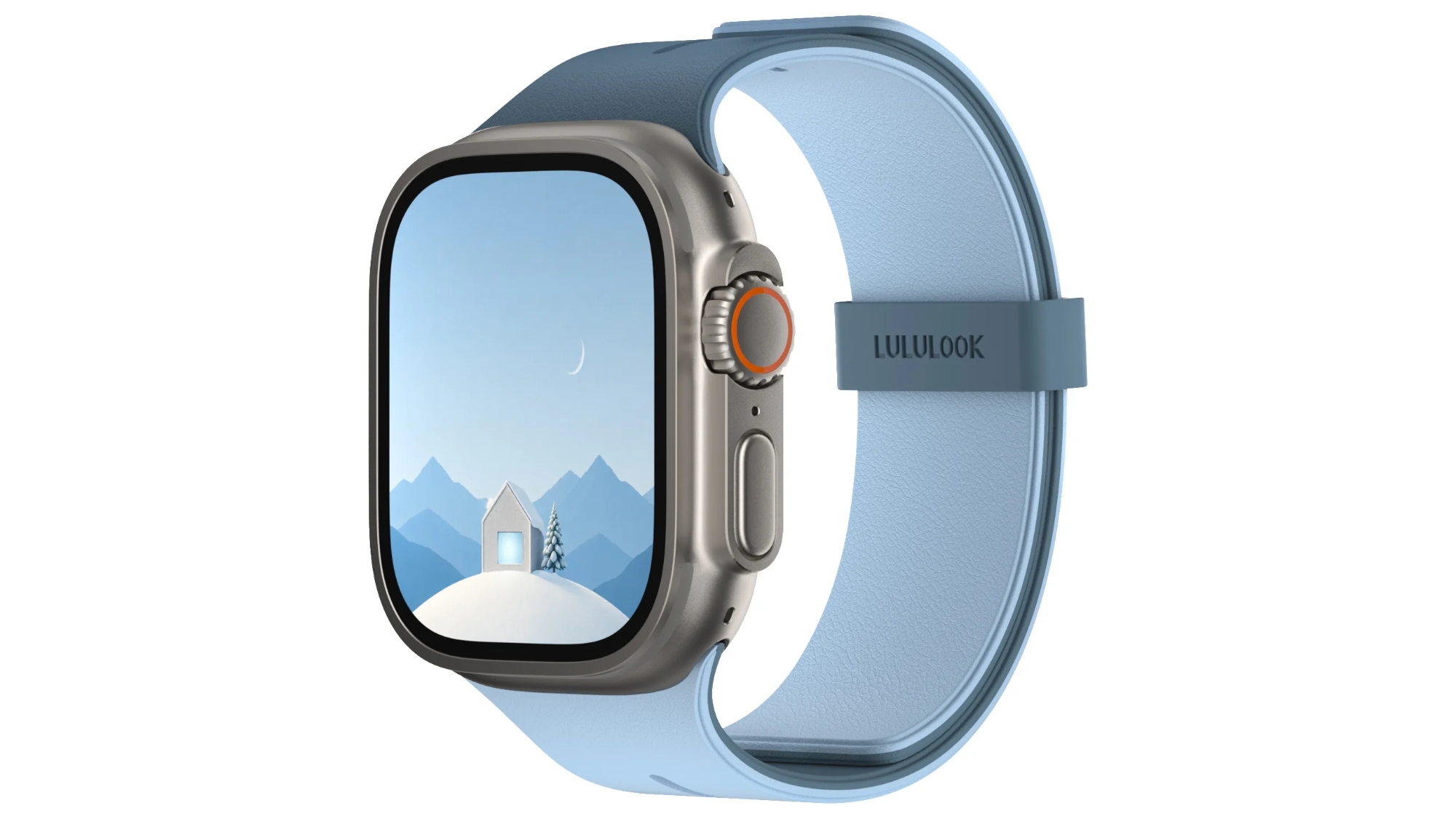
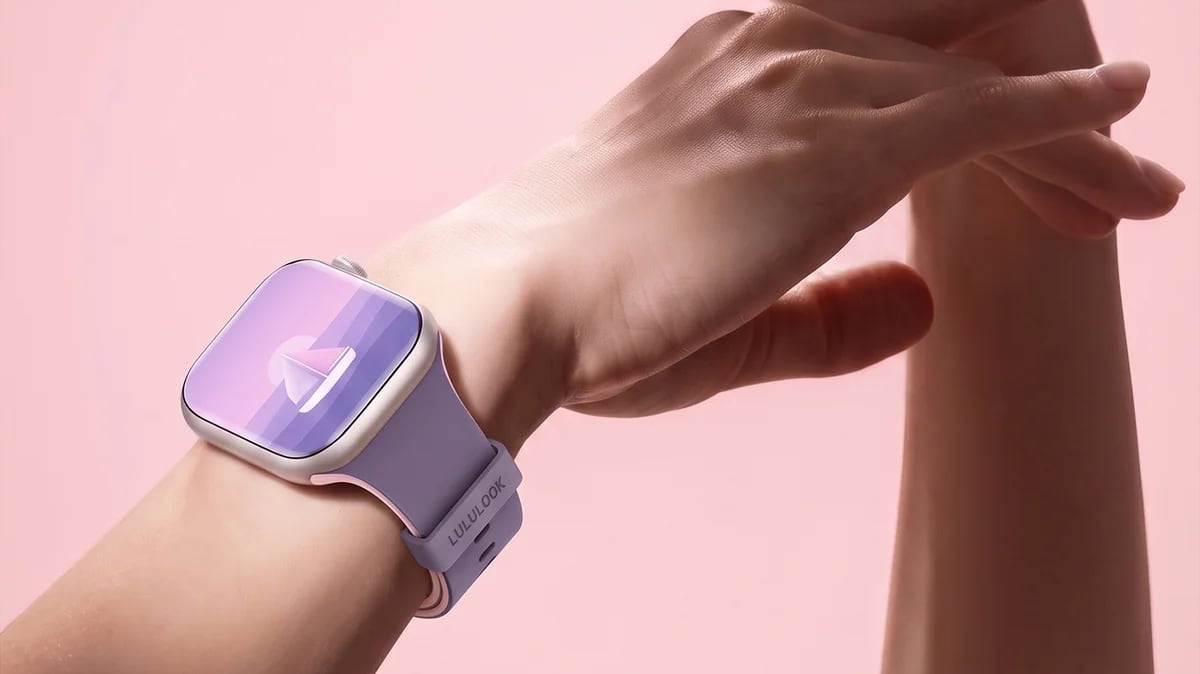
For a more casual look, Lululook sells the $36.99 MagDuo Reversible Apple Watch Band. As the name suggests, the band has a dual color scheme, and users can flip between two color options. The exterior of the band features pebble-textured silicone, while the interior is made of soft silicone so it is comfortable to wear all day.


The MagDuo band has a breathable hollow design to keep the wrist cool, and it uses a double-sided magnetic closure. Lululook says the magnet was tested to 1.3kg of pull, and there are extra loops for security.


Colors include Graphite Gray/Driftwood, Cobalt Blue/Mist Blue, Pink/Purple, Black/Orange, Desert Dune/Cream, and Onyx Black/Beige. The MagDuo is compatible with all Apple Watch models, and there are two size options: one for the Apple Watch Ultra and larger-sized Apple Watch models, and one for the smaller Apple Watch models.


Lululook is offering MacRumors readers a discount code on the Apple Watch bands. Just use promo code Macrumors for 10 percent off at checkout.


We have an ‌Apple Watch Ultra 4‌ for one lucky MacRumors reader. To enter to win, use the widget below and enter an email address. Email addresses will be used solely for contact purposes to reach the winner(s) and send the prize(s). You can earn additional entries by subscribing to our weekly newsletter, subscribing to our YouTube channel, following us on Twitter, following us on Instagram, following us on Threads, or visiting the MacRumors Facebook page.

Due to the complexities of international laws regarding giveaways, only U.S. residents who are 18 years or older, UK residents who are 18 years or older, and Canadian residents who have reached the age of majority in their province or territory are eligible to enter. All federal, state, provincial, and/or local taxes, fees, and surcharges are the sole responsibility of the prize winner. To offer feedback or get more information on the giveaway restrictions, please refer to our Site Feedback section, as that is where discussion of the rules will be redirected.


Lululook Giveaway
The contest will run from today (September 25) at 10:00 a.m. Pacific Time through 10:00 a.m. Pacific Time on October 2. The winner will be chosen randomly on or shortly after October 2 and will be contacted by email. The winner will have 48 hours to respond and provide a shipping address before a new winner is chosen.
Related Roundup: Apple Watch Ultra 4
Related Forum: Apple Watch

This article, "MacRumors Giveaway: Win an Apple Watch Ultra 4 From Lululook" first appeared on MacRumors.com

Discuss this article in our forums

  •  

Launch Week Deals Hit Latest Macs, Apple Watch Ultra 4, and Apple Accessories

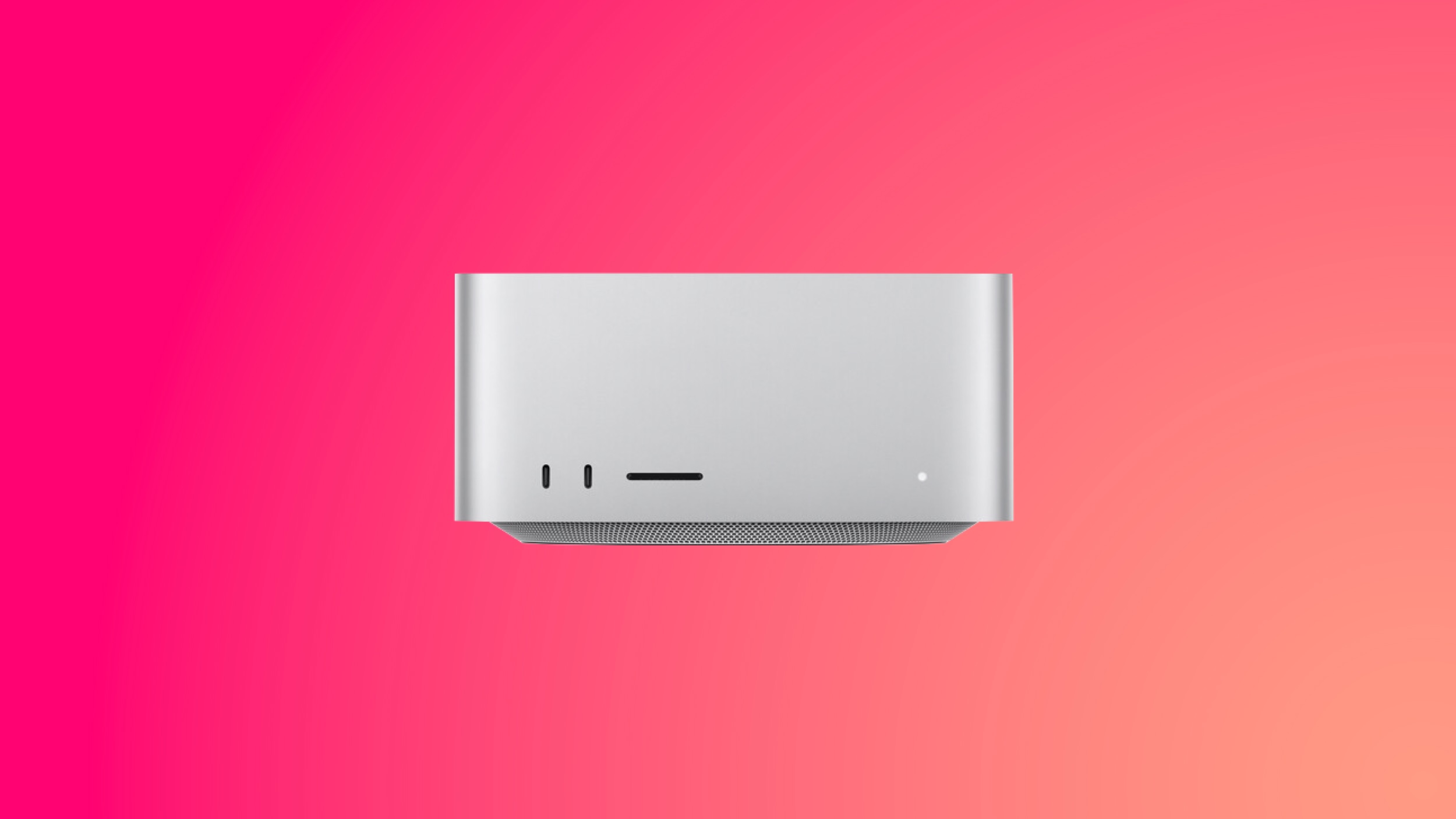
This week saw the launch of the new Mac mini and Mac Studio, plus the new Beats 360 headphones. You'll find launch discounts on the Macs below, alongside big markdowns on cushion kits for the Beats 360 headphones, AirPods Pro 3, and more.

Note: MacRumors is an affiliate partner with some of these vendors. When you click a link and make a purchase, we may receive a small payment, which helps us keep the site running.

Mac Mini and Mac Studio


  • What's the deal? Take up to $50 off Mac mini and Mac Studio

  • Where can I get it? Amazon

  • Where can I find the original deal? Right here


Amazon recently introduced the first cash discounts on Apple's brand new Mac mini and Mac Studio, with discounts reaching up to $50 off original prices. All of these deals represent the first discounts on the new computers, which just launched this week.

Beats 360


  • What's the deal? Save on Beats 360 cushion kits and more

  • Where can I get it? Amazon

  • Where can I find the original deal? Right here


The new Beats 360 headphones were announced this week, and they're now available to order on Amazon and other retailers. They're available in Black, Cloud, plus a bundle where you can style the headphones however you'd like thanks to interchangeable ear cushions and headbands.

Alongside the launch, Beats announced that its Cushion Kits compatible with the Beats 360 are available for just $9.99 for the next month, down from $49.99. Amazon has both the Performance Knit and UltraPlush options in all colors at this price.

Apple Watch Ultra 4


  • What's the deal? Take $19 off Apple Watch Ultra 4

  • Where can I get it? Amazon

  • Where can I find the original deal? Right here


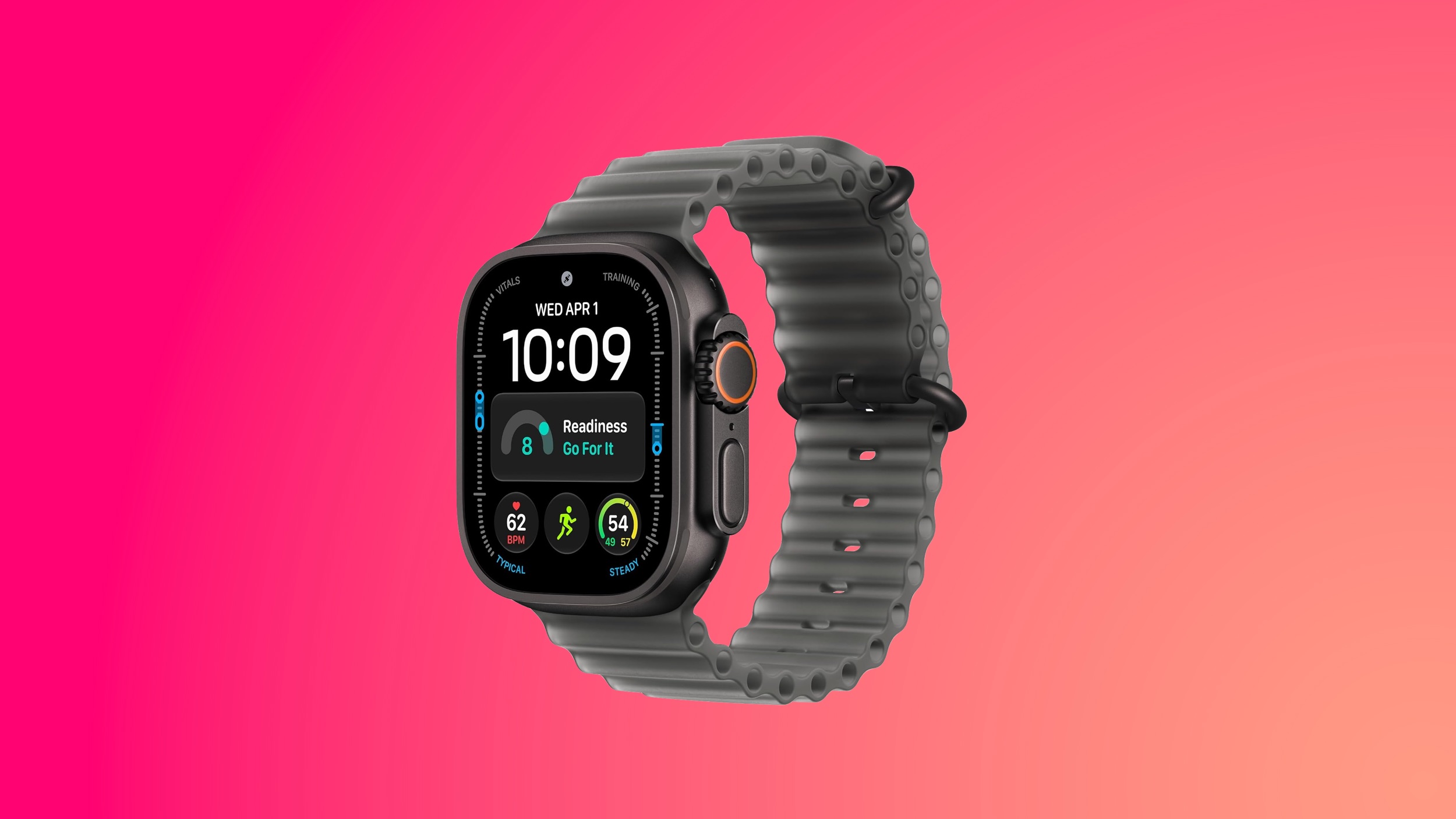
The new Apple Watch Ultra 4 just launched last week, and Amazon is offering the first cash discounts on select models for the first time since their launch. You can get the Apple Watch Ultra 4 for $779.99, down from $799.00.

iPad Air


  • What's the deal? Take $100 off M4 iPad Air

  • Where can I get it? Amazon

  • Where can I find the original deal? Right here


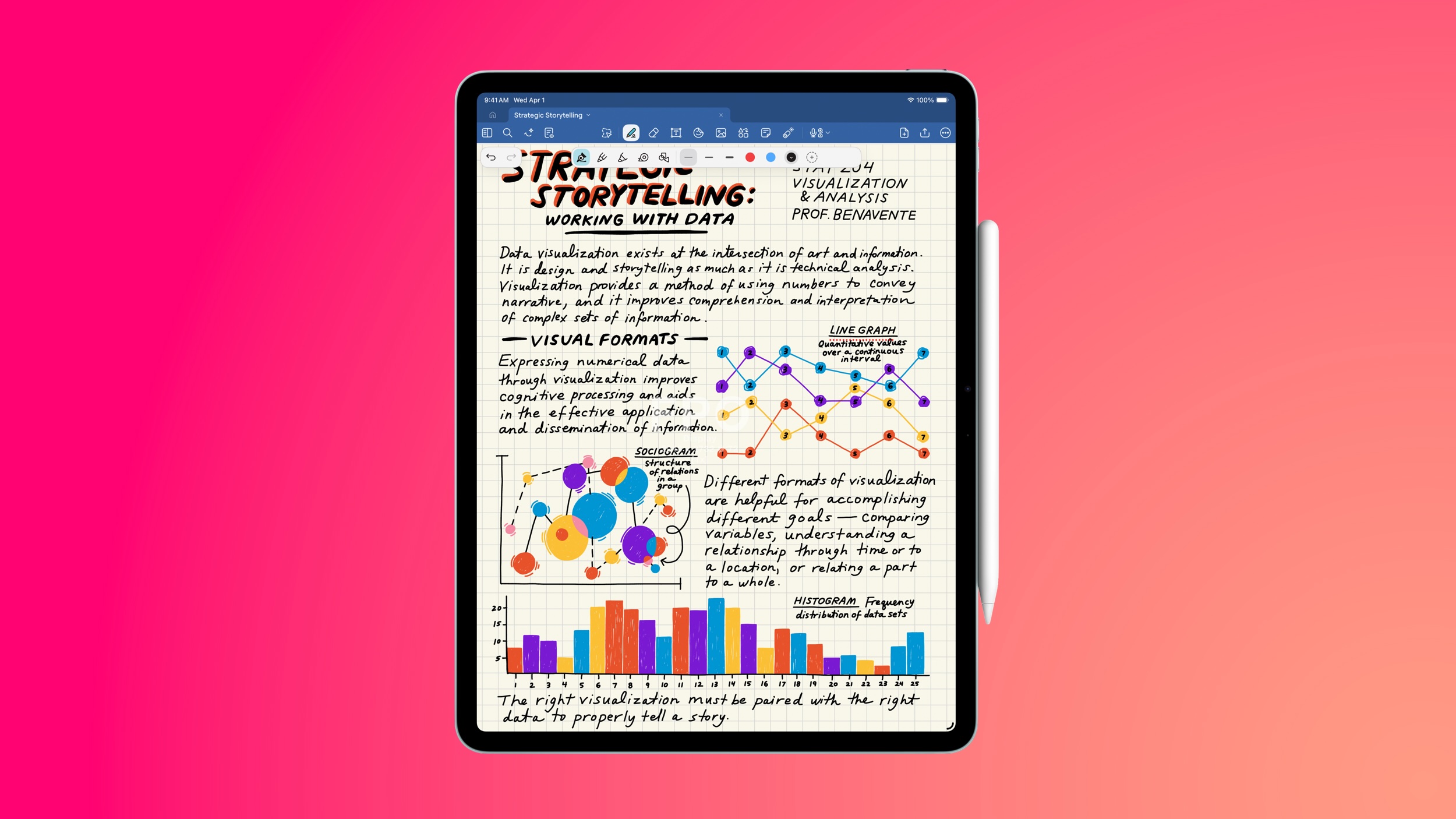
Amazon this week has multiple discounts on the M4 iPad Air, providing up to $149 off these 2026 models. These remain the best prices we've seen in the wake of Apple's summer price hikes, and many deals are being matched at Best Buy.

AirPods Pro 3


  • What's the deal? Take $50 off AirPods Pro 3

  • Where can I get it? Amazon

  • Where can I find the original deal? Right here


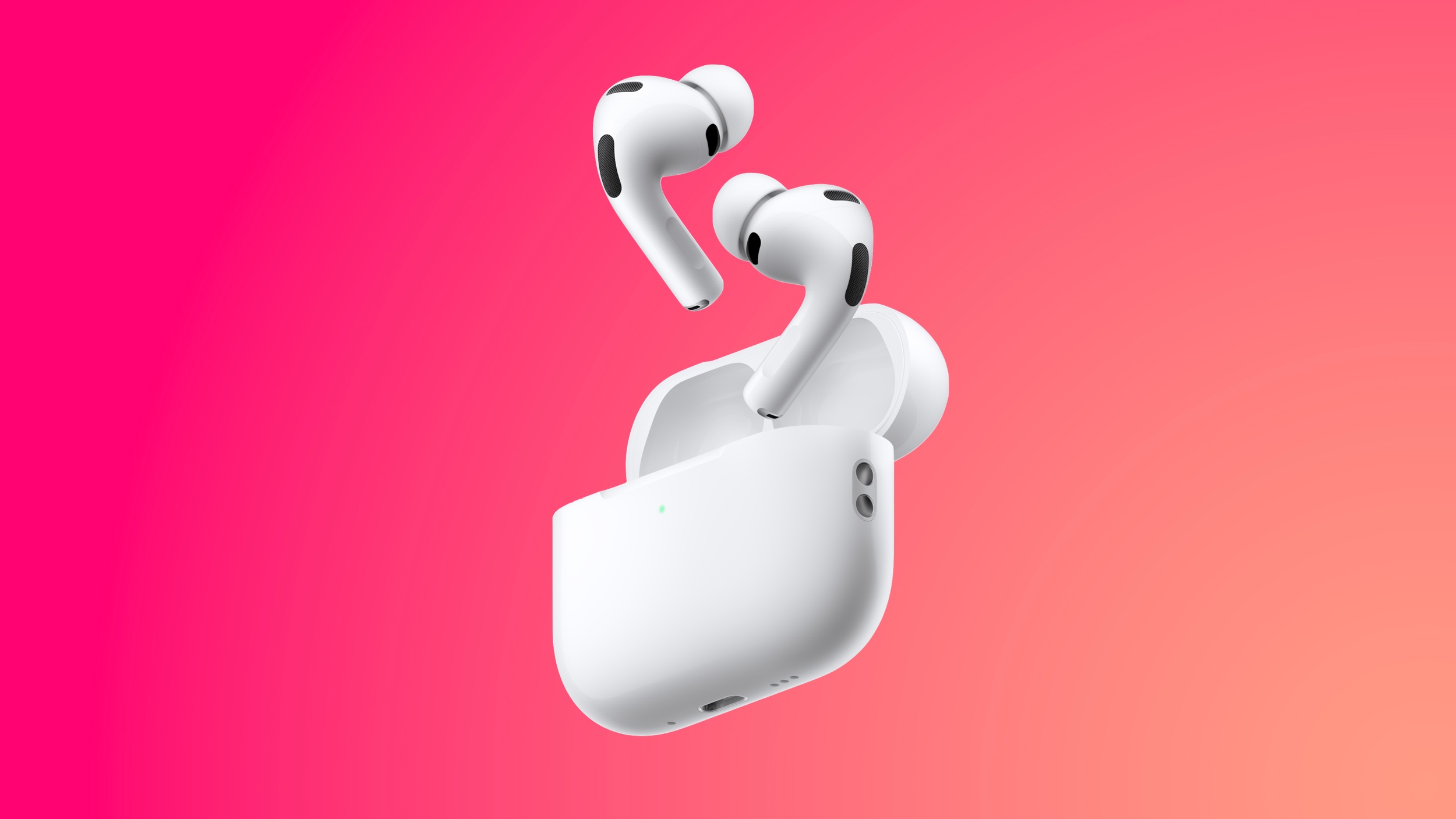
Amazon has the AirPods Pro 3 available for $199.00 this week, down from $249.00. We haven't tracked an all-time low price on this model since Prime Day over the summer, but this is still a solid $50 markdown.

If you're on the hunt for more discounts, be sure to visit our Apple Deals roundup where we recap the best Apple-related bargains of the past week.


Deals Newsletter


Interested in hearing more about the best deals you can find in 2026? Sign up for our Deals Newsletter and we'll keep you updated so you don't miss the biggest deals of the season!


Related Roundup: Apple Deals

This article, "Launch Week Deals Hit Latest Macs, Apple Watch Ultra 4, and Apple Accessories" first appeared on MacRumors.com

Discuss this article in our forums

  •  

The MacRumors Show: Tyler Stalman Talks iPhone 18 Pro's Camera

Photographer and videographer Tyler Stalman joins us on this week's episode of The MacRumors Show to examine whether the iPhone 18 Pro's camera is a compelling reason to upgrade, how its new features affect everyday shooting, and what photographers gain or give up with the iPhone Duo.


The ‌iPhone 18 Pro‌'s Main camera combines a new 48-megapixel sensor, a faster variable-aperture lens, and updated image processing. The variable aperture offers settings of ƒ/1.48, ƒ/1.8, ƒ/2.8, and ƒ/4.0. The iPhone 17 Pro has a fixed ƒ/1.78 aperture, so the new lens's widest setting admits about 45% more light on aperture values alone, or just over half an exposure stop. Apple claims around 50% better low-light performance for the complete Main camera system.

At ƒ/2.8 or ƒ/4.0, people standing at different distances in a group shot can remain sharper, provided there is enough light to compensate for the smaller opening. A narrower aperture can also let video use a slower shutter speed in bright conditions, producing more natural motion blur. At ƒ/1.48, the camera has more light for indoor photos and potentially shorter Night mode exposures. The wider opening should also reduce the need for Night mode at all in some situations. The camera defaults to ƒ/1.8, close to the 17 Pro's fixed aperture, but the new sensor and processing still affect photos taken at that setting.

The Pro Controls add manual aperture, shutter speed, and white balance adjustments, plus a live histogram directly in the native Camera app. Users can pin their most-used settings to the top of the viewfinder, which is a major practical improvement for professionals. For example, shutter speed offers control over frozen action or intentional motion blur, while white balance can help stop greenery being made too blue by automatic settings or maintain a consistent look between video clips.

Photographic Styles 3 goes further with the ability to adjust tone and color while preserving skin tones, and new controls add Soft Skin, Glow, and Film textures, with grain that can be paired with any of them. The Film setting aims to reproduce more of an analog photograph's character, including its grain and the glow around bright highlights. The strength of the effects can be adjusted, and the style can be changed after capture. Tyler has tested the ‌iPhone 18 Pro‌'s film look against a film SLR loaded with Kodak Portra 400.

Apple Reference Image signs data from the ‌iPhone 18 Pro‌'s new Main camera sensor at capture, creating a secure digital negative that can be compared with an editable photo. Meanwhile, iOS 27's Photos tools can change perspective with Reframe, generate scenery beyond a picture's original edges with Extend, or remove larger objects with Clean Up. Reference Image leaves room for creative editing while giving photographers a way to show what the sensor captured, provided they enabled the mode before taking the shot.

Meanwhile, the iPhone Duo's camera system has a 48-megapixel Main camera with a fixed ƒ/1.6 aperture and the same 48-megapixel Ultra Wide camera as the ‌iPhone 18 Pro‌. Its Main camera shares a 26mm focal length, ƒ/1.6 aperture, and Hybrid Focus Pixels with the iPhone 17e, leading some to question why Apple's most expensive iPhone appears to have camera hardware similar to an entry-level model. That said, the Duo has sensor-shift optical image stabilization, which the 17e lacks, and Apple has not disclosed enough sensor details to establish that the two phones use identical hardware.

Compared with the ‌iPhone 18 Pro‌, the ‌iPhone Duo‌ also lacks a dedicated Telephoto lens, variable aperture, manual Pro Controls, Reference Image, and professional formats including ProRAW and ProRes. The ‌iPhone Duo‌'s folding design makes a different case for its camera. Smart Take can capture a group photo when everyone is posing, Kid Cue plays animations on the outer display to draw a child's attention, and Duo Preview lets subjects see a live view of a photo being taken of them with the rear camera. The phone can also stand partly open for hands-free shots.

Looking to the future, Apple is rumored to be working on a custom image sensor that could arrive as soon as next year with the 20th-anniversary iPhone.

See more of Tyler's work over on his YouTube channel or on X @stalman. The MacRumors Show has its own YouTube channel, so make sure you're subscribed to keep up with new episodes and clips.


You can also listen to ‌The MacRumors Show‌ on Apple Podcasts, Spotify, Overcast, or other podcast apps. You can also copy our RSS feed directly into your player.


If you haven't already listened to the previous episode of The MacRumors Show, catch up to hear our ‌iPhone Duo‌ debate and discussion about early impressions of the AirPods 5, and the merits of Apple's latest iPhone and Apple Watch upgrades.

Subscribe to ‌The MacRumors Show‌ for new episodes every week, where we discuss some of the topical news breaking here on MacRumors, often joined by interesting guests such as Michael Fisher, Kayci Lacob, Kevin Nether, John Gruber, Mark Gurman, Jon Prosser, Luke Miani, Matthew Cassinelli, Brian Tong, Quinn Nelson, Jared Nelson, Eli Hodapp, Mike Bell, Sara Dietschy, iJustine, Jon Rettinger, Andru Edwards, Arnold Kim, Ben Sullins, Marcus Kane, Christopher Lawley, Frank McShan, David Lewis, Sam Kohl, Federico Viticci, Thomas Frank, Jonathan Morrison, Ross Young, Ian Zelbo, and Rene Ritchie.

‌The MacRumors Show‌ is on X @MacRumorsShow, so be sure to give us a follow to keep up with the podcast. You can also email us at podcast@macrumors.com or head over to The MacRumors Show forum thread. Remember to rate and review the podcast, and let us know what subjects and guests you would like to see in the future.
Related Roundup: iPhone 18 Pro
Related Forum: iPhone

This article, "The MacRumors Show: Tyler Stalman Talks iPhone 18 Pro's Camera" first appeared on MacRumors.com

Discuss this article in our forums

  •  

iPad Mini With A20 Pro, New HomePod Mini Colors, and New Apple TV 4K All Just Leaked

The next iPad mini, HomePod mini, and Apple TV 4K models have all leaked, just a few weeks before the devices are expected to be announced. Specifically, MacRumors contributor Aaron Perris discovered a few of Apple's official images of the devices, confirming their existence and some new features that are planned.


The most notable iPad mini details revealed in today's leak include an A20 Pro chip, a new speaker design, and a landscape front camera, while images have revealed that the next HomePod mini will be available in new colors like green and pink.

There is also evidence of an upcoming "Apple TV 4K (4th generation)" model, so it appears that a new Apple TV is finally coming soon after a four-year wait.

We have recapped all of our coverage below:October is a common month for Apple to announce products, so the new iPad mini, HomePod mini, and Apple TV 4K might be no more than a few weeks away.
Related Roundups: Apple TV, HomePod mini, iPad mini

This article, "iPad Mini With A20 Pro, New HomePod Mini Colors, and New Apple TV 4K All Just Leaked" first appeared on MacRumors.com

Discuss this article in our forums

  •  

iPad Mini 8 Leaked: A20 Pro Chip, Landscape Camera, and More

Apple's next-generation iPad mini will feature the A20 Pro chip, a rearranged front-facing camera, and a new speaker system, leaked code reveals.


The information originates from Apple's own code (spotted by MacRumors contributor Aaron Perris) and also shows clear product images of the new ‌iPad mini‌. Although images of the device only show the front, leaving any design changes of the rear or side profile unknown, there are still visible changes.

The new ‌iPad mini‌ features a landscape front-facing camera, making it the final iPad to transition to this positioning. It also has a small groove cut out of the top of the display glass, just like the iPhone, presumably for the speaker. The volume buttons and power button remain on the top of the device.

We are not sharing the exact details of the files, but their presence in Apple's code suggests that the product is likely to launch soon.

Bloomberg's Mark Gurman previously reported that the next-generation ‌iPad mini‌ will feature water resistance and an all new vibration-based speaker, so the icons appear to corroborate that claim.

The new ‌iPad mini‌ is rumored to feature a slightly larger screen, an OLED display, and more. Gurman expects it to launch by the end of October.
Related Roundup: iPad mini
Buyer's Guide: iPad Mini (Don't Buy)
Related Forum: iPad

This article, "iPad Mini 8 Leaked: A20 Pro Chip, Landscape Camera, and More" first appeared on MacRumors.com

Discuss this article in our forums

  •  

Exclusive: First Look at HomePod Mini 2 in Three New Colors

Apple's new HomePod mini will share the same design as the original model and come in five colors, MacRumors has found.


The information originates from Apple's own code (spotted by MacRumors contributor Aaron Perris) and shows clear product images of the new models in all of their colors. The above image contains Apple's own icons, which specifically refer to a "‌HomePod mini‌ 2."

The new ‌HomePod mini‌ will come in green, pink, blue, white, and black. The current model comes in yellow, orange, blue, white, and midnight. The new blue is slightly lighter than the current offering.

We are not sharing the exact details of the files, but their presence in Apple's code suggests that the product is likely to launch soon.

Apple announced the original ‌HomePod mini‌ in October 2020 for $99. Available initially in white and space gray, the 3.3-inch speaker features a fabric-covered spherical design and a backlit touch surface for playback and volume controls. Its S5 chip powers computational audio, while a full-range driver, two passive radiators, and an acoustic waveguide deliver 360-degree sound. It also offers Siri, smart home control, multiroom audio, stereo pairing with a second ‌HomePod mini‌, and Intercom messages between Apple devices. Apple later raised the price to $129.

Apple has been rumored to be working on a new ‌HomePod mini‌ model for several years. A new chip is almost certain to come to the device, along with support for Siri AI. It is expected to launch before the end of 2026.
Related Roundup: HomePod mini

This article, "Exclusive: First Look at HomePod Mini 2 in Three New Colors" first appeared on MacRumors.com

Discuss this article in our forums

  •  

New Apple TV 4K Leaked

MacRumors contributor Aaron Perris has uncovered an image file from Apple for an unreleased Apple TV 4K, suggesting that a new model will finally be released soon. The image is specifically for an "Apple TV 4K (4th generation)" model.

Apple TV 4K (4th generation) image (on a gradient)

The image reveals that the Apple TV will have the same external design as the current model, with all of its upgrades expected to be internal. Rumored features include an A17 Pro chip or newer, an increased 8GB of RAM, Apple Intelligence and Siri AI support, an Apple-designed N1 chip with Wi-Fi 7 support, and a revised Siri Remote.

The current Apple TV is nearly four years old, having been announced in October 2022. It is equipped with an A15 Bionic chip and 4GB of RAM.

With an A17 Pro chip or newer, the next Apple TV will have faster performance and hardware-accelerated ray tracing for improved graphics rendering in games.

With the N1 chip, the Apple TV will support Wi-Fi 7 and Bluetooth 6.

Wi-Fi 7 has increased bandwidth, in part because it allows for data transmission over the 2.4GHz, 5GHz, and 6GHz bands simultaneously with a supported device and router. Wi-Fi 7 is theoretically up to 4× faster than the current Apple TV's Wi-Fi 6, but real-world speeds are bottlenecked by internet service providers and other factors.

Siri AI will likely be the headline new feature on the next Apple TV, with tvOS 27 expected to gain a Siri app on the device. Siri AI is a much more intelligent and personalized version of Siri that can answer pretty much any question. The bump to 8GB of RAM will enable support for not only Siri AI, but some other Apple Intelligence features.

A revised Siri Remote of some kind is expected alongside the new Apple TV, but it is unclear exactly what outward changes it will have, if any.

In June, Apple raised prices on 14 products, including the Apple TV 4K. In the U.S., the Wi-Fi model with 64GB of storage now starts at $199 (up from $129), while the Wi-Fi + Ethernet model with 128GB of storage now starts at $249 (up from $149). It is unclear if the next Apple TV will maintain those prices or be even more expensive.

October is a common month for Apple to announce new products, so stay tuned, as the next Apple TV might just be days or weeks away.
Related Roundup: Apple TV
Buyer's Guide: Apple TV (Don't Buy)

This article, "New Apple TV 4K Leaked" first appeared on MacRumors.com

Discuss this article in our forums

  •  

What's Gone in macOS Golden Gate and What's Next in macOS 28
With macOS Golden Gate, Apple phased out several legacy features and services, cutting support for older devices and accessories. More cuts are coming in macOS 28 as Apple continues to root out lingering Intel features.

Here's everything that's been dropped.
  • Support for Intel Macs - ‌macOS Golden Gate‌ is the first version of macOS that runs only on Apple silicon Macs. Intel Macs can't run it and are limited to macOS Tahoe. Apple still plans to offer security updates through fall 2028.

  • Boot Camp Assistant - Since ‌macOS Golden Gate‌ doesn't run on Intel Macs, it doesn't support Boot Camp. Apple silicon Macs require virtualization software like Parallels or VMware Fusion to run Windows.

  • Rosetta 2 (Temporarily) - Upgrading to ‌macOS Golden Gate‌ removes Rosetta, but if you have an app installed that requires it, you can reinstall it. ‌macOS Golden Gate‌ is the last version of macOS that will have full Rosetta support.

  • Apple Filing Protocol - Apple deprecated AFP back in macOS Sequoia 15.5, and there is no AFP client at all in ‌macOS Golden Gate‌.

  • Time Capsule Backups - With no support for AFP, Time Capsule no longer works with Macs running ‌macOS Golden Gate‌. Time Capsule requires AFP or SMBv1, but Time Machine backups now use the SMBv2 or SMBv3 protocol.

  • AirPort Utility - AirPort Utility is no longer included when you install ‌macOS Golden Gate‌. If you had the app before updating, you can still use it, but Apple makes no guarantee that it still works. AirPort Utility lets users manage AirPort base stations like the AirPort Extreme and AirPort Express.


macOS 28, which is expected in fall 2027, will largely drop support for Rosetta 2. Most apps that rely on Rosetta will not open on Macs running macOS 28, though Apple is making an exception for some legacy games that are unmaintained.

In ‌macOS Golden Gate‌, you'll see a warning when using any app that relies on Rosetta, so you're aware that the app won't continue to work in the future without a developer update. You can also see which apps are affected by going to Settings > General > About > Intel-Based Apps and then clicking on Details.
Related Roundup: macOS Golden Gate
Related Forum: macOS Golden Gate

This article, "What's Gone in macOS Golden Gate and What's Next in macOS 28" first appeared on MacRumors.com

Discuss this article in our forums

  •  

Apple Watch Ultra 2 vs. Ultra 4 Buyer's Guide: Should You Upgrade?

The Apple Watch Ultra 4 arrives three years after the Ultra 2. Across those two generations, Apple added satellite connectivity, a larger display, new health sensors, and longer battery life. Are those changes enough to justify replacing an Ultra 2 or paying more for the newest model?


Both watches retain a 49mm titanium case, an Action button, a siren, a 3,000-nit display, dual-frequency GPS, and support for recreational diving to 40 meters. The Apple Watch Ultra 4 starts at $799 in the U.S. Apple has discontinued the Ultra 2, although its refurbished store currently lists it from $589. Here are the key differences between the two models:


Apple Watch Ultra 2 ‌Apple Watch Ultra 4‌
LTPO2 OLED display with always-on Wide-angle LTPO3 ‌OLED‌ display with 1Hz always-on refresh
410 by 502 pixels; 1,185 sq mm display area 422 by 514 pixels; 1,245 sq mm display area (5% larger)
S9 chip S11 chip
2GB RAM 4GB RAM
Electrical heart sensor and third-generation optical heart sensor Health Sensing System with new electrical and always-on optical heart sensors
Background heart-rate measurements Background heart-rate measurements every five seconds
Heart-rate variability (HRV) measurements More frequent measurements of overall HRV and Recovery HRV
Overnight Vitals view Overnight and daytime Vitals views
Readiness app
Step tracking More accurate all-day step tracking and a Steps watch-face complication
LTE and UMTS cellular connectivity LTE and 5G cellular connectivity
Emergency SOS, Messages, and Find My via satellite
Audio Intelligence: Sound Recognition, automatic music identification, Live Rewind, and Siri Recap
Up to 36 hours of normal use Up to 50 hours of normal use
Up to 72 hours in Low Power Mode Up to 84 hours in Low Power Mode
Up to 12 hours of standard outdoor workout tracking Up to 18 hours of standard outdoor workout tracking
Up to 17 hours of outdoor workout tracking in Low Power Mode with full GPS and heart-rate readings Up to 25 hours in Extended Workout mode with full GPS and heart-rate readings
Up to 35 hours of outdoor workout tracking with fewer GPS and heart-rate readings Up to 45 hours in Max Extended Workout mode, with GPS readings every second
Charges from 0 to 80% in about one hour Charges from 0 to 80% in about 45 minutes
Natural titanium: 61.4 grams; black titanium: 61.8 grams Natural titanium: 63.0 grams; black titanium: 63.1 grams
Dual-frequency GPS supporting GPS, GLONASS, Galileo, QZSS, and BeiDou Dual-frequency GPS supporting GPS, Galileo, QZSS, and BeiDou
Now discontinued Starts at $799


Is It Worth Upgrading From Ultra 2 to Ultra 4?


Most Apple Watch Ultra 2 owners should keep their watch if its battery still covers their usual days and workouts. It supports watchOS 27 and ‌Siri‌ AI, and continues to get new features through software updates.

The new Health Sensing System is the strongest reason to upgrade an Ultra 4. It measures heart rate every five seconds throughout the day and collects HRV data more frequently, enabling Recovery HRV, daytime Vitals, and the Readiness app. If you will use those insights to adjust your training or better understand changes in your daily condition, the ‌Apple Watch Ultra 4‌ offers a substantially improved health-tracking experience.

The S11 chip strengthens the case to upgrade. Alongside twice the memory, it enables more accurate all-day step counts, a Steps complication, and Audio Intelligence. Sound Recognition can alert you to important surrounding sounds on your wrist, while music recognition can identify songs automatically.

Satellite connectivity and longer battery life add further reasons to switch, especially if you spend time beyond cellular coverage or record long workouts. Apple's ratings increase from 36 to 50 hours of normal use and from 12 to 18 hours of standard outdoor workout tracking. The slightly larger display and faster charging are welcome improvements, but the new sensing and chip-enabled features make the bigger difference.

Should You Buy an Ultra 2 or Ultra 4?


For most people buying an Apple Watch Ultra now, future-proofing is the strongest reason to choose the latest model. Its S11 chip, 4GB of RAM, and Health Sensing System already enable Readiness, more detailed recovery metrics, and Audio Intelligence features. Live Rewind and ‌Siri‌ Recap are due later in 2026. If you plan to keep your watch for several years through successive software updates, that newer hardware makes the $799 model easier to justify.

The Apple Watch Ultra 2 remains a credible value option at a substantial discount. At Apple's current $589 refurbished price, it costs $210 less than a new Ultra 4 while retaining the same design and core features. Choose it if those existing capabilities meet your needs and you are comfortable passing up the Ultra 4's hardware-exclusive features.
Related Roundup: Apple Watch Ultra 4
Related Forum: Apple Watch

This article, "Apple Watch Ultra 2 vs. Ultra 4 Buyer's Guide: Should You Upgrade?" first appeared on MacRumors.com

Discuss this article in our forums

  •  
❌