
 Anmelden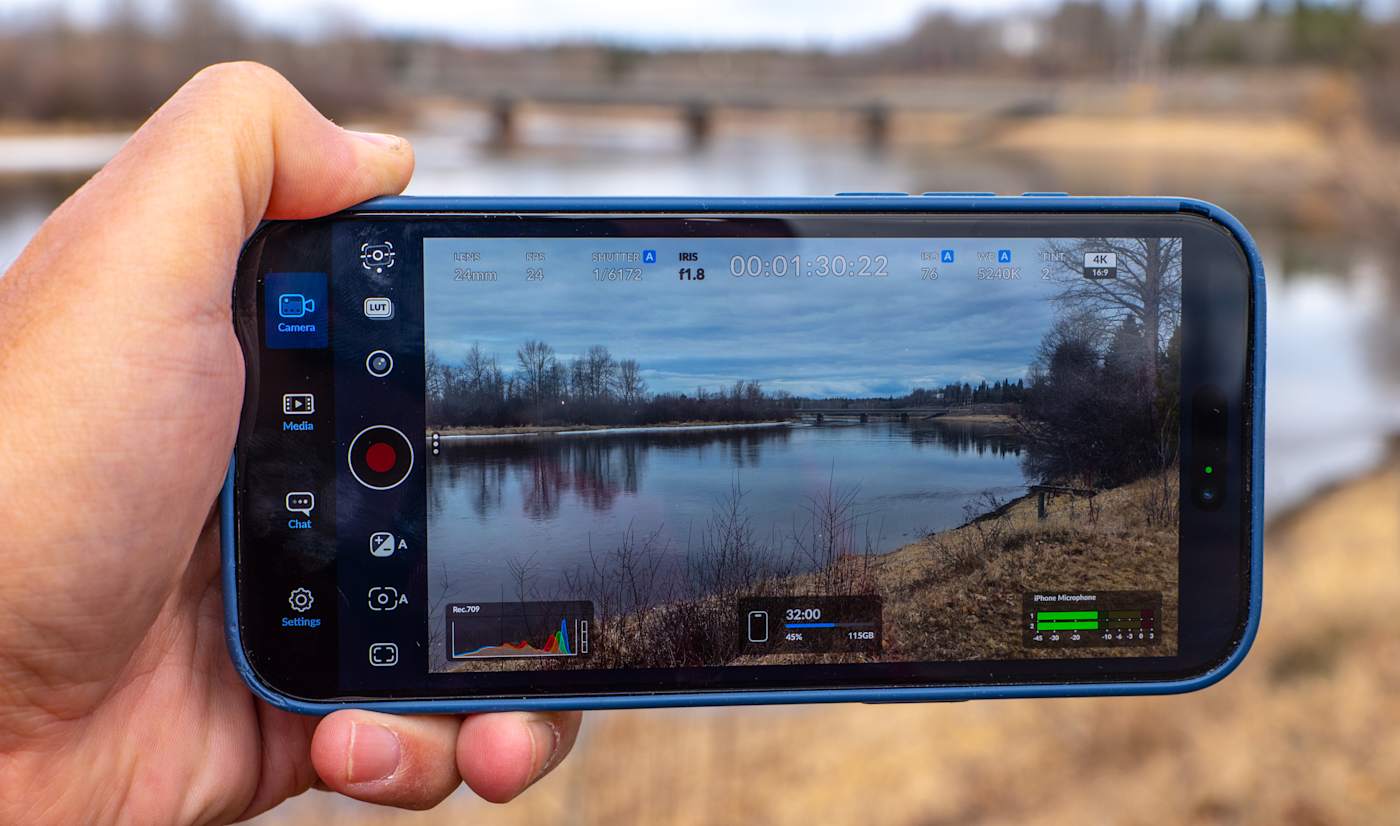

Blackmagic Camera for iOS now has a companion Watch app
Blackmagic Camera is one of the more powerful third-party smartphone camera apps available and it's now even more useful for solo creators. Blackmagic Design just announced that the latest iOS version 3.3 now supports Apple Watch, letting you control the app and monitor video remotely from your wrist. It also includes ATEM camera control so you can use your iPhone as a live studio camera.
With the new Camera Apple Watch companion app, you can remotely control and monitor your iPhone from anywhere within Wi-Fi range. It lets you start and stop recording, control zoom and adjust settings like frame rate, shutter speed (angle), white balance and ISO with a tap. You can also see a view of your video for framing control, though a Watch screen is probably a bit too small to accurately check focus.
The Watch app will benefit solo creators who want to mount their iPhone on a tripod to record standup or vlogging activities. To set it up, you install the Watch app through your iPhone and it will automatically connect and sync to your device.
The other key feature is iPhone control from Blackmagic's ATEM Mini switcher used by streamers and broadcasters. To use it, you need the $420 Blackmagic Camera ProDock that gives your iPhone 17 Pro or iPhone 17 Pro Max an HDMI output, timecode, USB-C and other ports. Blackmagic Camera now lets you connect a single HDMI cable from the ProDock to an ATEM Mini switcher, then adjust settings, trigger recording, focus and zoom. It also offers a DaVinci primary color corrector so you can match and create digital film looks during live production.
Finally, Camera now supports Blackmagic's "Focus and Zoom Demand" controls (a knob and handle) designed for broadcast cameras. When those controls and an iPhone 17 Pro/Pro Max are connected via USB-C to a ProDock as shown above, you can zoom and focus Camera app video without taking your hands off the tripod handles. Together with the ATEM feature, it lets you use an iPhone as a full broadcast camera, which looks slightly weird but is pretty cool.
On top of those features, Blackmagic Design also added ProRes RAW stabilization and general bug fixes and improvements. Blackmagic Camera for iOS 3.3 is available now as a free download from the Apple App Store.
This article originally appeared on Engadget at https://www.engadget.com/apps/blackmagic-camera-for-ios-now-has-a-companion-watch-app-194529980.html?src=rss©

© Steve Dent for Engadget

