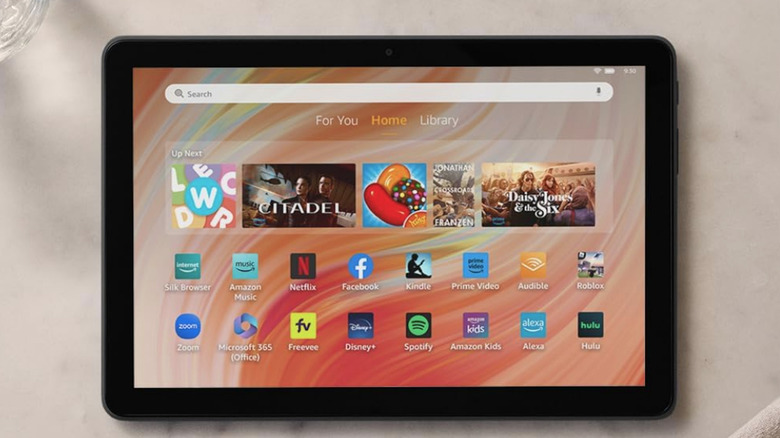
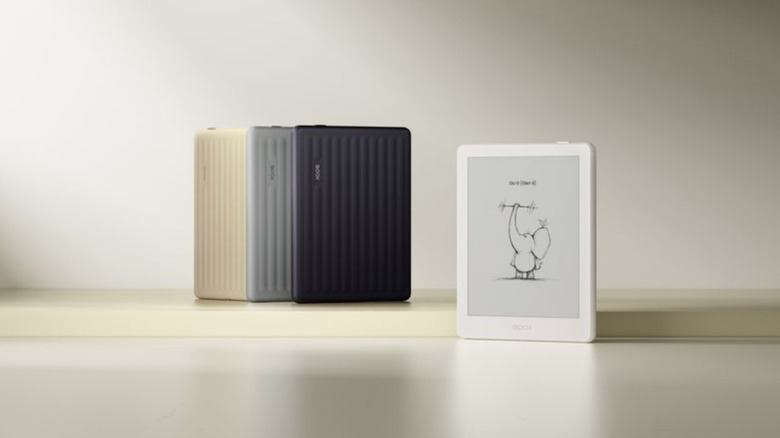
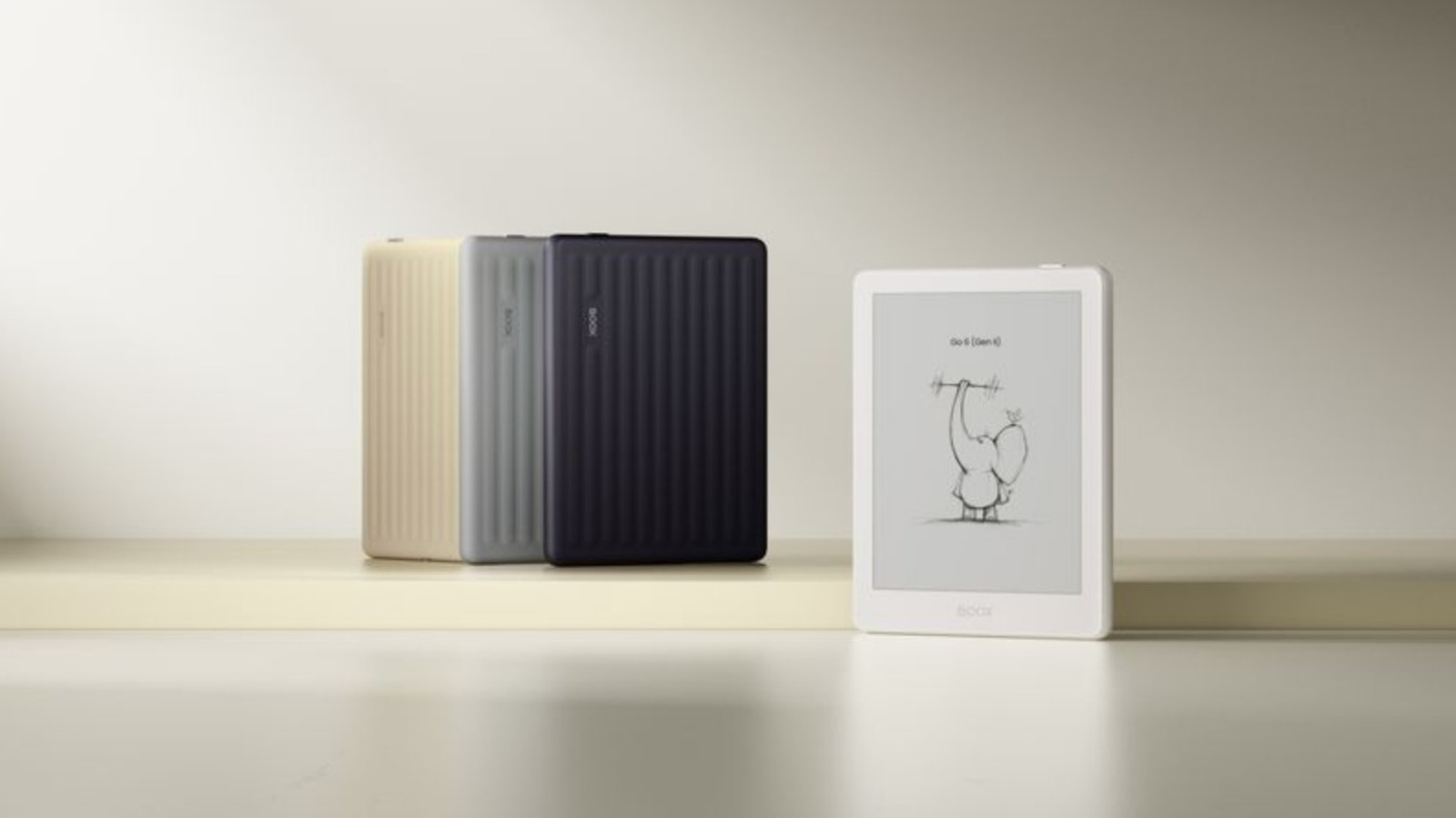
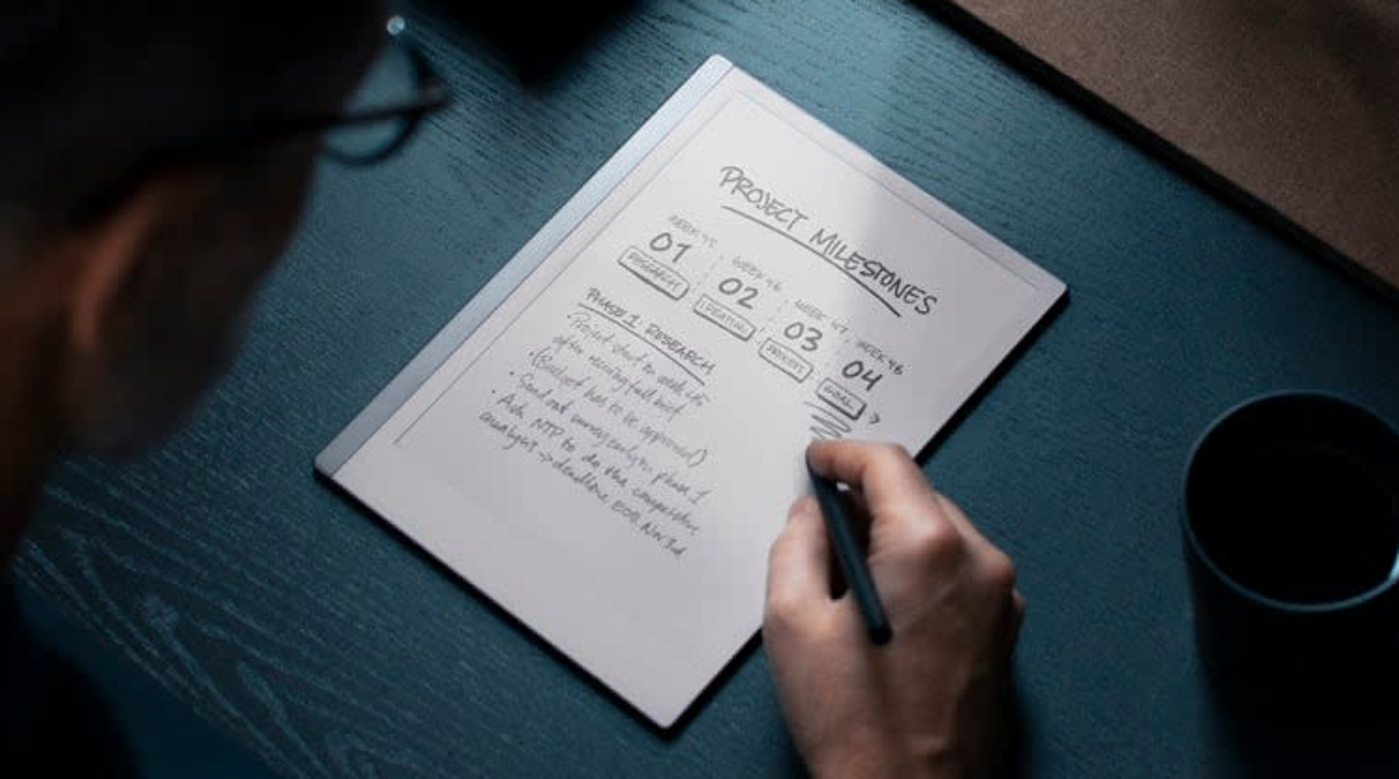
There are many E Ink tablets out there, but most of them are basically digital notebooks. They are great for reading and handwriting notes, but not so great for doing all of that regular tablet stuff like checking emails and doomscrolling. Boox, however, has released a number of E Ink tablets that can access the Google Play Store, opening up users to the wide world of traditional smartphone apps.
The company's latest product is a refresh of the Go 10.3 tablet, called the Go 10.3 Lumi. This introduces plenty of new features and, as the name suggests, one is a front light. The tablet has been designed for both natural sunlight and low-light environments. The previous model was great, but it turns into a useless paperweight without access to ambient light.
Boox
Despite the front-facing light, the Go 10.3 Lumi is still lighter than its predecessor, at 12.8 ounces. It's also on the thinner side, with a 4.8mm profile.
The basic specs are similar to the Go tablet, with an octa-core processor, 4GB of RAM and 64GB of internal storage. It runs on Android 15, which is a massive improvement for both security and access to apps. The previous iteration ran on Android 12, and Google stopped officially supporting that OS last year. That means no more critical security updates.
In addition to beefed up security, Boox promises the upgrade to Android 15 offers users improved memory management, better multitasking and smoother UI interactions. E Ink devices can be sluggish so I'm all for anything that speeds things up.
It integrates with external keyboards and boasts integrated speakers, which will certainly come in handy when navigating apps downloaded from the Play Store. Despite the screen technology, this is an Android tablet. It should be able to run just about any app available.
However, the E Ink technology will likely run into hiccups with video-based apps and games. It's just not made for that. This could be a great little gadget for emails and text-based social media, but not for something like TikTok. It should be able to handle non-animated games just fine, like crossword puzzles and stuff like that.
Boox says the tablet gets "substantial battery life" and has been "optimized for extended usage cycles." The company hasn't announced detailed battery specs, but did say people "can work all day without looming battery anxiety." E Ink devices tend to last a good while, so I'm not worried about that.
The Boox Go 10.3 Lumi is available to order right now and costs $450. If you want to save a few bucks and have no interest in a front light, there's a stripped down version that also runs Android 15 but costs $420.
This article originally appeared on Engadget at https://www.engadget.com/mobile/tablets/booxs-new-go-e-ink-tablet-includes-a-10-inch-display-and-runs-android-15-020009621.html?src=rss
E Ink tablet maker reMarkable is running a bundle deal right now that can save you between $80 and $90 when buying a reMarkable 2 along with a Marker stylus and a folio case. The savings vary depending on the bundle you configure, but this can bring your out-the-door cost down to $449 from $529 for the tablet, Marker stylus and polymer weave book folio. The offer runs through January 17.
The company also sells a newer stylus called Marker Plus that lets you erase by flipping it around just like a real pencil, but that will cost you an extra $50. If you’ve been eyeing a dedicated writing tablet for work, school or just jotting down notes without the distraction of endless apps, this bundle deal is an ideal opportunity to pick one up.
The reMarkable 2 earned our top pick for best e-ink tablet. In our review, we said the tablet was prettier than ever with a 10.3-inch display and a handsome aluminum frame. The tablet is only 4.7mm thick and weighs less than a pound, helping it feel lean and portable.
The display can detect over 4,000 different levels of pressure with the Marker stylus, allowing for precise shading when sketching and the latency between the stylus and the screen is just 21ms. reMarkable fitted the display with a resin layer on top of the glass to make writing on it feel more realistic. We didn't think this passed muster, but we found writing on it was a joy nonetheless.
The tablet supports PDFs and ePUBs, which can be added via the companion mobile app or a desktop computer. You can also pair the reMarkable 2 with Google Drive, Microsoft OneDrive or Dropbox to access files. The battery is rated for an impressive two weeks between charges.
The reMarkable Paper Pro, a higher-end model with a richer feature set like a full color display and a built-in reading light, is our pick for best premium e-ink tablet. The pricier tablet also has bundle deals right now with savings up to $80 depending on configuration.
This article originally appeared on Engadget at https://www.engadget.com/mobile/tablets/its-the-last-day-to-get-up-to-90-off-remarkable-e-ink-tablet-bundles-150242090.html?src=rss
E Ink tablets have always been intriguing to me because I’m a longtime lover of pen and paper. I’ve had probably hundreds of notebooks over the years, serving as repositories for my story ideas, to-do lists, meeting notes and everything in between. However, I turned away from physical notebooks at a certain point because it was just easier to store everything digitally so I always had my most important information at my fingertips.
E Ink tablets seem to provide the best of both worlds: the tactile satisfaction of regular notebooks with many of the conveniences found in digital tools, plus easy-on-the-eyes E Ink screens. These devices have come a long way in the past few years, and we’re just starting to see more color E Ink tablets become more widely available. I tested out a number of different E Ink tablets to see how well they work, how convenient they really are and which are the best tablets using E Ink screens available today.
Best E Ink tablets for 2026
Are E Ink tablets worth it?
An E Ink tablet will be a worthwhile purchase to a very select group of people. If you prefer the look and feel of an e paper display to LCD panels found on traditional tablets, it makes a lot of sense. They’re also good options for those who want a more paper-like writing experience (although you can get that kind of functionality on a regular tablet with the right screen protector) or a more distraction-free device overall.
The final note is key here. Many E Ink tablets don’t run on the same operating systems as regular tablets, so you’re automatically going to be limited in what you can do. And even with those that do allow you to download traditional apps like Chrome, Instagram and Facebook, E Ink tablets are not designed to give you the best casual-browsing experience. This is mostly due to the nature of E Ink displays, which have noticeable refreshes, a lack of vibrant colors and lower picture quality than the panels you’ll find on even the cheapest iPad.
Arguably the biggest reason why you wouldn’t want to go with an iPad (all models of which support stylus input, a plethora of reading apps, etc) is because it’s much easier to get distracted by email, social media and other Internet-related temptations.
What to look for in an E Ink tablet
Writing and latency
Arguably the most important thing to consider when looking for an E Ink tablet is the writing experience. How good it is will depend a lot on the display’s refresh rate (does it refresh after every time you put pen to “paper,” or at a different regular interval) and the stylus’ latency. Most of the tablets I’ve tested have little to no latency, but some are certainly better than others. Finally, you should double check before buying that your preferred E Ink tablet comes with a stylus, or if you need to purchase one separately.
Reading
How much will you be reading books, documents and other things on this tablet? E Ink tablets come in many sizes, but most of them tend to be larger than your standard e-reader because it makes writing much easier. Having a larger display isn’t a bad thing, but it might make holding it for long periods slightly more uncomfortable. (Most e-readers are roughly the size of a paperback book, giving you a similar feeling to analog reading).
The supported file types for e-books can also make a big difference. It’s hard to make a blanket statement here because this varies so much among E Ink tablets. The TL;DR is that you’ll have a much better reading experience if you go with one made by a company that already has a history in e-book sales (i.e. Amazon or Kobo). All of the titles you bought via the Kindle or Kobo store should automatically be available to you on your Kindle or Kobo E Ink tablet.
Also with Kindle titles, specifically, since they are protected by DRM, it’s not necessarily the best idea to try to bring those titles over to a third-party device. Unless the tablet runs an operating system like Android that supports downloads for apps like Kindle and Kobo, you’ll be limited to supported file types, like ePUB, PDF, MOBI, JPEG, PNG and others.
Search functionality
Most E Ink tablets have some on-device search features, but they can vary widely between models. You’ll want to consider how important it is to you to be able to search through all your handwritten notes and markups. I noticed in my testing that Amazon’s and Kobo’s E Ink tablets made it easy to refer back to notes made in books and files because they automatically save to the specific pages on which you took notes, made highlights and more.
Searching is less standardized on E Ink tablets that have different supported file types, but their features can be quite powerful in their own right. For example, a few devices I tested supported text search in handwritten notes along with handwriting recognition, the latter of which allows you to translate your scribbles into typed text.
Sharing and connectivity
While we established that E Ink tablets can be great distraction-free devices, most manufacturers understand that your notes and doodles aren’t created in a vacuum. You may want to access them elsewhere, and that requires some form of connectivity. All of the E Ink tablets I tried have Wi-Fi support, and some support cloud syncing, companion mobile apps and the ability to export notes via email so you can access them elsewhere.
None of them, however, integrate directly with a digital note taking system like Evernote or OneNote, so these devices will always be somewhat supplementary if you use apps like that, too. I’d argue that, if you already lean heavily on apps like OneNote, a standard tablet with a stylus and screen protector might be the best way to go. Ultimately, you should think about what you will want to do with the documents you’ll interact with on your E Ink tablet after the tablet portion is done.
Price
E Ink tablets aren’t known for being cheap. They generally fall into the $300-$800 price range, which is what you can expect to pay for a solid regular tablet, too. A key factor in price is size: cheaper devices with E Ink displays are likely to have smaller screens, and stylus support isn’t as much of a given. Also, those types of devices are generally considered e-readers because of their size and may not be the best for note-taking, doodling and the like.
E Ink tablets have gone up in price recently. Supernote and Onyx Boox increased prices, as did reMarkable. The former said it was due to "increased costs,” and a reMarkable representative confirmed this to Engadget and provided the following statement: "We regularly review our pricing based on market conditions and operational costs. We've communicated an upcoming adjustment for the US market effective in May to provide transparency to our customers. Multiple factors influence our pricing decisions, including supply chain dynamics and overall operational costs in specific markets.”
As a result, the reMarkable Paper Pro jumped from $579 to $629 (that's for the bundle with the standard Marker and no Folio). This isn't great, considering the Paper Pro was already on the expensive side of the spectrum for E Ink tablets. It's also worth noting that Supernote and Onyx Boox have raised prices in the past few months as well.
Other E Ink tablets we've tested
Onyx Boox Tab X C
The Boox Tab X C is a color-screened version of the Tab X, the company’s all-purpose e-paper Android tablet. The Tab X C has a lovely 13.3-inch Kaleido 3 E Ink color display, an octa-core processor, 6GB of RAM and it runs on Android 13, making it one of the most powerful tablets in Boox’s lineup. I’ve used the Tab X in the past and this color version runs similarly, if not better, and at 5.3mm thick, it’s impressively svelte even when you pair it with its folio keyboard case. As someone who loves legal-pad sized things to write on, I also like how the Tab X C is most akin to A4-size paper. But at $820 for the bundle with the standard case (or a whopping $970 for the tablet and its keyboard case), it’s really only best for those who are ready to go all-in on a premium E Ink tablet.
Lenovo Smart Paper
Lenovo made a solid E Ink tablet in the Smart Paper, but it's too pricey and too married to the company's companion cloud service to warrant a spot on our top picks list. The hardware is great, but the software isn't as flexible as those of competitors like the reMarkable 2. It has good Google Drive integration, but you must pair it with Lenovo's cloud service to really get the most use out of it — and in the UK, the service costs £9 per month for three months, which is quite expensive.
Onyx Boox Tab Ultra
The Boox Tab Ultra has a lot of the same features we like in the Note Air 2 Plus, but it’s designed to be a true, all-purpose tablet with an E Ink screen. Running Android 11 and compatible with a magnetic keyboard case, you can use it like a standard 2-in-1 laptop, albeit a low-powered one. You can browse the web, check email and even watch YouTube videos on this thing — but that doesn’t mean you should. A standard 2-in-1 laptop with a more responsive screen and better overall performance would be a better fit for most people who even have the slightest desire to have an all-in-one device. Like the rest of Onyx’s devices, the Tab Ultra is specifically for those who put reading and eye comfort above all else.
This article originally appeared on Engadget at https://www.engadget.com/mobile/tablets/best-e-ink-tablet-130037939.html?src=rss
 Anmelden